
AI-Driven ERP Systems: Benefits, Risks, and Best Practices
Table of Contents
AI-driven ERP systems are changing how companies plan, forecast, approve, and automate work across finance, supply chain, operations, and customer teams. ERP automation can reduce repetitive steps, while predictive analytics can help leaders identify risks and exceptions earlier.
The value does not come from hype or a single vendor story. The best AI-driven ERP systems support specific business processes, use reliable data, apply clear controls, and keep people accountable for important decisions.
In brief
AI-driven ERP systems combine enterprise resource planning software with artificial intelligence, ERP automation, and predictive analytics. Depending on the platform, they may help businesses forecast demand, match invoices, flag anomalies, summarize records, search data in natural language, and route routine work.
These capabilities are most useful when they address a defined problem, such as slow approvals, stockouts, reporting delays, duplicate payments, or manual data entry. They still require clean data, security controls, performance monitoring, and human review.
What AI-Driven ERP Systems Actually Do
A traditional ERP system organizes business data across finance, purchasing, inventory, sales, HR, manufacturing, projects, and reporting. SAP’s ERP overview describes ERP as an integrated system that connects core processes through shared data. AI-driven ERP systems add tools that can detect patterns, generate summaries, recommend actions, and automate defined workflows.
Before adding AI modules, build a realistic financial baseline with TechBonna’s ERP system cost guide, which covers implementation, deployment choices, and total cost of ownership.
The existing TechBonna guide to ERP software is also a useful starting point for platform comparison. Once a company has a shortlist, it can judge which AI features solve real operational problems.
In practical terms, AI-driven ERP may support:
- Invoice capture, matching, approval routing, and exception detection.
- Demand forecasting and inventory planning.
- Cash-flow forecasting and financial anomaly alerts.
- Natural-language search across reports and records.
- Supplier-risk signals and delivery-delay warnings.
- Sales, service, and customer-record summaries.
Microsoft documents how Copilot features in Dynamics 365 finance and operations apps provide conversational assistance, workflow summaries, data queries, and app-specific AI capabilities. Product documentation like this is more reliable than broad claims because it identifies features that are available in defined workflows.
How AI Changes ERP Workflows
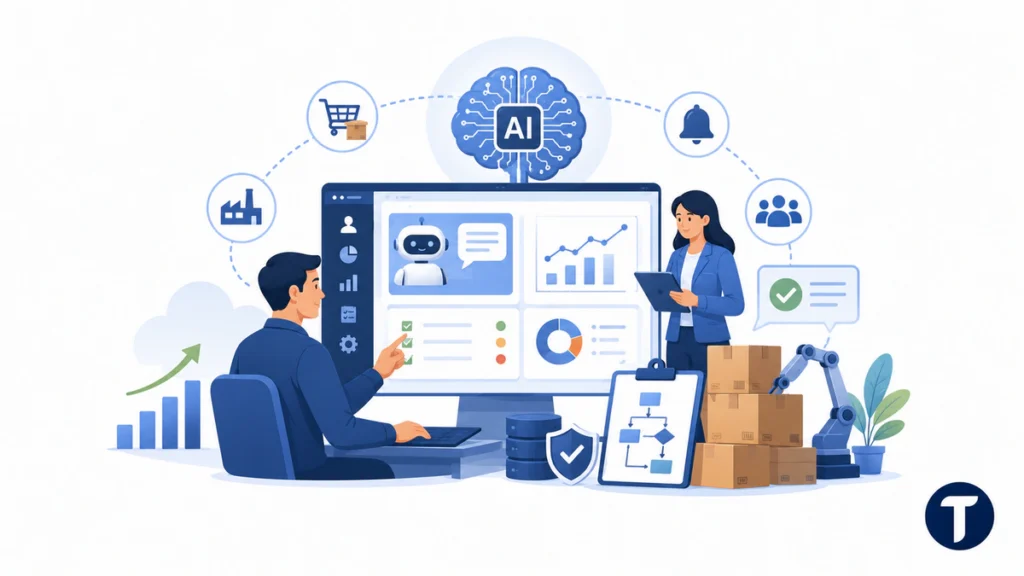
The main change is that ERP moves beyond record keeping and static reporting toward guided assistance. Users may ask questions, receive alerts, review summaries, and handle exceptions without manually gathering information from several screens.
One vendor-focused article uses the phrase AI-driven ERP systems while discussing automation in Dynamics 365. It can illustrate how consultants describe the market, but its promotional statements and Nusaker references should not be treated as independent evidence. Buyers should verify any product or customer claim through official documentation, named customer records, or measurable project results.
ERP automation is strongest when the underlying process is already clear. A confusing approval chain, inconsistent chart of accounts, duplicate supplier records, or weak inventory rules will not become dependable simply because AI is added. Automation may accelerate a good process, but it can also repeat errors faster.
If you are still comparing platforms, start with TechBonna’s guide to the top ERP systems for small businesses before deciding which AI features are worth paying for.
Where Predictive Analytics Helps Most
Predictive analytics uses historical and current data to estimate future conditions or identify unusual patterns. In ERP, it can help teams review demand changes, budget pressure, supplier delays, cash-flow risk, or maintenance needs before those issues appear in a month-end report.
In supply chain and inventory, models may compare sales history, seasonality, lead times, promotions, and current demand. In finance, they may flag unusual transactions, overdue receivables, or expense patterns. In operations, they may highlight changes in workload, capacity, or asset performance.
A forecast is not a guaranteed outcome. It should prompt a business question: Do we need to adjust purchasing, review a supplier, change staffing, or investigate the underlying data? Teams should compare predictions with actual results and monitor whether accuracy changes over time.
Predictive analytics is valuable when it improves a decision, not when it creates another dashboard that users do not understand or trust.
Benefits of AI-Driven ERP Systems
The main potential benefits of AI-driven ERP systems are speed, visibility, and consistency. Results vary by process, platform, data quality, and implementation, so companies should measure benefits rather than assume them.
- Faster analysis when AI summarizes records and highlights exceptions.
- More responsive planning when forecasts update as new data arrives.
- More consistent workflows when ERP automation routes tasks and reminders according to defined rules.
- Lower manual effort when repetitive entries, matches, and checks are reduced.
- Better operational context when teams can review customer, stock, order, and financial data together.
Oracle’s AI applications for ERP provide current examples of predictive, generative, and agent-based capabilities embedded in finance workflows. As with any vendor page, these descriptions explain available features but do not guarantee the same result for every organization.
Benefits are easier to verify when leadership chooses a focused use case. A finance team might start with invoice exceptions. A distributor might test inventory forecasting. A manufacturer might evaluate production planning. Each project should have a baseline, a target, and a review period.
Risks and Limits Businesses Should Control
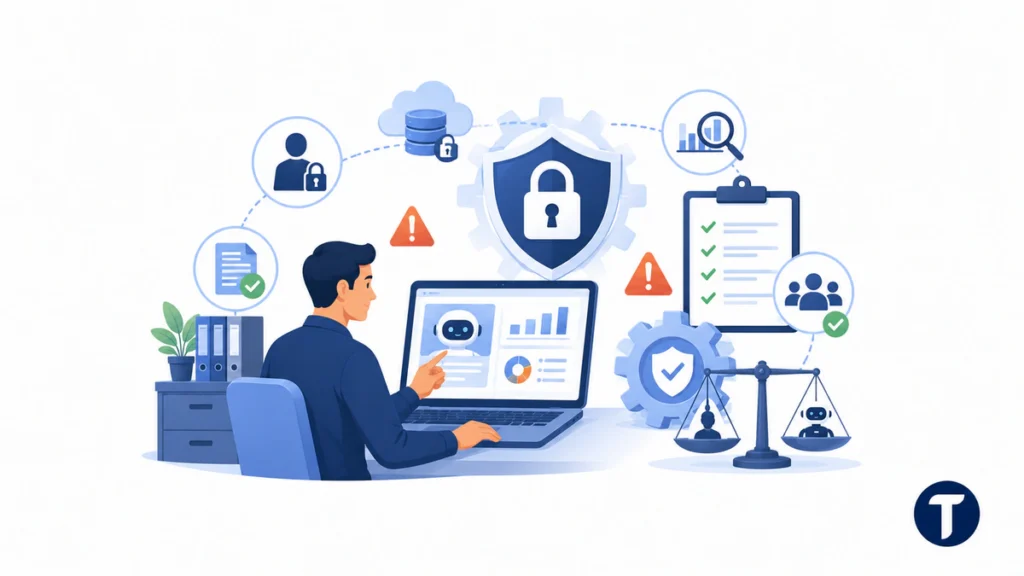
AI-driven ERP systems also introduce risks. Poor data can produce unreliable recommendations. Over-automation can hide mistakes. Sensitive financial, employee, supplier, and customer records create privacy and security concerns. Users may also trust a confident-sounding summary without checking its source.
The GAO’s work on responsible AI use gives organizations a voluntary structure for governing, mapping, measuring, and managing AI risk. The GAO AI Accountability Framework similarly emphasizes governance, data, performance, and ongoing monitoring.
Practical ERP controls include role-based access, audit logs, approval thresholds, documented model use, test environments, data-retention rules, and human review for decisions that affect money, employees, customers, contracts, or compliance.
AI output should be treated as assistance, not final authority. A trained person should understand the decision, inspect relevant records, and know when to override a recommendation. Automate routine work, but keep accountability with the named business owner.
How to Choose AI Features in an ERP Platform
A strong buying process starts with problems, not feature labels. List the workflows that waste time, create delays, or produce errors. Then check whether each platform addresses those workflows with enough transparency, security, and control.
Ask vendors practical questions:
- Which AI features are generally available, in preview, or only on the roadmap?
- What data does each feature use, and where is that data processed?
- Can users review, override, and audit recommendations or actions?
- How are roles, permissions, and sensitive records protected?
- Which features require separate licenses, services, or integrations?
- How will performance, accuracy, and adoption be measured after rollout?
A demonstration should use realistic data and exception cases. Generic summaries are not enough. The team should see what happens when records are incomplete, approval limits conflict, a prediction is wrong, or a user lacks permission.
Implementation Best Practices
The safest rollout starts small. Choose one or two workflows with clear value, usable data, and measurable outcomes. Expand only after users understand the process and the results meet agreed thresholds.
A practical implementation plan includes:
- Clean customer, supplier, item, employee, and financial master data.
- Define approval rules, escalation paths, and human-review points.
- Document what the AI can do, what it cannot do, and which data it uses.
- Run the AI-assisted workflow beside the current process during testing.
- Measure cycle time, error rates, forecast accuracy, overrides, and user adoption.
- Review security, privacy, compliance, and retention controls before scaling.
- Monitor performance after launch and pause features that no longer meet requirements.
AI-driven ERP systems do not replace change management. Employees need role-based training, clear ownership, and a way to report incorrect recommendations without being blamed for slowing automation.
Examples of AI-Driven ERP Use Cases
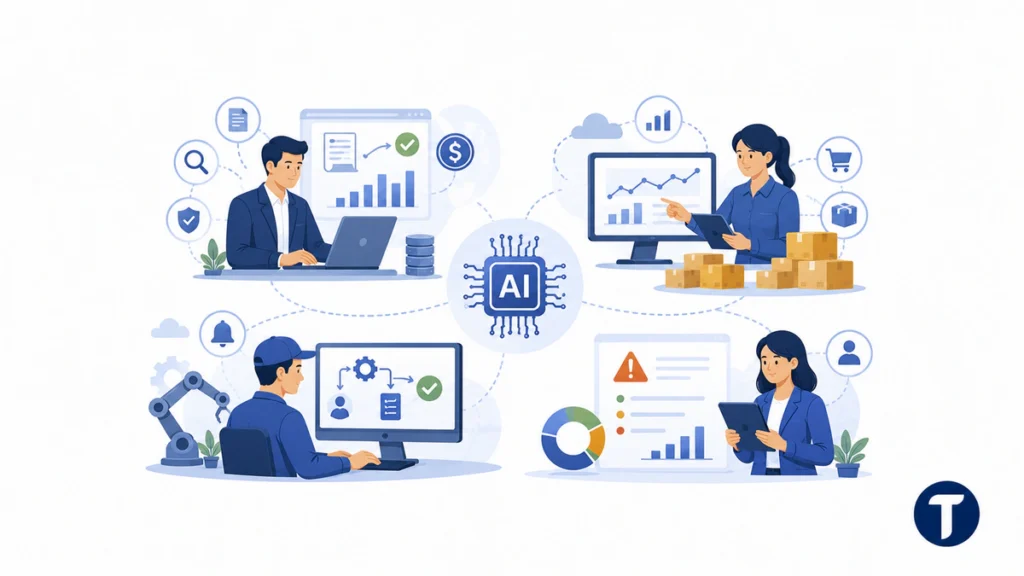
The strongest use cases are specific and measurable. A finance team might use AI-assisted tools to extract invoice data, identify possible duplicates, and route exceptions for review. A supply chain team might compare demand forecasts with supplier lead times and stock levels. An operations team might summarize work queues and alert managers when defined thresholds are exceeded.
These are use cases, not case studies. A real case study should name the customer when possible, identify the platform and AI feature, explain the implementation period, and provide a direct source for measurable results. Standard workflow automation should not be labeled as AI unless the project actually uses machine learning, natural-language processing, generative AI, or another documented AI method.
A staged approach helps AI-driven ERP systems earn trust. Start with one workflow, compare automated output with human review, document mistakes, and expand only when the process produces repeatable value.
AI in ERP Systems and Enterprise AI Capabilities
AI in ERP is usually a collection of targeted features rather than one independent system. Modern platforms may include AI-powered search, natural-language reporting, embedded suggestions, AI agents, document processing, anomaly detection, and generative summaries across finance, procurement, supply chain, HR, and service modules.
These capabilities depend on consistent ERP data. A natural-language interface may help a user request a sales variance or invoice summary, but the answer still depends on accurate customer records, product codes, tax rules, permissions, and transaction history.
Integrating AI into ERP should therefore begin with master data, workflow ownership, access controls, and reporting rules. Intelligent ERP systems can support enterprise AI only when users understand where recommendations come from and how to verify them.
Cloud ERP, AI Agents, and Future AI Use Cases
Cloud ERP can make AI deployment and updates easier because the vendor manages the underlying service. It does not make every feature useful, accurate, secure, or suitable for every organization. Buyers still need to assess regional availability, licensing, data processing, integrations, and risk tolerance.
AI agents may draft supplier messages, prepare budget explanations, reconcile records, or suggest the next workflow step. Features that can change records or trigger actions need clear permissions, logs, approval limits, and review points.
Future ERP platforms will likely offer more conversational interfaces, embedded forecasting, and agent-based workflows. The safest adoption path remains the same: select focused use cases, test them with representative data, measure outcomes, and preserve human accountability.
Types of AI Technologies in ERP
The main AI technologies used in ERP include machine learning, natural-language processing, generative AI, computer vision, and AI agents. Rules-based automation is also common, although fixed rules alone are not usually considered AI.
Machine learning can identify patterns or estimate outcomes from historical data. Natural-language processing helps users search, classify, or summarize information. Generative AI can draft explanations and messages. Computer vision may extract information from scanned documents. AI agents can coordinate tasks or call approved tools within a defined workflow.
The technology matters less than the business result and control design. An AI-enabled feature should improve speed, accuracy, cost control, risk detection, or user experience without making the process harder to understand or audit.
Follow-up questions
What Is an AI-Driven ERP System?
An AI-driven ERP system is enterprise resource planning software that uses one or more AI technologies to support forecasting, summaries, anomaly detection, recommendations, document processing, or workflow automation.
Are AI-Driven ERP Systems Only for Large Companies?
No. Smaller companies can use focused features such as invoice processing, inventory forecasting, reporting summaries, or natural-language search. They should still compare the benefit with licensing, implementation, data preparation, and governance costs.
Can ERP Automation Replace Employees?
ERP automation usually changes tasks rather than replacing an entire role. It can reduce manual entry, routing, reminders, and basic checks, while employees continue to manage judgment, exceptions, relationships, and accountability.
What Data Quality Is Needed for Predictive Analytics?
Predictive analytics needs consistent master data, accurate dates, sufficient transaction history, documented business rules, and records that represent current operations. Teams should also monitor drift because a model that worked previously may become less reliable as products, customers, or market conditions change.
Teams already using ERP automation can apply similar measurement principles to workforce planning, including an AI reduced workweek pilot where productivity and service levels are tested before schedules change.
For broader adoption guidance, TechBonna also explains Lit AI Inc Magazine: The Ultimate Guide to Embracing AI Technology, including sourcing, tool evaluation, and risk checks.
TechBonna’s article on The Rise of Quantum Artificial Intelligence: Elon Musk’s Vision for the Future provides a separate example of how to distinguish emerging technology claims from verified capabilities.
Where this leaves you
AI-driven ERP systems, ERP automation, and predictive analytics can make business software more useful when they solve defined workflow problems. Strong results depend on clean data, focused use cases, documented controls, measured performance, and people who know when to accept, question, or override an AI recommendation.
Businesses should verify vendor claims, separate real AI capabilities from ordinary automation, and require evidence before describing an implementation as successful. With that discipline, AI-driven ERP systems can support better decisions without turning promotional promises into operational risk.

Overall, I believe AI-ERP systems represent huge potential. But the difference between success and failure often lies in how realistically an organization approaches the transition: starting small, ensuring data readiness, training people, and constantly monitoring/iterating.