
Top ERP Systems for Small Businesses in 2026: Complete Buyer’s Guide
Table of Contents
ERP systems for small businesses can replace scattered spreadsheets, accounting apps, inventory trackers, and manual reporting with one operating system. The right choice depends on workflow fit, ERP implementation cost, and whether the team needs lightweight modules or deeper cloud ERP software.
This guide compares practical options for small companies that need better finance, inventory, sales, purchasing, projects, reporting, and controls. It keeps the vendor comparison evergreen by focusing on selection criteria, pricing models, and implementation risk instead of one static ranking.
What it means
The best ERP system for a small business is the one that matches its core workflow, budget, data quality, and implementation capacity. Start with the business process that is breaking first, then compare ERP vendors by modules, pricing transparency, partner support, integrations, reporting, security, and total cost over three years.
For many small businesses, the shortlist usually includes Odoo, Microsoft Dynamics 365 Business Central, NetSuite, SAP Business One, Acumatica, ERPNext, Zoho One, and industry-specific systems. A smaller ERP that the team can adopt is usually safer than a powerful platform that needs too much customization.
That trade-off has a formal name. ISO 9241-11, the international definition of usability, frames it as effectiveness, efficiency and satisfaction for specified users in a specified context, which is a better test for an ERP demo than a feature grid: the question is whether your staff can complete their own work in it, not whether the software can do the task at all.
Selection Criteria for ERP Systems for Small Businesses
Use clear selection criteria before looking at demos. ERP systems for small businesses should solve real operational gaps, not just look impressive in a sales call.
- Core workflow fit: finance, inventory, purchasing, sales, projects, manufacturing, field service, or ecommerce.
- Pricing model: per-user subscription, usage-based licensing, modules, implementation partner fees, and support.
- Implementation effort: data migration, process cleanup, integrations, testing, training, and change management.
- Scalability: whether the ERP system can support more users, locations, currencies, entities, products, and reporting needs.
- Controls: roles, approvals, audit trails, backup, access management, and compliance needs.
- Internal ownership: who will manage configuration, reporting, vendor communication, and continuous improvement.
Compliance software is a separate buying question from broad ERP selection. Teams handling residential energy work may also need this guide to SAP software for energy modeling and building regulations compliance before they connect project evidence to operational systems.
Benefits of ERP for Small Business Operations
The main benefits of ERP are cleaner data, faster reporting, fewer duplicate tasks, and better control over daily business operations. A useful ERP solution connects business functions that normally sit in separate tools, such as sales, purchasing, inventory, accounting, and customer service.
For smaller businesses, the value is usually practical rather than abstract. The team can see business intelligence in one place, compare business performance by product or service line, and spot problems before they become customer issues.
This is also where business management software and other software solutions reach their limit. They may help one team, but enterprise resource planning systems are designed to connect the whole operating workflow when a new ERP becomes necessary.
Top ERP Systems Compared by Best Fit
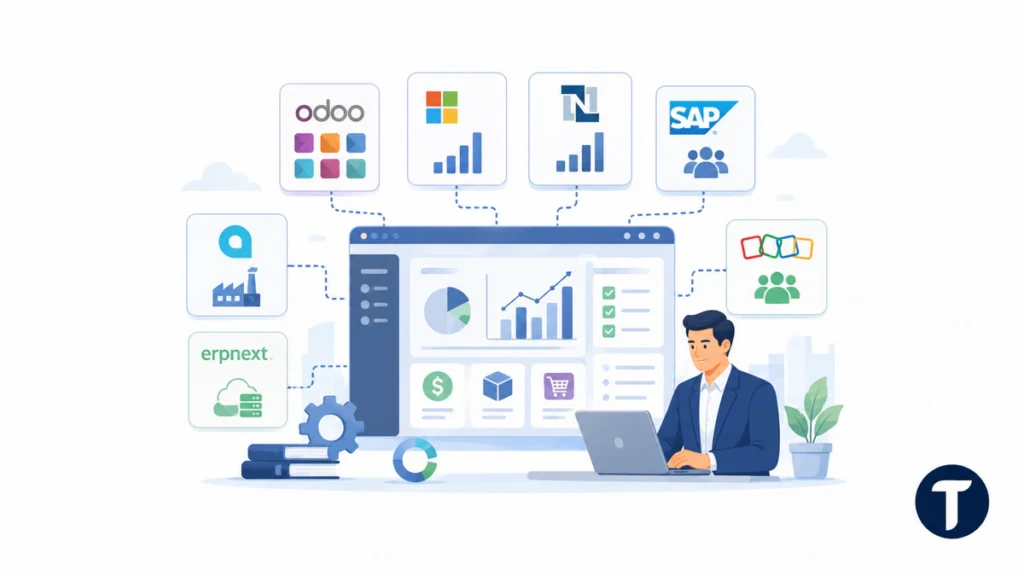
No single ERP vendor is best for every small business. The table below summarizes where each platform tends to fit, plus the pricing caution to verify before signing.
| ERP System | Best Fit | Pricing and Implementation Caution |
| Odoo | Modular growth, ecommerce, CRM, inventory, finance, and custom workflows | Public plans exist, but paid apps, hosting, customization, and partner work can change the total cost |
| Business Central | Microsoft-centered finance, inventory, sales, and operations teams | Per-user licensing is public in many regions, but partner implementation and add-ons matter |
| NetSuite | Scaling companies with multi-entity finance, inventory, revenue, and reporting needs | Quote-based pricing and implementation can be high for early-stage teams |
| SAP Business One | Established small and midsize businesses needing structured operations | Strong partner ecosystem, but deployment scope drives cost |
| Acumatica | Distribution, manufacturing, construction, and project-led businesses | Usage-based and quote-led pricing needs careful scoping |
| ERPNext | Technical teams that want open-source flexibility and lower hosting entry costs | Lower license cost can be offset by setup, hosting, and internal admin time |
| Zoho One | Very small teams wanting a broad business app suite before full ERP complexity | Useful bundle, but it may not replace a mature ERP implementation for complex operations |
For a modular option, Odoo is often attractive because teams can start with the apps they need and expand later. That flexibility is useful, but it still needs governance so the company does not create disconnected apps inside a different platform.
How Much Small Business ERP Usually Costs
ERP implementation cost is often the part small businesses underestimate. Vendor subscription pages only show part of the budget. The real cost includes setup, migration, integrations, reporting, training, testing, support, and the internal time needed to change old habits.
As a practical planning range, a very small cloud-based ERP rollout can start around a few thousand dollars if the team uses standard configuration and minimal integrations. A serious small business ERP implementation often lands in the $15,000 to $75,000 range. More complex inventory, manufacturing, multi-location, or finance projects can move from $75,000 into the low six figures.
Independent ERP Research notes that implementation cost can become the largest variable in an ERP budget and that consultant rates and project hours drive wide ranges. Use that as a warning to budget implementation separately from the monthly license, not as an afterthought: ERP implementation cost breakdown.
To compare ERP systems for small businesses fairly, ask every vendor and partner for a three-year cost model. Include software, implementation, add-ons, data cleanup, integrations, support, training, and the likely cost of future changes.
How to Choose the Best ERP System for Small Business Needs
For Service Firms
Service companies usually need project tracking, billing, utilization reporting, CRM, basic purchasing, expenses, and finance. Business Central, Zoho One, Odoo, and lighter professional-services systems can work well if the business does not need heavy inventory or manufacturing.
Teams comparing broader ERP choices can also use this practical guide to ERP inventory management to review inventory workflows, ERP inventory systems, implementation examples, and control points before shortlisting vendors.
The main risk is buying an ERP system that is too operationally heavy. Start with billing accuracy, project margins, reporting, and customer handoff before adding complex workflow automation.
For Inventory, Distribution, and Ecommerce
Inventory-led teams need purchasing, stock control, warehouse processes, order management, landed cost, returns, and ecommerce integrations. Odoo, Acumatica, Business Central, NetSuite, and some industry-specific systems are worth testing here.
This is where cloud ERP software can help small businesses see orders, inventory, purchasing, and finance together. The demo should use real sample data so the team can test stock movement, not just dashboard screenshots.
For Manufacturing and Job-Based Work
Manufacturing ERP needs materials, bills of materials, production planning, quality, procurement, inventory, costing, and shop-floor visibility. SAP Business One, Acumatica, Odoo Manufacturing, Business Central with manufacturing extensions, and specialist manufacturing ERP tools may fit.
Do not accept a generic finance demo for manufacturing. Ask the vendor to show costing, rework, partial completion, purchasing constraints, capacity limits, and reporting by product line or job.
When QuickBooks Is Enough and When ERP Makes Sense
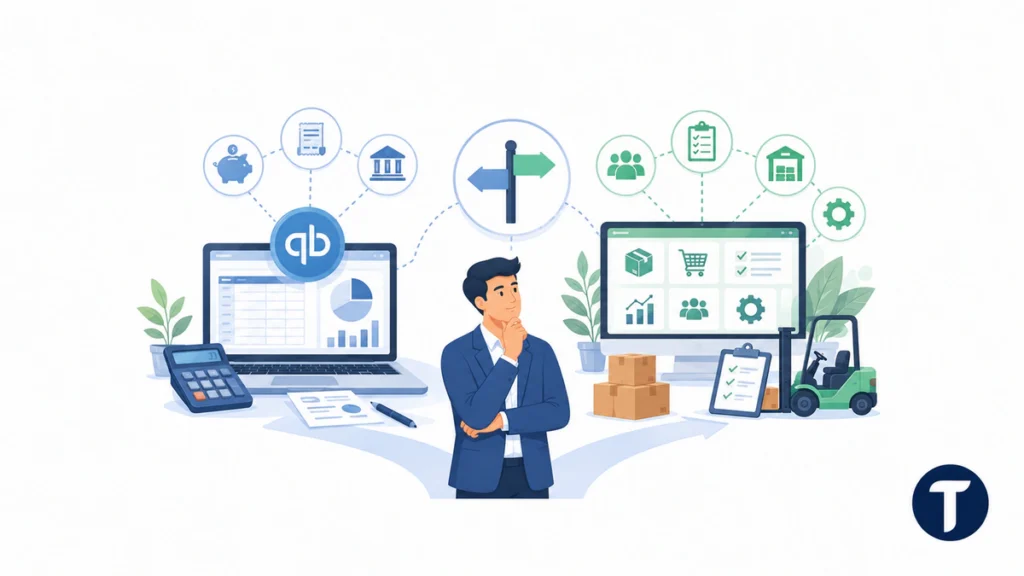
Many small businesses begin with accounting software because it is affordable and familiar. That is sensible until finance becomes disconnected from inventory, projects, orders, approvals, or reporting.
If the team is still asking whether QuickBooks can act like ERP, use that question as a maturity check. QuickBooks may still be enough for straightforward accounting, but a true ERP system is usually better when operations need shared data, approvals, inventory control, and consistent reporting.
A move from accounting software to ERP should have a business reason. Common triggers include stock errors, slow monthly close, duplicate data entry, poor margin visibility, manual approvals, disconnected ecommerce orders, and leadership reports that take too long to prepare.
Implementation Risks to Check Before Signing
The safest ERP project starts before the contract. Map the business processes that must change, clean the master data, document integrations, and define who owns decisions.
Security also belongs in the selection process. ERP systems store finance, payroll-adjacent, customer, supplier, and operational data. The NIST Cybersecurity Framework is a useful source for thinking about identity, protection, detection, response, and recovery controls around business systems.
- Avoid heavy customization unless it protects a real competitive advantage.
- Use phased rollout if finance, inventory, and operations cannot all change at once.
- Test real invoices, orders, stock movements, reports, approvals, and exception cases.
- Assign a business owner, not only an outside consultant.
- Keep training practical and role-based instead of giving every user the same overview.
The right ERP decision is not only software selection. It is a controlled change project that turns business needs into clean data, repeatable processes, and better decisions.
Things people ask
What Is the Best ERP System for a Small Business?
The best ERP system for a small business depends on workflow fit. Odoo, Business Central, NetSuite, SAP Business One, Acumatica, ERPNext, Zoho One, and industry-specific tools can all be right in different situations.
How Much Does ERP Implementation Cost?
ERP implementation cost can start at a few thousand dollars for a very simple cloud setup, but many small business projects need $15,000 to $75,000 or more once migration, training, integrations, and partner work are included.
Is Cloud ERP Software Better for Small Businesses?
Cloud ERP software is often easier for small businesses because it reduces infrastructure work and supports remote access. It is not automatically cheaper, so compare subscription, implementation, storage, support, and add-on costs.
Should a Small Business Replace QuickBooks With ERP?
A small business should replace QuickBooks with ERP when accounting is no longer enough to manage inventory, orders, approvals, reporting, projects, or multi-team workflows. If the problem is only bookkeeping, ERP may be too early.
The takeaway
The strongest ERP shortlist starts with business needs, not software popularity. Compare ERP systems for small businesses by workflow fit, pricing model, implementation partner, reporting, security, and total cost instead of choosing the biggest brand name.
If the team plans carefully, cloud ERP software can improve finance, inventory, sales, and operations without unnecessary complexity. Keep ERP implementation cost visible from the start, and choose ERP systems for small businesses that the team can actually adopt and improve over time.


4 Comments
Comments are closed.