
Is QuickBooks an ERP System?
Table of Contents
A QuickBooks ERP system question usually comes up when finance software starts carrying more operational weight than it was meant to handle. QuickBooks can be a strong finance tool, but ERP criteria ask for more than invoices, bills, bank feeds, and standard financial reports.
This guide answers the question directly, compares QuickBooks against enterprise resource planning requirements, and explains when the finance stack is still enough. It also shows the upgrade triggers that tell a growing team when to review an ERP path.
In brief
QuickBooks is not a full ERP system by itself. It is accounting software that can support finance, invoicing, expenses, payroll, and reporting, but it does not meet full ERP criteria unless a business adds enough connected apps, controls, inventory tools, workflows, and operational processes around it.
A QuickBooks ERP system setup can work for a small business when the goal is finance control plus light operations. It becomes risky when leaders expect the same finance tool to manage purchasing, inventory, manufacturing, project delivery, approvals, CRM, and multi-location reporting like a true ERP platform.
What True ERP Criteria Require
ERP criteria start with shared operational data, not just financial reports. A true ERP platform connects finance, purchasing, sales, inventory, projects, service, reporting, permissions, and workflows so teams work from one reliable system of record.
The permissions half of that list is the part accounting software rarely covers. Segregation of duties and documented authorisation are treated as basic control activities in the GAO standards for internal control, and they are what make a purchase approval or a stock adjustment defensible after the fact. If your current setup cannot express that, the gap is a control gap rather than a reporting gap.
Gartner defines enterprise resource planning as applications that automate and support administrative and operational business processes. That definition is useful because it shows why accounting software alone is not automatically ERP, even when a connected QuickBooks stack feels convenient.
Use these requirements as a practical test:
- One shared database or tightly governed data model.
- Finance, sales, purchasing, inventory, and operations working together.
- Role-based approvals and audit trails across departments.
- Operational reporting beyond standard finance reports.
- Scalable workflows for locations, products, users, and entities.
Why People Ask About QuickBooks and ERP
People ask whether QuickBooks is ERP because it often starts as simple accounting software and slowly becomes the financial center of the business. Invoices, expenses, payments, payroll, bank reconciliation, and management reports all sit in one familiar place.
The confusion is understandable. Method’s overview of QuickBooks makes the same distinction: QuickBooks can support business operations, especially with integrations, but the native product is not the same thing as a full enterprise resource planning platform. The QuickBooks ERP system label therefore needs caution.
The right answer depends on expectations. If the business only needs clean books, customer invoices, bill tracking, payroll, and basic reports, QuickBooks may be the right finance platform. If it needs broader operational control, enterprise requirements become more important.
Where QuickBooks Works Well
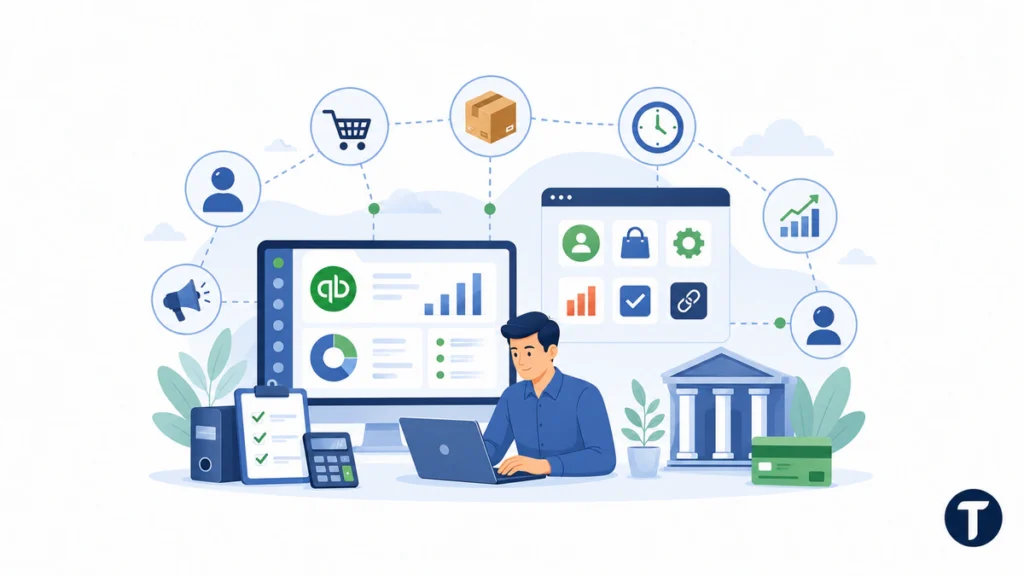
QuickBooks works well when finance is the main problem to solve. Small businesses often need dependable finance software before they need ERP, and QuickBooks can cover that stage with less setup than a large implementation project.
Finance and Bookkeeping Workflows
QuickBooks can support invoices, estimates, expenses, bills, bank feeds, reconciliations, profit and loss reports, balance sheets, and accountant collaboration. For many owners, those finance workflows are more valuable than unused ERP modules.
Light Operations With Connected Apps
A QuickBooks ERP system stack can also include third-party tools for CRM, ecommerce, inventory, time tracking, reporting, and approvals. That approach can be sensible when the business is not ready for a full ERP platform but needs more than basic accounting software.
The risk is fragmentation. Every extra app has its own permissions, data rules, sync errors, and support questions. Once the connected stack becomes hard to manage, the business should recheck its enterprise requirements instead of adding another workaround.
Where QuickBooks Starts to Struggle
QuickBooks starts to struggle when the proposed setup depends on operational data that lives somewhere else. Inventory counts, production schedules, purchase orders, customer commitments, service jobs, and approval statuses can become scattered across spreadsheets and disconnected apps.
That is usually when the ERP debate becomes serious. The issue is not whether QuickBooks is bad accounting software. The issue is whether a finance-first platform can still support decisions when the business needs stronger ERP criteria.
Inventory and Fulfillment Pressure
Retailers, wholesalers, manufacturers, and ecommerce teams often need deeper inventory controls than a basic finance setup provides. If stock levels, purchase orders, backorders, and fulfillment updates do not reconcile cleanly, the business may need ERP-style inventory management.
Reporting and Approval Limits
QuickBooks reports can be useful, but they may not answer every operational question. Leaders may need margin by location, job profitability, inventory aging, customer-level profitability, approval status, or consolidated reporting across entities.
If managers export financial data into spreadsheets every week, that is a sign that important operational requirements are not being met.
QuickBooks Plus Apps Versus a Full ERP System
A QuickBooks ERP system stack is usually cheaper and faster than replacing everything at once. It lets a company keep familiar accounting software while adding only the functions it needs.
The trade-off is governance. A full ERP system usually has a clearer data model, stronger permissions, native workflows, and one implementation plan. A QuickBooks-plus-apps setup can be flexible, but it may also create hidden integration work.
If you are comparing finance tools before an ERP decision, TechBonna’s guide to QuickBooks alternatives for small businesses can help you compare options before committing to a larger operational platform.
QuickBooks Vs ERP Feature Checklist
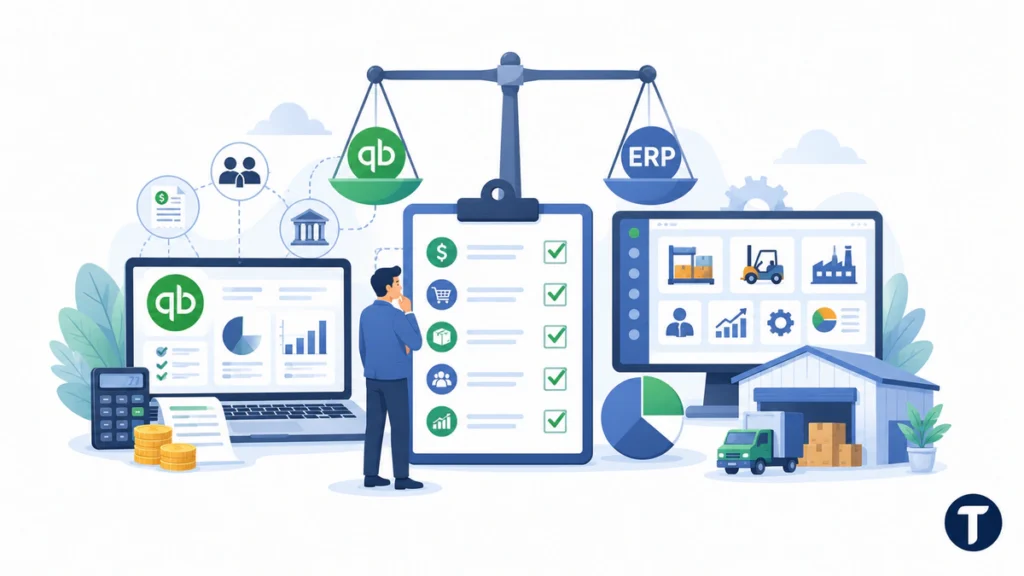
A QuickBooks ERP system review should compare features, not labels. QuickBooks vs ERP decisions become clearer when the team checks how work moves through finance, inventory, sales, purchasing, and reporting.
QuickBooks Product Scope
QuickBooks Online, QuickBooks Enterprise, and QuickBooks Desktop Enterprise can cover many accounting functions. QuickBooks Online Advanced provides stronger reporting and workflow options than basic plans, while QuickBooks Enterprise provides more inventory and user controls for some teams. Intuit Enterprise Suite and other Intuit products also show that Intuit serves larger companies, but those standards still need a separate review.
ERP software typically goes further because it supports one management system for a wide range of business processes. These platforms commonly provide warehouse management, supply chain planning, financial management, financial reporting, automation, and a way to centralize business functions across departments. That broader range is why ERP can be a better fit when a company grows beyond bookkeeping.
Upgrade Readiness Questions
Use this checklist before upgrading from QuickBooks, then map each answer to the requirements your team has agreed to use:
- Can the business use QuickBooks without separate software for core operations?
- Can add-ons connect without creating duplicate accounting information?
- Does the current version manage invoices, payroll, and inventory work reliably?
- Would an ERP solution such as NetSuite or another enterprise platform reduce multiple systems?
- Do leaders need ERP because complex operations now require one system?
In plain terms, QuickBooks focuses on financial operations, while ERP functionality covers a wider range of business processes. A connected QuickBooks setup can be enough if additional software is controlled, but a dedicated platform becomes more suitable when the business needs enterprise resource planning rather than a finance-first solution.
This does not mean every business should use ERP. Small and medium-sized businesses can still choose software like QuickBooks when it is best for their needs. The benefits of ERP matter most when separate systems make teams manage the same data more than once.
The final decision should therefore consider both the finance platform and operational requirements, with ERP criteria documented before any vendor shortlist. If the accounting system only needs better reports, keep improving the existing setup. If deeper workflows and a broader range of business functions are now required, the evaluation may point to a different platform with stronger control.
Enterprise Options and Limits
Some buyers ask whether QuickBooks with enterprise resource planning tools can be classified as ERP. It depends on the configuration. QuickBooks Desktop Enterprise and QuickBooks Online are still accounting products, even though the Enterprise editions support stronger controls than a basic finance package.
ERP stands for enterprise resource planning, and a full platform normally covers more than one piece of software. ERP systems often connect finance, warehouse management, purchasing, supply chain, service, and reporting through one governed data layer. Existing QuickBooks users can compare the main versions, but different software may still be needed when the business requires one operating model.
Use an ERP FAQs discussion internally before choosing. Ask whether Desktop Enterprise and QuickBooks Online features are enough, or whether a wider system is required for current users and their daily workflows. The final scorecard should tie each gap to written requirements.
Upgrade Triggers That Matter
The best upgrade trigger is not company size alone. It is process pain. A ten-person company with complex inventory can outgrow finance software faster than a larger service business with simple workflows.
Review ERP options when these signs appear:
- Inventory accuracy depends on manual spreadsheet updates.
- Finance waits for operations before month-end reports can close.
- Managers use different numbers for sales, stock, costs, or margins.
- Approvals happen through email rather than controlled workflows.
- Reporting requires repeated exports from QuickBooks and other apps.
- Multiple locations, entities, or product lines need consolidated control.
These triggers show that a QuickBooks ERP system workaround may be reaching its limit. They also help the team choose requirements based on real workflow problems, not vendor demos.
The safest upgrade path starts by defining the missing capabilities before choosing vendors.
The Consolidated ERP Cluster Path
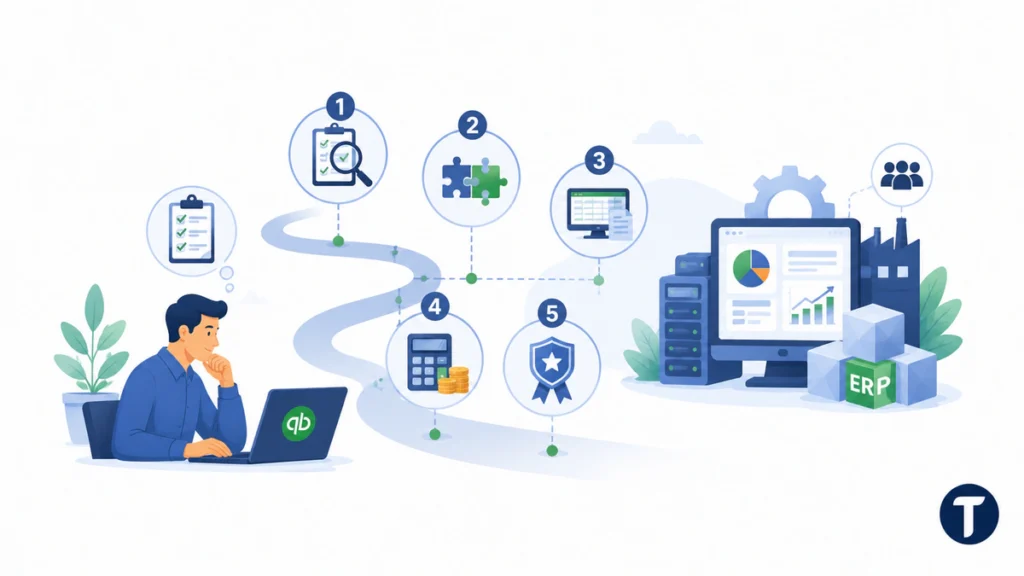
Do not jump from QuickBooks to ERP because a vendor says the business is “ready.” Start with a consolidated review path that compares need, complexity, cost, and implementation risk.
For a practical next step, TechBonna’s hub on ERP systems for small businesses gives you a broader ERP cluster path after you confirm that the finance platform is no longer enough.
At this point, the decision should be measured against standards that leaders can verify in daily work.
This sequence keeps the decision clean:
- Confirm which requirements QuickBooks does not meet.
- Separate finance-platform limits from poor internal processes.
- Map the apps and spreadsheets currently filling the gaps.
- Estimate the cost of keeping the current stack versus replacing it.
- Shortlist ERP systems only after the operational problem is clear.
How to Decide What Your Business Needs
The simplest decision test is to ask what must happen outside finance. If the answer is “not much,” then the current finance tool may still be enough. If the answer includes inventory, purchasing, service jobs, manufacturing, approvals, or multi-team reporting, ERP criteria deserve a closer look.
Stay With QuickBooks When Finance Is the Main Workflow
Stay with QuickBooks when the team needs reliable books, invoices, bills, payroll, taxes, bank reconciliation, and standard reports. Add only the integrations that solve real problems, and document who owns each sync.
Move Toward ERP When Operations Need One System
Move toward ERP when disconnected systems slow the business down. A true ERP platform can reduce duplicate entry, strengthen audit trails, connect operations to finance, and give managers shared reporting.
The goal is not to replace a familiar finance tool for the sake of it. The goal is to meet operational requirements when the business has outgrown a finance-first toolset.
Questions to Ask Before You Upgrade
Before replacing QuickBooks, ask direct questions that expose whether the project is justified:
- Which reports are late, disputed, or manually rebuilt?
- Which processes break because finance and operations are separate?
- Which departments need the same data but use different systems?
- Which approval paths need audit trails?
- Which integrations are fragile, expensive, or poorly owned?
- Which ERP criteria are must-haves, and which are only nice to have?
These questions prevent the QuickBooks ERP system conversation from becoming a brand debate. They focus attention on data, workflows, controls, and reporting.
Common Mistakes in the QuickBooks ERP Decision
The first mistake is treating every QuickBooks limitation as an ERP requirement. Sometimes the real fix is cleaner chart-of-account design, better closing routines, fewer spreadsheets, stronger user permissions, or improved reporting discipline inside the current platform.
The second mistake is assuming integrations are free of process cost. A connected QuickBooks stack can be powerful, but each integration needs monitoring, ownership, and backup procedures.
The third mistake is buying ERP before the business agrees on how work should flow. ERP can standardize good processes, but it can also lock in confusion if teams have not agreed on products, pricing, approvals, inventory rules, and reporting definitions.
ERP FAQs for QuickBooks Users
Is QuickBooks an ERP System?
No. QuickBooks is accounting software, not a complete ERP system by itself. It can become part of a QuickBooks ERP system stack with integrations, but it does not natively meet every operational requirement for inventory, purchasing, approvals, and cross-department workflows.
Can QuickBooks Work Like ERP With Integrations?
Yes, to a point. A connected setup can include apps for inventory, CRM, reporting, ecommerce, and approvals. The more apps you add, the more carefully you need to manage sync rules, data ownership, and support.
When Should a Business Move From QuickBooks to ERP?
Move from QuickBooks to ERP when the finance system no longer gives leaders trustworthy operational data. Common triggers include inventory errors, disconnected reporting, slow approvals, multi-location complexity, and too many spreadsheet workarounds.
What Is the Main Difference Between Accounting Software and ERP?
Accounting software focuses on financial tasks such as invoices, bills, payroll, expenses, and reports. ERP connects finance with broader operations, including purchasing, inventory, sales, production, projects, approvals, and analytics.
Should Every Growing Company Replace QuickBooks?
No. Many growing companies can keep QuickBooks if finance workflows are stable and integrations are well managed. Replacement only makes sense when ERP criteria matter enough to justify implementation cost, training, and process change.
Where this leaves you
The answer is simple: QuickBooks is useful accounting software, but it is not a full ERP system on its own. A QuickBooks ERP system stack can extend the tool for a while, yet true ERP criteria become important when finance, inventory, approvals, reporting, and operations need one governed system. Review the limits of your current setup first, then decide whether QuickBooks still fits or whether an ERP upgrade is the safer next step.
2 Comments
Comments are closed.