Standard Assessment Procedure Software: Complete 2026 Guide for Compliance, Automation & Energy Modeling
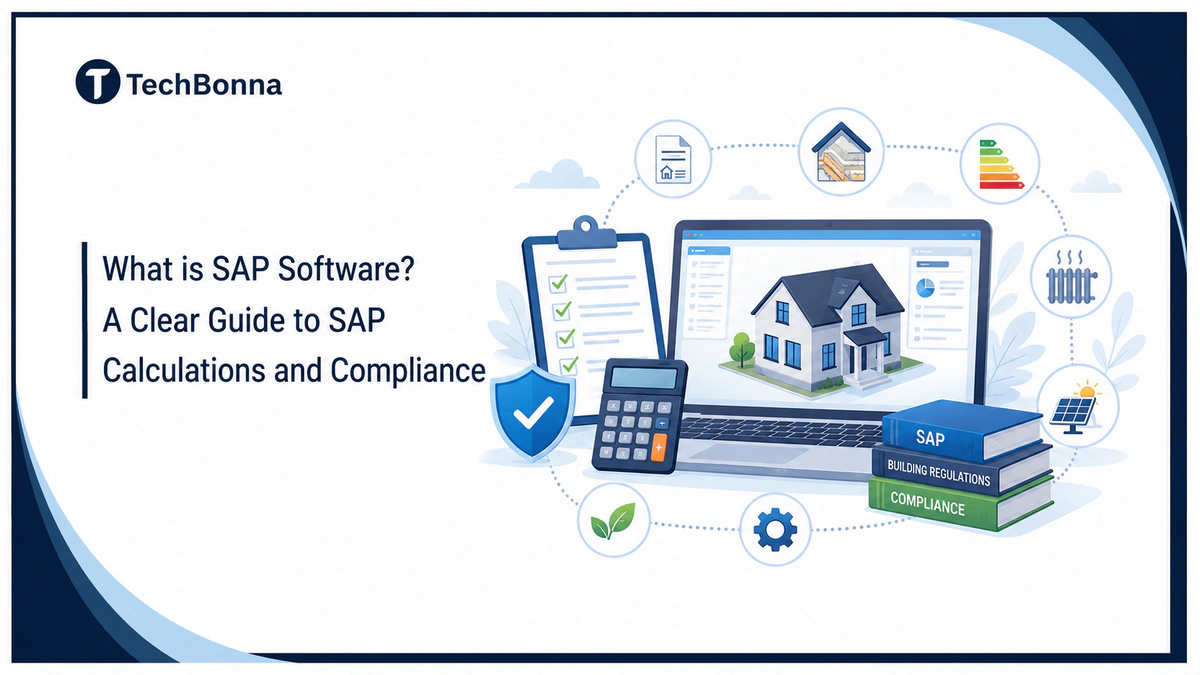
Table of Contents
Standard Assessment Procedure software helps energy assessors, designers, developers, and compliance teams model the energy performance of new UK dwellings. Used correctly, it supports SAP compliance by turning building specifications into standardized calculations and evidence for design decisions.
The right energy modeling software can also reduce rework, improve data consistency, and make options easier to compare. However, the tool does not replace approved methodology, competent assessment, accurate inputs, or building control review.
What the rules say
Standard Assessment Procedure software is a specialist calculation tool that applies the UK government’s SAP methodology to dwelling data, producing energy, carbon, cost, and compliance-related results for new homes. It supports the assessment process, but software alone cannot guarantee regulatory compliance or a valid Energy Performance Certificate.
Current 2026 Methodology and Official Guidance
SAP is the UK government’s methodology for assessing and comparing the energy performance of dwellings. The official Standard Assessment Procedure materials should be the starting point for methodology documents, conventions, approved tools, and updates.
As of the official page modified on June 8, 2026, SAP 10.3 is the sole approved methodology. The same dated update says the Home Energy Model did not launch at the same time as the Future Homes Standard and is expected to be introduced alongside SAP 10.3 in the coming months.
This is a time-sensitive position, not a permanent assumption. Before starting an assessment, procurement exercise, or software rollout, verify the latest UK Government SAP Guidance, approved methodology, implementation dates, and transitional arrangements.
Takeaway: In 2026, teams should configure projects against the methodology currently approved for that project and recheck official guidance whenever rules, software versions, or submission dates change.
How Standard Assessment Procedure Software Works
Standard Assessment Procedure software creates a standardized model of a dwelling from its geometry, fabric, systems, ventilation, renewable technologies, and other prescribed inputs. It then applies the current SAP rules, assumptions, climate data, fuel factors, and calculation procedures.
Core Inputs
A reliable result starts with complete, traceable data. Typical inputs include:
- Dwelling dimensions, floor areas, exposed perimeters, and orientation
- Wall, roof, floor, door, and window construction details
- U-values, thermal bridging data, and air permeability
- Heating systems, controls, distribution, and efficiency
- Hot-water generation, storage, and distribution
- Ventilation strategy and associated fan energy
- Lighting, solar gains, shading, and glazing characteristics
- Solar photovoltaic systems and other eligible technologies
- Fuel types, product data, and approved database references where required
Takeaway: Better inputs matter more than faster data entry. A polished report cannot correct incomplete drawings, unsupported product values, or incorrect geometry.
Calculation Workflow
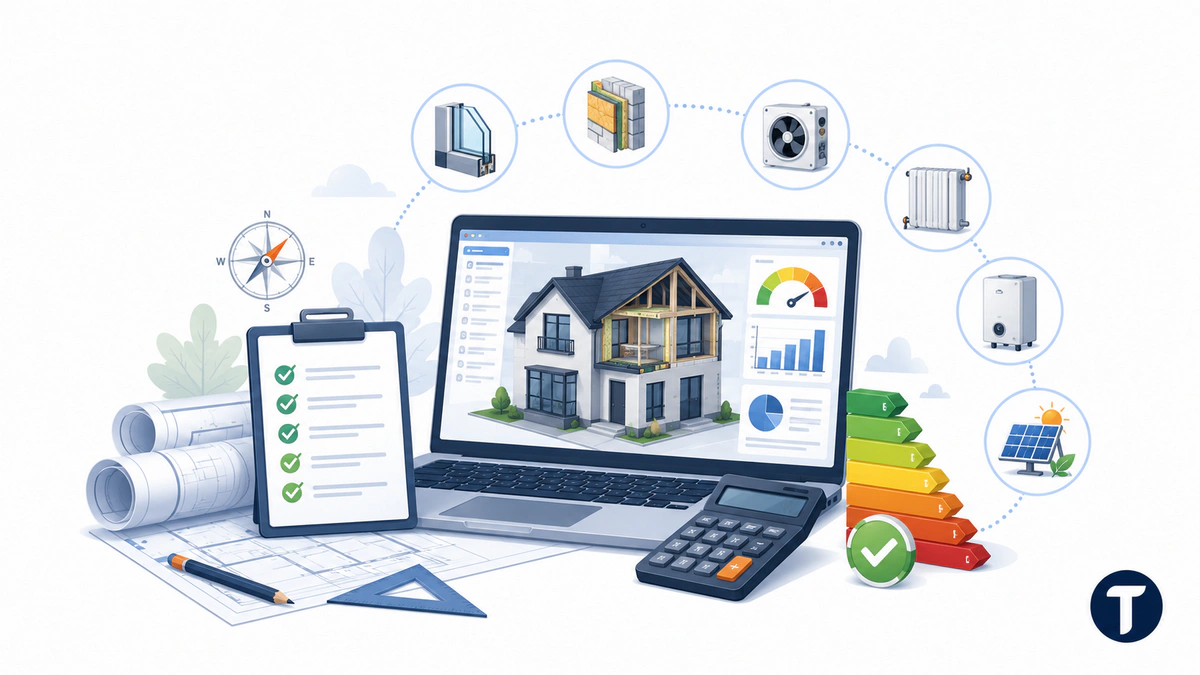
Most tools follow a similar sequence. The assessor creates the project and dwelling, enters geometry, defines fabric elements, adds services, runs validation, and calculates the model. The results are reviewed against the design target and relevant project requirements.
If the design misses a target, the team can test practical changes such as improved insulation, lower thermal bridging, better airtightness, different heating controls, or renewable generation. Each change should be technically feasible and reflected in the specification, drawings, installation, and evidence trail.
Takeaway: Use scenario modeling to inform design decisions, not to chase a passing result that the completed dwelling cannot deliver.
Practical Outputs
Outputs vary by methodology, project stage, and software product. They may include energy demand, fuel costs, carbon-related metrics, dwelling emission or primary energy rates, fabric performance indicators, improvement comparisons, compliance reports, and data used in the EPC process.
Teams should distinguish a design-stage calculation from an as-built assessment. Any change to products, dimensions, systems, airtightness, or evidence may require the model to be updated.
Takeaway: The useful output is not just a score. It is a documented chain from design inputs to calculated results and final evidence.
How SAP Compliance Connects to Part L and EPCs
For new dwellings, SAP calculations support the energy-performance assessment associated with Building Regulations requirements, including relevant Part L procedures in England. Scotland, Wales, and Northern Ireland have their own regulatory frameworks and current guidance, so teams must check the rules that apply to the project location.
The current GOV.UK Approved Document L guidance sets energy-performance requirements for buildings in England and separates the rules for dwellings from those for buildings other than dwellings. SAP output therefore needs to be interpreted against the applicable national rules and project type, not treated as a standalone approval.
SAP software can produce calculations and reports used by designers, assessors, and building control bodies. It does not approve a building. Compliance depends on the applicable regulations, correctly applied methodology, competent work, supporting evidence, construction quality, and acceptance by the relevant authority.
SAP also has a role in EPC production for new homes, but not every domestic EPC uses full SAP. Existing dwellings are commonly assessed through RdSAP, which uses a reduced-data methodology designed for existing homes.
Only appropriately qualified and accredited people should perform or lodge assessments where scheme rules require it. Buyers should confirm that the selected software version, assessor pathway, and output format are accepted for the intended use.
Takeaway: Treat SAP compliance as a managed evidence process. The calculation tool is important, but it is only one part of regulatory delivery.
SAP vs. RdSAP, SBEM, and Dynamic Simulation
Several building-energy methods exist, and choosing the wrong one can invalidate assumptions before modeling begins.
| Method or Tool Type | Typical Use | Important Distinction |
|---|---|---|
| SAP | New dwellings and certain domestic assessments | Uses detailed dwelling data under the approved SAP methodology |
| RdSAP | Existing dwellings | Uses a reduced-data approach with conventions and assumptions for information that may be unavailable |
| SBEM | Many non-domestic buildings | Addresses non-domestic energy calculations and is not a substitute for dwelling SAP |
| Dynamic Simulation | Complex buildings and detailed time-based analysis | Models changing conditions over time and may be required or useful for specific non-domestic applications |
A building’s use, location, age, project stage, and regulatory pathway determine the appropriate method. Mixed-use developments may require more than one assessment approach and careful boundary decisions.
Takeaway: “Energy model” is not a single category. Confirm the required methodology before selecting a product or building a workflow.
How to Choose SAP Software
When choosing Standard Assessment Procedure software, start with regulatory suitability, then evaluate workflow. A low-cost product can become expensive if it causes duplicate entry, weak version control, or difficult evidence reviews.
Approval, Versioning, and Support
Check whether the specific product and version are accepted for the intended assessment and lodging route. Ask how quickly the vendor implements methodology updates, how old projects are migrated, and whether calculation versions remain visible in archived files.
Support should cover more than password resets. Assessors may need help with product databases, validation messages, project migration, report formats, and methodology changes.
Takeaway: Never assume a familiar brand or prior approval means the current version is suitable for a new 2026 project.
Usability and Quality Controls
Useful features include reusable construction libraries, clear validation messages, controlled defaults, batch editing, side-by-side scenario comparison, audit logs, and reports that identify missing evidence. The interface should make assumptions visible rather than hiding them.
Test the product with a representative dwelling, not a vendor’s simplest demo. Include repeated house types, flats, shared systems, renewables, unusual junctions, and late-stage specification changes if these reflect your workload.
Takeaway: The best system is one that helps competent users detect errors early and explain results clearly.
Cost and Commercial Fit
Compare license type, named-user limits, project caps, lodging or export charges, training, technical support, upgrades, and data-migration costs. Consider whether occasional users need full licenses and whether external assessors can exchange files securely.
Takeaway: Compare total operating cost, not just the subscription price.
Automation, Integrations, and Energy Modeling Software Governance
Standard Assessment Procedure software automation can remove repetitive entry and make results easier to share. Common opportunities include importing geometry, reusing approved construction assemblies, generating standardized reports, tracking design changes, and connecting project data to document management or ERP platforms.
Integration design should map the relevant software application components, including user interfaces, calculation engines, databases, APIs, reporting services, and authentication. This makes ownership and failure points easier to understand.
Do not automate unreviewed assumptions. Imported geometry may use the wrong boundaries, product mappings may become outdated, and a successful API response does not prove that the model is technically correct.
- Define a controlled source for each input
- Record who changed data and when
- Lock approved libraries and templates
- Validate imports before calculation
- Retain methodology and software version details
- Protect personal and commercially sensitive project data
- Keep export and recovery procedures tested
Takeaway: Automate transfer and checking where possible, but keep qualified review at every decision point that affects the assessment.
Implementation Checklist for Teams
A structured Standard Assessment Procedure software rollout is safer than buying licenses and asking every assessor to create a personal process.
- Confirm scope: Identify jurisdictions, building types, assessment stages, and expected volumes.
- Verify methodology: Check current government guidance, transition rules, approved versions, and scheme requirements.
- Map inputs: Assign ownership for drawings, U-values, junctions, systems, product data, and test results.
- Pilot real projects: Test typical and difficult cases with experienced users.
- Create controls: Establish naming, versioning, peer review, evidence, approval, and change-management rules.
- Train users: Cover methodology and company process, not only interface navigation.
- Integrate carefully: Validate imported data and retain a visible audit trail.
- Review outputs: Compare results with expectations and investigate unusual movements.
- Prepare handover: Define the design-to-as-built update process and required final evidence.
- Monitor updates: Assign responsibility for regulatory, methodology, and vendor release changes.
Takeaway: A repeatable operating process delivers more value than isolated software expertise.
Common Mistakes to Avoid
Many Standard Assessment Procedure software problems result from process gaps rather than calculation-engine defects. Watch for these recurring errors:
- Selecting software before confirming the required methodology
- Using outdated project templates, defaults, or product data
- Treating provisional design values as final evidence
- Entering optimistic airtightness or thermal bridging figures without support
- Failing to update the model after substitutions or layout changes
- Confusing a calculated pass with formal regulatory approval
- Assuming every domestic EPC is produced with full SAP
- Allowing several uncontrolled copies of the same model
- Relying on automation without checking imported boundaries and mappings
- Ignoring local jurisdiction and transitional provisions
Another mistake is optimizing one metric in isolation. A design change can affect capital cost, comfort, overheating risk, maintainability, grid demand, and other project outcomes. SAP results should inform broader design coordination rather than replace it.
Takeaway: Most avoidable failures can be reduced through verified inputs, controlled changes, peer review, and clear accountability.
Trends Shaping SAP Workflows in 2026
The transition toward the Home Energy Model is encouraging vendors and assessment teams to prepare for changing data structures, methods, and reporting. The exact timetable and implementation details remain subject to official updates, so procurement contracts should address future versions and migration support.
More teams are also linking building models, specification data, product information, and compliance records. This can reduce duplication, but interoperability depends on consistent identifiers, controlled libraries, and clear responsibility when data changes.
Cloud collaboration, API access, portfolio dashboards, and automated quality checks are becoming more important for developers handling repeated dwelling types. At the same time, cybersecurity, service availability, export rights, and long-term record retention deserve closer review.
Takeaway: Future-ready teams are investing in governed data and adaptable processes, not betting everything on one interface or launch date.
What readers ask
Does SAP Software Guarantee Part L Compliance?
No. It performs calculations and produces evidence that may support the relevant compliance process. The result still depends on correct methodology, accurate data, competent assessment, the constructed building, supporting evidence, and acceptance by the appropriate authority. Software is a tool, not an approval.
Is SAP Used for Every Domestic EPC?
No. Full SAP is associated primarily with new dwellings and relevant domestic assessment routes. Existing-home EPCs are commonly produced using RdSAP. The correct method depends on the property and assessment purpose.
Can Architects or Developers Run Their Own Models?
Teams may use software for early design modeling if licensing permits, but formal assessment and lodging can require appropriately qualified and accredited professionals. Confirm scheme, competence, and software requirements before relying on an output.
What Is the Difference Between Design-Stage and As-Built SAP?
A design-stage model reflects the proposed specification. The as-built assessment should reflect the completed dwelling and supported final evidence, including relevant tests and product information. Changes during construction must be reviewed and entered accurately.
Should a Business Wait for the Home Energy Model?
Not if it has active obligations under the currently approved methodology. As of the official update dated June 8, 2026, SAP 10.3 remains the sole approved methodology, while the Home Energy Model is expected later alongside SAP 10.3. Use current rules and monitor GOV.UK for confirmed changes.
Can SAP Software Import BIM Data?
Some products or connected tools may support geometry or data imports. Capability varies, and imported fields still require validation because modeling boundaries and classifications may not align. An import can save time, but it does not remove technical review.
What happens now
Standard Assessment Procedure software is most effective when it sits inside a controlled process for design data, competent assessment, evidence, and change management. Choose a tool that fits the current approved methodology, your project mix, and the way your team reviews information. Takeaway: Buy for regulatory fit and data quality first, then evaluate speed and convenience.
For dependable SAP compliance, verify current government guidance, use accurate inputs, and keep design-stage models aligned with construction. Well-governed energy modeling software can speed comparisons and improve consistency, but Standard Assessment Procedure software must always be paired with professional judgment and current regulatory checks.