AI Image Generation Is Moving Beyond Prompt-to-Image: What the Next Generation of Creative Models Looks Like
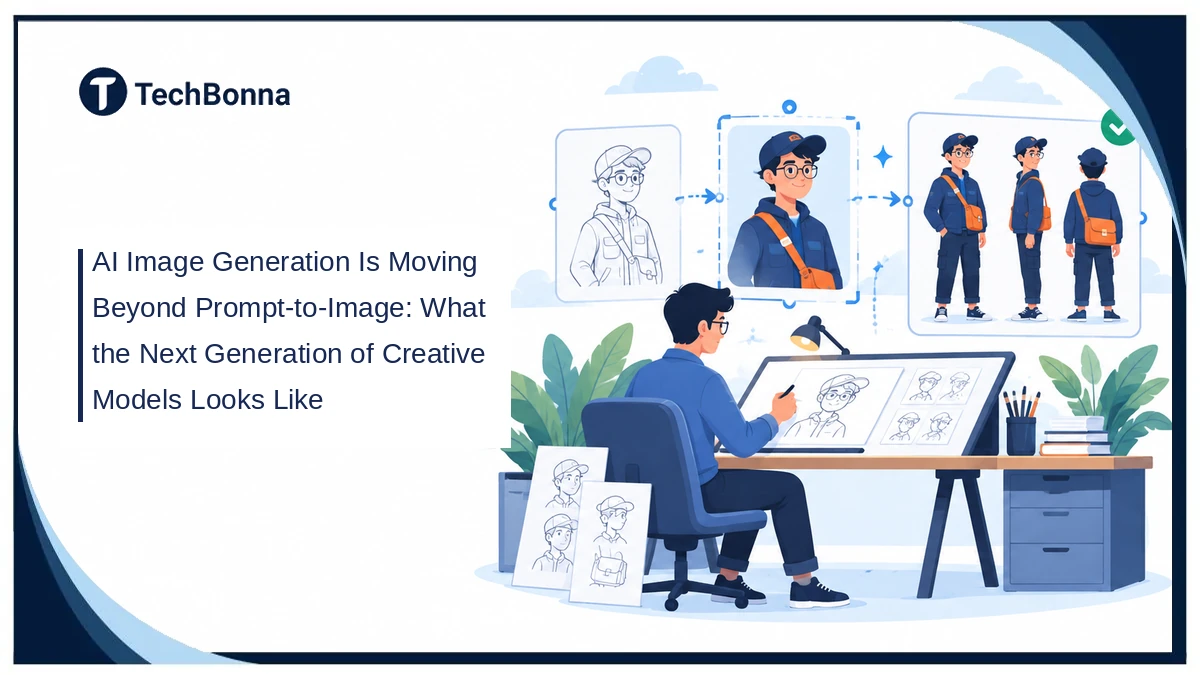
An image can look finished and still be useless for the next task. Change the pose, and the face drifts. Fix a sleeve, and the lighting changes. AI image generation becomes more valuable when it supports character consistency and repeatable creative workflows, not just a striking first result.
The important question is no longer only whether a model can draw something convincing. It is whether you can carry the parts you approved into the next revision, scene, or deliverable. That shift changes how you choose tools, prepare references, and judge the finished work.
Quick Answer
AI image generation is moving beyond prompt-to-image by combining text instructions with visual references, targeted editing, and reusable assets. Instead of restarting for every change, creators can refine an approved image and carry its identity or composition forward. Results still need human review because consistency, precise edits, and production-ready layouts are not guaranteed.
The Real Bottleneck Starts After the First Image
A one-shot generator is useful when you need loose ideas. It is less useful when a client likes almost everything about an illustration but wants one specific detail changed.
Imagine a fictional courier character for a short comic. You approve her navy jacket, orange satchel, and square glasses. The next scene needs a side view. A fresh text prompt might reproduce the general idea while changing the glasses, jacket fasteners, or satchel strap.
Those are not small errors when the images must tell one story. A usable revision preserves decisions you have already made. The cost of a workflow includes checking and repairing unwanted changes, not simply waiting for another image.
This is also why output quality and production reliability are different measures. A beautiful isolated picture can fail as a character reference, a repeatable campaign asset, or a source for another creative tool. You need to evaluate the whole sequence.
References Give AI Image Generation Something to Preserve
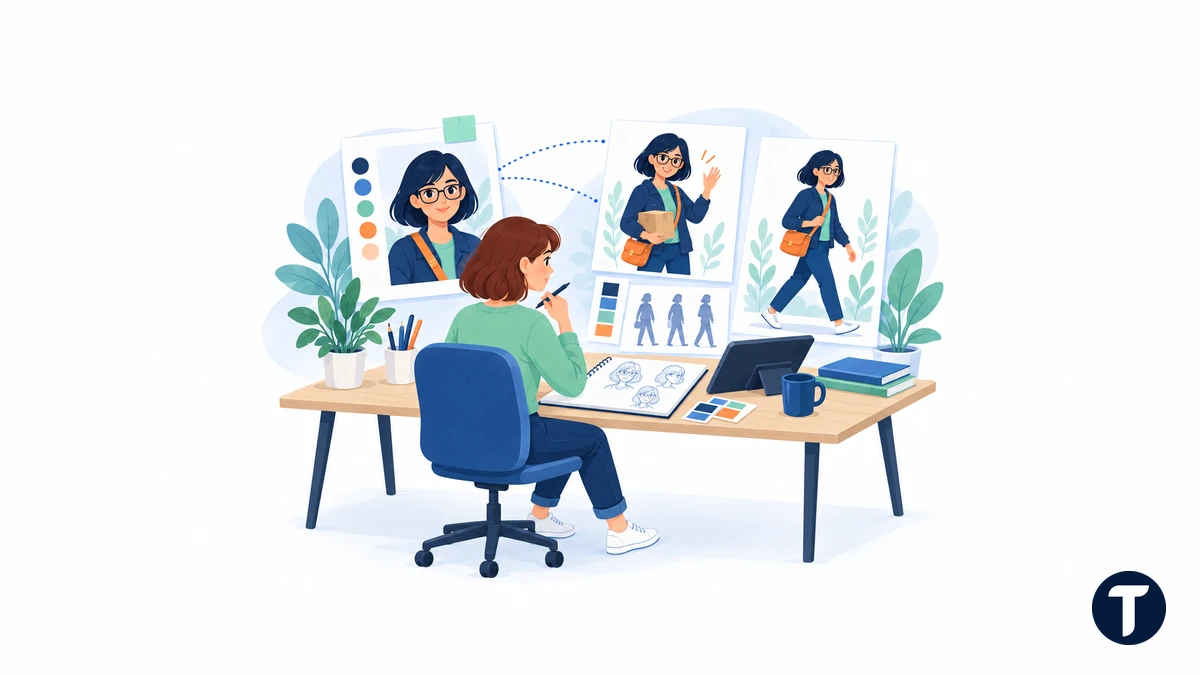
A reference can convey details that are awkward to describe in text: silhouette, facial proportions, clothing construction, brushwork, or the placement of objects. But different references serve different jobs.
PixAI’s Tsubaki.3 is one current example. Its model page describes character references, style references, palette controls, and instruction-based editing. PixAI says its character and style features each accept up to three reference images, drawn from uploads or generation history.
These are vendor-described capabilities, not a guarantee that every revision will preserve identity. The useful question is whether the controls keep your particular subject recognizable across the views and edits your project needs. A feature list cannot answer that by itself.
Separate your reference inputs by purpose:
- Identity: The character’s face, proportions, silhouette, and distinguishing features.
- Style: The rendering language, such as soft editorial illustration or inked line art.
- Composition: The framing, pose, object arrangement, and camera angle.
- Color: The palette and which areas should use each color.
Avoid mixing conflicting views without explanation. If one image shows a red coat and another a blue coat, specify which is authoritative. For recurring characters, keep a short written list of fixed details beside the approved reference.
Visual control also predates the latest chat-based tools. Hugging Face’s technical explanation of ControlNet, published in 2023, shows how depth maps, edges, scribbles, and pose information can condition generation. These inputs help guide spatial structure; they do not automatically solve character identity or every editing problem.
Choose the Workflow by What Must Stay Fixed
“More control” is too vague to be a buying criterion. A useful comparison starts with the constraint you cannot afford to lose.
| Workflow | Best Starting Situation | Main Risk | What to Check |
|---|---|---|---|
| Text-only generation | You want different visual directions | Each output may reinterpret the subject | Variety and fit with the brief |
| Reference-led generation | You need a recognizable subject or style | Identity and style can become mixed | Face, silhouette, materials, and palette |
| Instruction-based editing | One approved image needs a specific revision | Unrequested parts may change | The requested edit and preserved regions |
| Spatial conditioning | Pose or layout matters more than free exploration | Structure may be followed while details drift | Camera angle, limbs, depth, and object placement |
| Manual compositing | Exact logos, type, or protected details must remain intact | More human assembly is required | Pixel accuracy, alignment, and export quality |
Use generation for flexible choices and deterministic tools for exact requirements. If a logo must be identical, place the approved logo file in a design editor. Do not ask a model to redraw it and then assume it is unchanged.
The same distinction applies to text. A model may produce readable lettering, but a poster with approved wording, precise spacing, and editable type needs a typography check. Keeping text on separate layers makes future corrections easier.
This is not a contest between AI and manual design. It is a division of work. The generator proposes or revises visual material; the creator controls the parts that require exactness.
Editing Turns a Good Result Into a Working Draft
Instruction-based editing makes the first image a starting point rather than a disposable attempt. You can ask for a different expression, a new background, or an object removal while referring to what already exists.
OpenAI’s image-generation documentation describes multi-turn workflows that carry image context into later requests. That supports an iterative process, but it does not mean a conversational edit behaves like selecting a layer in a graphics application.
Ask for a bounded change and inspect everything you intended to preserve. For the courier example, a useful request would be: “Change only the satchel from orange to dark green. Keep the face, glasses, jacket, pose, framing, and background unchanged.”
The instruction states the goal, not the outcome. Compare the result with the source before approving it. Look at straps, buttons, fingers, and object edges as well as the edited area.
If the tool offers masks or regional selection, use them to narrow the request. If it keeps altering protected details, stop accumulating edits on an unstable version. Return to the approved source, simplify the change, or finish that detail manually.
Save approved checkpoints. Repeatedly editing the newest output without retaining earlier versions makes it harder to locate where a useful detail disappeared. File names and a short change log are often more valuable than a longer prompt.
Intermediate Assets Can Be More Useful Than Finished Art
A polished illustration answers “What could this look like?” A rough turnaround or color study can answer “What should the next person build?”
That is why creative workflows need intermediate material: line art, grayscale studies, pose references, costume details, and alternative crops. These assets let you evaluate one decision at a time instead of judging everything inside a finished render.
Consider a character sheet. Its front, side, and back views should describe the same costume. A decorative sheet with conflicting seams is not a reliable production reference, even if every panel looks attractive.
Judge intermediate outputs by the decisions they enable, not their polish. For a value study, inspect contrast and focal hierarchy. For a turnaround, inspect proportions and construction. For a pose guide, inspect balance and anatomy.
If the next step is a physical costume, TechBonna’s guide to turning character references into 3D-printable costume parts explains the move from visual planning to scale, fit, and print checks. An attractive generated view is not proof that a shape is wearable or printable.
Comics introduce another set of requirements. Panel order, speech-bubble placement, character continuity, and readable lettering all matter. A comic-style picture is not automatically a usable comic page. Keep dialogue editable and review the reading sequence at the size your audience will actually see.
A Practical Test for Character Consistency
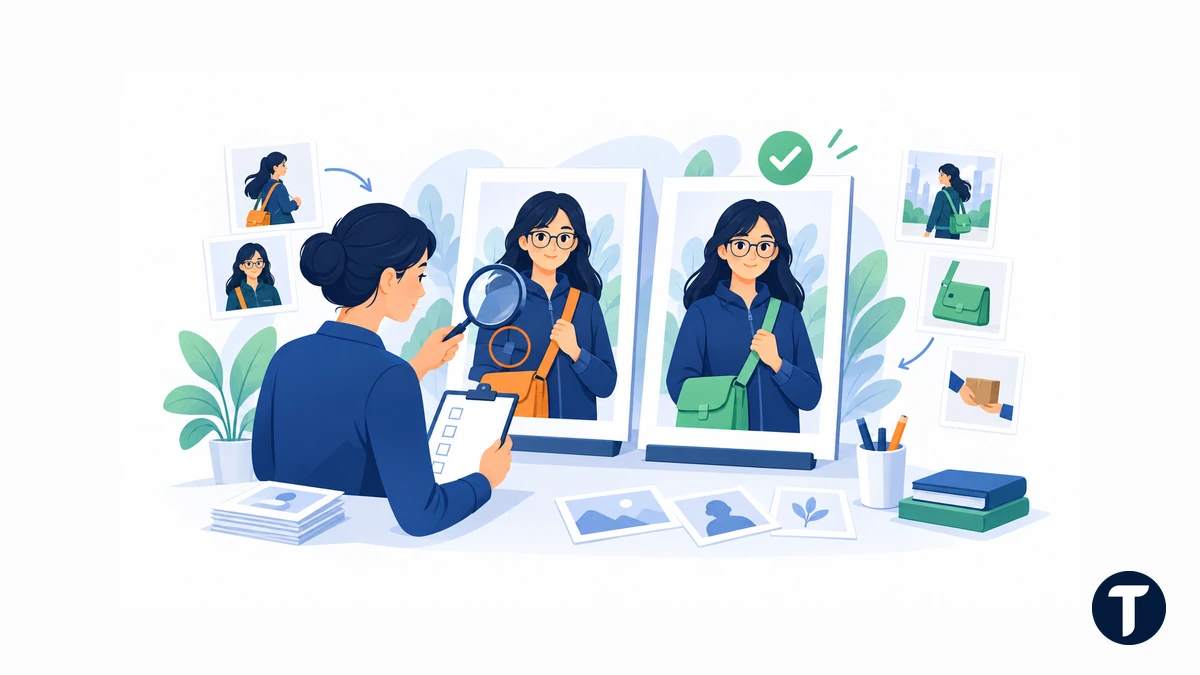
Before adopting a tool, run a small project-shaped evaluation. The following is a suggested test protocol, not a report of tests performed for this article. Use the same approved reference and written brief for each tool you compare.
Start with an original character or an image you have permission to use. Choose several distinguishing details that can be checked without subjective guesswork: glasses shape, jacket length, bag position, and a specific color arrangement.
- Generate a baseline. Pick one output and record the exact version you approve.
- Change the pose. Ask for a seated or side-facing view while keeping identity and clothing fixed.
- Change one object. Edit the bag color without changing the character or scene.
- Change the setting. Move the subject to a new background without redesigning the costume.
- Build a handoff asset. Request a simple reference sheet, then check agreement between views.
- Export and inspect. Review the file at its intended display size and in the next application.
For every step, record whether the requested change worked, whether protected details survived, and whether the output is usable after review. Keep failed attempts in the record rather than counting only the best result.
Track time spent prompting, waiting, comparing, repairing, and exporting. Also record the number of discarded attempts and any manual corrections. These observations reveal friction that a showcase gallery hides.
There is no universal passing score. A concept sketch can tolerate more variation than a recurring comic character. Set acceptance criteria before you compare tools, and choose the workflow that meets your project’s needs with manageable correction work.
Production Handoffs Need More Than an Image File
When an asset leaves the generation tool, other requirements take over. A designer needs the correct dimensions and crop. An editor needs approved wording. A collaborator needs to know which character version is current.
A good handoff preserves the decisions behind the image. Keep the approved reference, final prompt or edit instruction, model/version information where available, output dimensions, and any manual changes together. Include the original editable design file when exact typography or branding was added outside the model.
Check these details before delivery:
- The subject still matches the approved reference at the final crop.
- Text is accurate and readable at the intended viewing size.
- The export format works in the receiving application.
- Transparency, compression, and color appearance have been checked.
- Reference permissions and any relevant likeness consent are documented.
- The team can identify the approved version without guessing.
Content history can help, but it has limits. The C2PA explanation of Content Credentials describes a way to attach verifiable provenance information to digital media. Such credentials help establish recorded history and integrity; they are not proof that a depicted event happened or that every rights question is settled.
Rights also deserve a separate check. In its January 2025 report on AI output copyrightability, the U.S. Copyright Office distinguishes human-authored expression from purely AI-generated material and treats protection as case-specific. A platform’s commercial-use permission is not the same as a guarantee of copyright protection. For a commercially important project, get qualified advice about the particular assets and uses.
The Better Question Is What You Can Keep Building
Prompt-to-image remains useful for exploration. It is not being replaced so much as joined by references, editing controls, spatial guidance, and ordinary design tools that handle exact finishing work.
The meaningful improvement is continuity. Can you keep an approved identity through a new pose? Can you revise one element without undoing another? Can a collaborator understand and use the result? Those questions reveal more about a tool’s practical value than one impressive sample.
Choose AI image generation for the project you need to finish, not just the first image it can produce. Test character consistency against clear criteria, and build creative workflows around approved references, reversible edits, and human review. The strongest result is an asset you can confidently develop further.