What is Starlink in a Subaru? A Simple Guide for Everyday Drivers
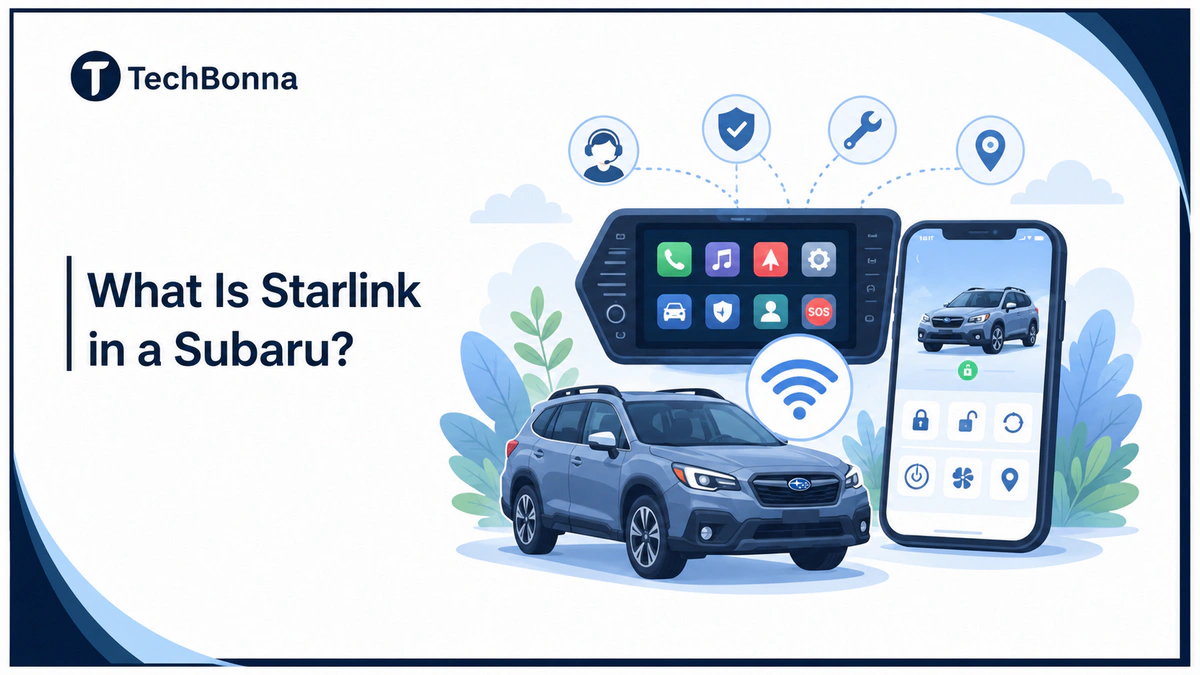
Table of Contents
Introduction
Subaru STARLINK is Subaru’s in-car technology brand, not SpaceX satellite internet. In a Subaru, it usually refers to infotainment, connected services, phone integration, safety tools, and remote services that depend on the exact vehicle and account setup.
For everyday drivers, the useful question is what your car can actually do and where to check it in the MySubaru app. This guide explains the name confusion first, then walks through features, subscriptions, privacy, used-car checks, and simple troubleshooting.
The short explanation
Starlink in a Subaru means Subaru’s vehicle infotainment and connected-service system. It is not SpaceX Starlink internet. Depending on the Subaru, it can support the touchscreen, smartphone pairing, SOS help, roadside support, diagnostic alerts, remote controls, service tools, and ownership features through the car and app.
Subaru STARLINK vs. SpaceX Starlink
The shared name is the main reason search results feel mixed. Starlink in a Subaru is a vehicle technology topic. Elon Musk’s Starlink is a satellite internet service from SpaceX. They are separate products from separate companies.
That distinction matters when you troubleshoot. If your phone will not connect to a Subaru screen, dish setup advice will not help. If your home internet antenna has signal issues, Subaru support will not solve that problem.
If you meant satellite internet rather than a Subaru vehicle feature, TechBonna also has a separate guide on whether Starlink works well in bad weather.
| Question | Subaru System | SpaceX Starlink |
|---|---|---|
| Main purpose | Vehicle infotainment and connected services | Satellite internet access |
| Where you use it | Inside the car and through the MySubaru app | At a home, business, RV, boat, or remote site |
| What to check | VIN, trim, equipment, subscription, and app setup | Coverage, hardware, plan, power, and sky view |
| Best support route | Retailer, owner resources, or MySubaru support | Starlink account and satellite internet support |
What the System Can Include
Subaru describes its official MySubaru Connected Services page as a mix of emergency support, remote convenience, service tools, and help for supported, properly equipped vehicles. That official source is the best starting point because features can vary by model, trim, region, account, and subscription.
- Infotainment: touchscreen controls for audio, calls, navigation, settings, and supported phone features.
- Phone integration: Bluetooth, Apple CarPlay, Android Auto, USB media, and related connectivity options on equipped models.
- remote controls: lock, unlock, locate vehicle, remote engine start, climate controls, curfew alert, valet mode, and related alerts where supported.
- Safety and security: SOS emergency assistance, enhanced roadside help, diagnostic alerts, and stolen vehicle support where available.
- Ownership tools: service appointment help, maintenance reminders, vehicle status information, and retailer support through the mobile app.
The simplest way to understand the system is to separate screen features from subscription-based services. The touchscreen may still handle audio, navigation, and phone pairing even if certain remote or safety tools are inactive.
How to Check Supported Features
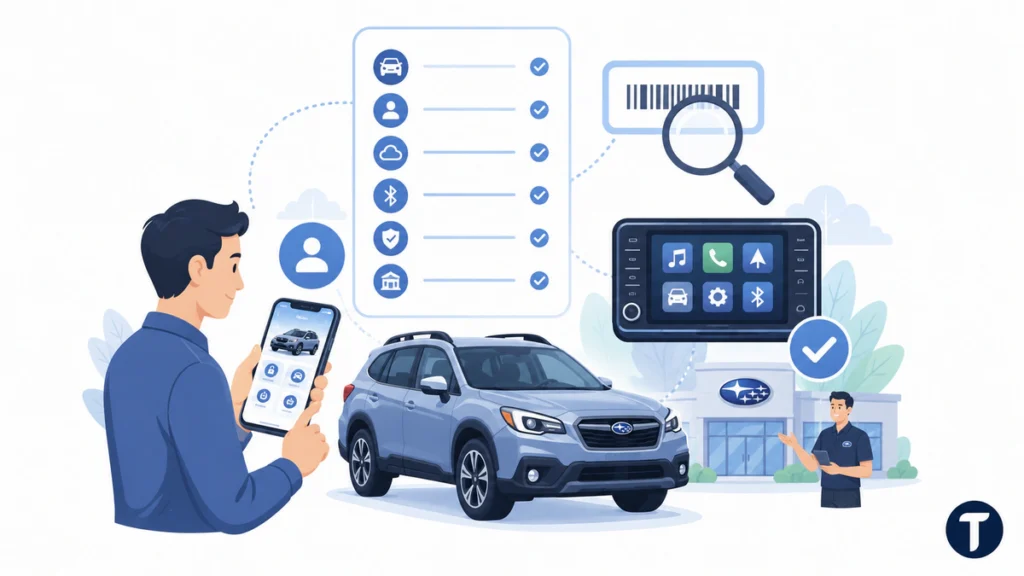
Do not assume every Subaru vehicle has the same feature list. A new Subaru or used Subaru vehicle can show similar badges and menu names while having different screens, equipment, subscription options, and app controls. The right Subaru vehicle check starts with the VIN, because a feature can also depend on mobile coverage, retailer activation, or the owner profile attached to the vehicle.
Start with the VIN, not a general model name. Add the vehicle to the the app, review the available services, and compare what appears in the app with what appears on the infotainment screen. If the vehicle was bought used, make sure the prior owner no longer has account access.
If you want a neutral second opinion on what the VIN actually describes, NHTSA’s VIN decoder returns the manufacturer-reported build details for a US-market vehicle. It will not list infotainment or subscription features, but it does confirm the model year, plant and body style you are working from before you contact a retailer.
- Check owner resources for the exact Subaru model and trim, such as Outback, Forester, Crosstrek, Ascent, Impreza, or WRX.
- Sign in to the the app and confirm the vehicle is attached to your account.
- Look for active or inactive connected services in the account area.
- Pair your phone again if infotainment or Bluetooth is the main problem.
- Ask a Subaru retailer to confirm VIN-level equipment if a feature is missing.
- Keep emergency-service questions separate from music, maps, and phone-pairing issues.
What the App Does
The the app is where many account-based features become visible to the driver. Depending on vehicle support, it can show remote controls, vehicle location, diagnostic alerts, service options, and ownership tools. It is also where many drivers first notice that a subscription or activation step is needed.
If the app does not show a feature, that does not always mean the car is broken. The feature may be unsupported, unavailable in that region, inactive on the account, or tied to a package. Check the account first before replacing cables, resetting the screen, or assuming the infotainment unit has failed.
For remote controls, account status matters as much as vehicle hardware. A supported Subaru can still need the correct owner account, active plan, and clean setup before lock, unlock, engine start, and locate-vehicle tools work correctly.
Common Driver Problems and Simple Fixes
Most problems fall into two groups: infotainment issues and account-based service issues. Infotainment problems usually involve the screen, phone, cable, Bluetooth, Apple CarPlay, Android Auto, or phone permissions. Service problems usually involve account setup, subscription status, mobile coverage, or vehicle activation.
| Problem | Likely Cause | What to Try |
|---|---|---|
| Phone will not connect | Bluetooth, cable, app, or phone permission issue | Forget the car on the phone, restart both devices, and pair again |
| Remote start is missing | Unsupported equipment or inactive subscription | Check app access and VIN-level feature support |
| SOS or roadside tools are unavailable | Service not active or hardware support issue | Contact Subaru support or a retailer with the VIN |
| Vehicle is tied to an old owner | Used-car account transfer is incomplete | Ask the seller and Subaru support to remove old account access |
| Search results discuss satellites | Name confusion with SpaceX Starlink | Search for Subaru STARLINK plus your model and feature |
Avoid random software files or unofficial update instructions. Infotainment updates, account changes, and emergency-service problems should come from Subaru owner resources, the app, or a retailer.
Subscription Packages and Whether It Is Worth It
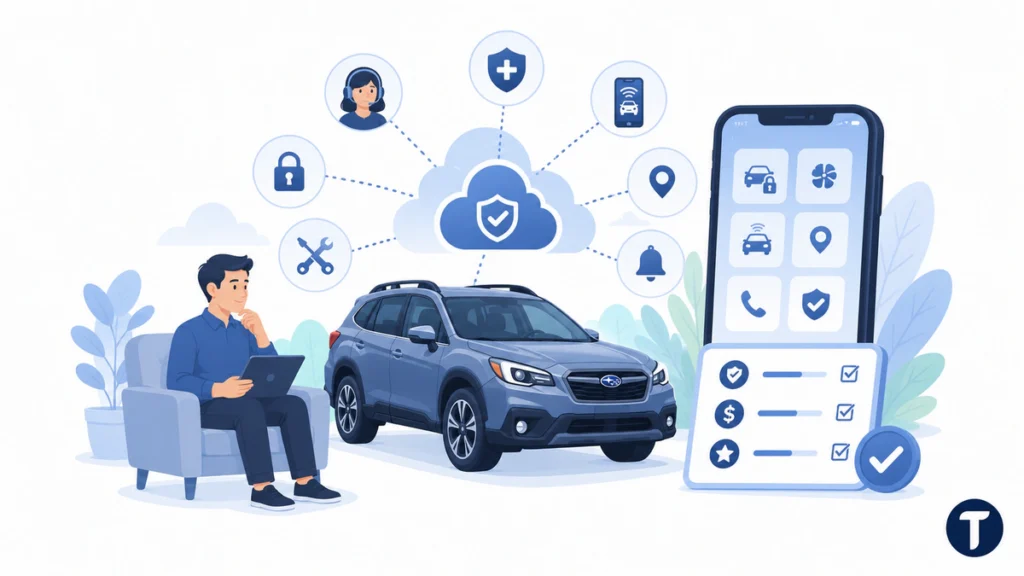
The value depends on which features you use. A driver who only wants music, calls, and maps may care mostly about the screen and phone integration. A driver who parks outside, shares a family vehicle, or wants emergency tools may care more about a plan package with safety and convenience features.
Before paying for anything, list the features you would use in normal driving. Remote start, remote climate control, locate vehicle, emergency help, roadside assistance, alerts, and concierge-style help are useful only if they match your routine. If you never use app controls, a paid package may not add much value.
Retailer and owner resources may describe package names such as Safety Plus, Security Plus, MySubaru Companion, MySubaru safety, and Safety Plus. You may also see terms such as free trial, trial plan, plan package, and remote connectivity features. The safe move is to activate only the features you understand and will use.
Some supported setups also mention overhead console assistance buttons, maps system, 4G LTE connection, enhanced roadside assistance, automatic collision notification, theft recovery, vehicle health, and remote door lock/unlock tools.
If a menu says SOS Emergency Assistance, safety features, remote vehicle support, or theft recovery, treat it as an account and equipment question. Confirm the exact feature before assuming the button, phone app, or overhead console should work automatically.
Privacy, Security Features, and Used-Car Checks
Privacy Checks
Account-based car services can involve location, lock controls, vehicle status, alerts, and service information. Use a strong password, keep recovery details updated, and remove the vehicle from any old owner account when buying used.
Also review app permissions on your phone. A driver who only wants music and calls may not need every optional permission enabled, while a driver using remote controls will need the account and phone setup to match the supported service.
Safety Checks
Use voice controls, parked settings, and simple shortcuts whenever possible. The system should reduce friction for drivers, not create extra screen time while the vehicle is moving.
If emergency features are important to you, verify them through official channels. Do not rely on a badge, a used-car listing, or a previous owner’s memory. Confirm that safety tools are active for the exact vehicle.
Buying a Subaru With STARLINK
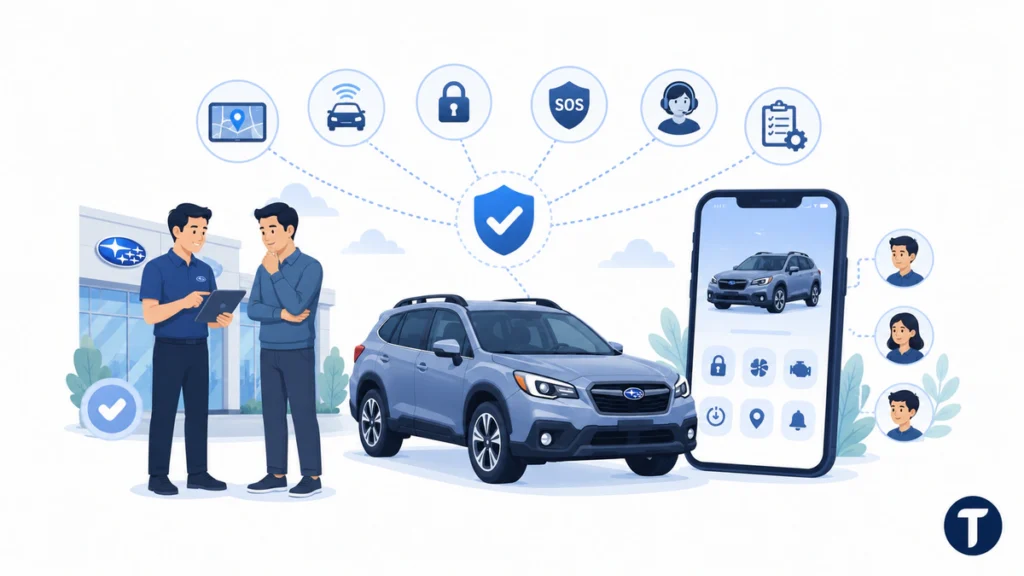
If you are shopping, decide which feature you actually need before comparing vehicles. Some drivers care about phone integration and maps. Others want remote start, vehicle location, alerts, theft help, or SOS support. Those are different requirements.
Ask the seller or retailer to show the feature working, not just point to a badge. If you are buying used, confirm the vehicle can be added to your the app and that the previous owner’s access has been removed. A clean account transfer prevents privacy issues and avoids confusing setup problems later.
- For music and maps, check the infotainment screen and phone compatibility.
- For remote controls, check app support and plan status.
- For emergency tools, check official connected services availability.
- For a used vehicle, verify owner-account removal before relying on app controls.
- For a family vehicle, set expectations for each driver before sharing app access.
Related questions
Is Subaru STARLINK the Same as SpaceX Starlink?
No. Subaru STARLINK is Subaru’s vehicle infotainment and service brand. SpaceX Starlink is satellite internet. The names are similar, but the products, companies, hardware, and support routes are different.
Does the System Give My Car Internet?
It does not turn the car into a SpaceX satellite terminal. Some vehicle connection or hotspot options may depend on separate equipment, coverage, or carrier arrangements, but that is not the same as SpaceX Starlink.
Is It Free?
Some infotainment features are built into the vehicle, while certain account-based tools may require activation or a plan. Check the app or ask a Subaru retailer for the exact answer tied to your VIN.
Is It Like OnStar?
It is similar in the broad sense that both can connect a vehicle to emergency, convenience, and remote support features. The exact packages, hardware, support process, and app experience are Subaru-specific, so compare features directly rather than assuming they work the same way.
Why Is Remote Start Missing From the App?
remote start may be missing because the vehicle, trim, account, plan, region, or setup does not support it. Confirm the VIN-level feature list and app status before assuming the vehicle has a fault.
What Should I Do Before Calling Subaru Support?
Write down the VIN, trim, phone model, app version, error message, and whether the problem happens on the screen, in the app, or both. That helps support separate infotainment issues from account-based service issues.
What this means in practice
the Subaru system is easiest to understand when you treat it as a Subaru vehicle system, not a satellite-internet service. Use the VIN, infotainment screen, connected services account, and the app to check what your car actually supports.
That approach keeps the answer useful for daily driving. the Subaru system, connected services, and Subaru vehicle features can help with entertainment, safety, app controls, and ownership tasks, but only when the specific Subaru vehicle and account setup support the feature you want.