Proxy Provider Checklist: What Should You Look for Before Choosing One?
Table of Contents
Choosing a proxy provider affects web scraping compliance, proxy security, and how a team handles data collection at scale. The right proxy provider setup can support market research, SEO checks, ad verification, price monitoring, app testing, and brand protection without creating avoidable technical or legal risk.
A poor proxy provider choice can waste budget, lower success rates, expose sensitive workflows, or push a team toward risky shortcuts. Businesses should treat proxies as infrastructure, not as a quick tool chosen only because the pricing page looks cheap.
What to look for
Before choosing a proxy provider, define the task, target locations, traffic volume, session needs, data sensitivity, and acceptable failure rate. Then compare providers by IP quality, proxy type, location coverage, rotation controls, uptime, proxy security practices, web scraping compliance guidance, support speed, pricing model, and documentation.
The best choice is not always the provider with the largest IP pool or the lowest price per GB. For most business teams, the safer choice is the proxy provider that performs well in a small real-world test, gives clear usage controls, supports responsible web scraping compliance, and explains its proxy security practices without vague promises.
Why the Right Proxy Choice Matters
A proxy is not just a different IP address. It is part of the route between your tools, your team, and the websites or services you need to access.
A proxy server can sit between a client and a destination server. The Internet Engineering Task Force explains proxy behavior in its HTTP Semantics section on proxies, which is useful background for the technical definition.
In plain English, proxies help route traffic through another IP. That can support privacy, regional testing, research, automation, and load distribution. It can also go wrong if the proxy type, target site, consent model, or data handling process is not appropriate for the task. To provide a simpler primer before comparing vendors, we also explain what a proxy means in everyday WiFi settings.
Many teams compare only the price per GB, buy the cheapest residential proxy pool, and then wonder why requests fail, accounts get flagged, or costs rise faster than expected. The better proxy provider question is not, “What is the cheapest option?” It is, “Which setup matches the job without adding unnecessary risk?”
Start with Your Use Case
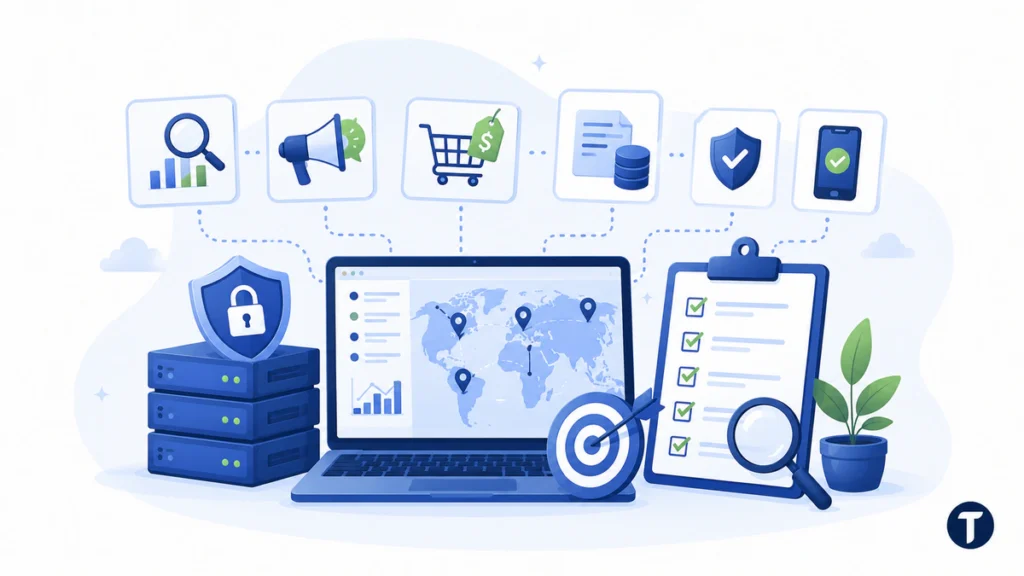
Your use case should choose the proxy, not the other way around. A marketer checking ads in different cities needs something different from a developer testing a SaaS login flow or a data team monitoring public ecommerce prices.
Common business use cases include SEO rank checking, ad verification, ecommerce price monitoring, public web data collection, QA testing for region-specific content, brand protection, fraud monitoring, and mobile app testing. Each use case has a different proxy security and web scraping compliance profile, so the same vendor plan may not fit every team.
Whatever the use case, the crawler side has a published standard of its own. RFC 9309, the Robots Exclusion Protocol, defines how an automated client is expected to read and honour robots.txt, and a collection process that ignores it is making a compliance decision whether or not anyone wrote it down.
Write the use case in one sentence before looking at vendors. For example: “The team needs to verify paid search ads in five U.S. cities twice a week without logging into customer accounts.” That sentence already shows which features matter: city-level targeting, moderate usage, stable reporting, and low operational risk.
Once the task is clear, review any the technical differences between proxy types against that same use-case sentence. Compare proxy types, documentation, pricing, support, and controls against the work you actually need to do rather than treating any vendor name as a shortcut.
A high-volume public web data workflow may need rotating residential proxies, strict rate controls, and a clear compliance review. A lightweight SEO task may work with datacenter proxies if the target sites are not sensitive. A mobile app test may need mobile proxies or carrier-level routing rather than a large residential pool.
Compare the Main Proxy Categories
The best proxy category depends on how natural, stable, fast, and affordable the connection needs to be. No single option wins every time.
| Proxy Category | Best For | Watch Out For |
|---|---|---|
| Residential Proxies | Location-sensitive research, ad checks, and workflows where consumer-like network signals matter | Higher cost, consent quality, bandwidth limits, and sourcing practices |
| Datacenter Proxies | Fast, low-cost tasks where trust signals matter less | Easier detection on stricter sites and weaker location authenticity |
| ISP Proxies | Stable sessions with stronger trust signals than many standard datacenter IPs | Smaller supply, higher pricing, and fewer location options |
| Mobile Proxies | Mobile app testing, carrier checks, and mobile-specific research | Higher cost, variable speed, and limited availability |
Residential IPs may provide stronger location and trust signals because they come from real internet service provider networks. However, they are not automatically safer, more compliant, or better. Their quality depends on consent, sourcing, provider controls, target-site policies, and how your team uses them.
Datacenter proxies are often cheaper and faster. ISP proxies sit between residential and datacenter options because they offer more stability while still using ISP-registered IPs. Mobile proxies are best reserved for workflows where mobile network behavior matters.
Free proxies are tempting, but they are a poor fit for business workflows. You rarely know who operates them, how traffic is handled, whether logs are retained, or whether the service will disappear without warning. A serious proxy provider should make sourcing, usage limits, and acceptable-use rules easy to understand.
Check Protocol Support and Integration Options
Proxy category and proxy protocol are related, but they are not the same thing. Residential, datacenter, ISP, and mobile describe the source or network type. HTTP, HTTPS, and SOCKS5 describe how your tools connect through that proxy.
Many browser-based tasks work through HTTP or HTTPS proxies. Some technical workflows may need SOCKS5 because it can handle a wider range of traffic types when configured correctly. This is also part of proxy security, because poor configuration can expose credentials or route traffic in ways your team did not expect.
Also, check integration quality. A useful proxy service should provide clear host, port, username, password, API, and IP allowlist options. If your team uses Python, Node.js, cURL, browser automation, or a scraping platform, the documentation should show practical setup examples instead of only generic marketing copy.
Check IP Quality and Network Transparency
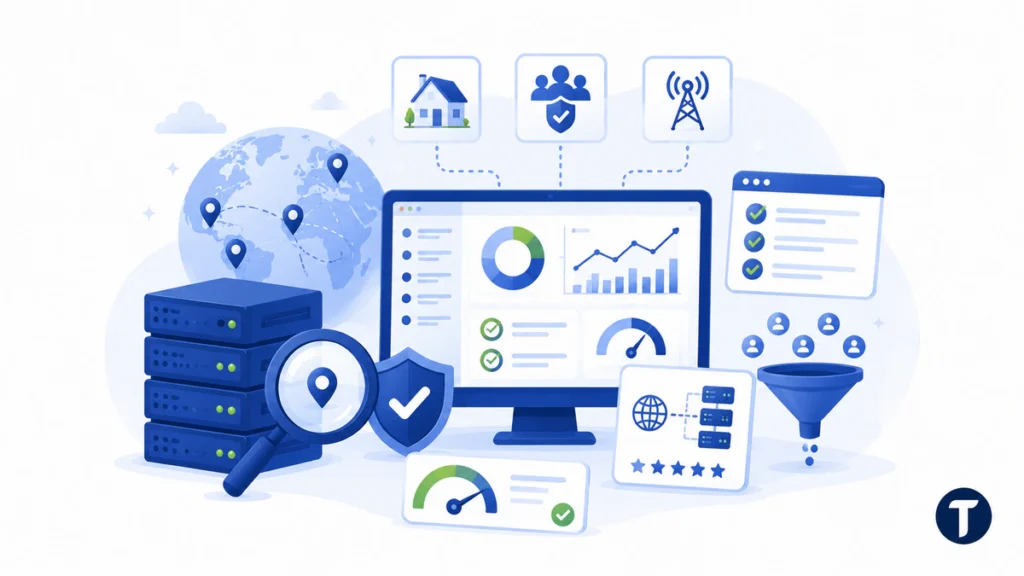
IP quality is the part you feel after the invoice is paid. It shows up in success rate, block rate, speed, and support tickets.
A large proxy pool sounds impressive, but size alone does not prove quality. You want clean IPs, clear sourcing, useful proxy locations, and controls that match your workflow. A transparent proxy provider should explain these details before you commit, not only after a support ticket.
Review these questions before you commit:
- Does the provider explain where its residential IPs come from?
- Can you choose country, state, city, or ASN where needed?
- Does it offer sticky sessions and rotation rules?
- Can you test the proxy pool with a free trial or small paid plan?
- Does the dashboard show usage, bandwidth, errors, and remaining credits?
- Does the API support the same controls as the dashboard?
Smaller providers can still be useful, but they need clear documentation, honest limits, and enough transparency for a buyer to judge risk. Be careful with the word “unlimited.” In practice, every proxy network has capacity limits, fair-use rules, and abuse controls.
Review Security, Privacy, and Compliance
Proxy security matters because traffic routing can expose more than an IP address. It can touch credentials, cookies, internal tools, customer data, and sensitive research workflows.
Look for HTTPS support, SOCKS5 support where relevant, authentication controls, IP allowlisting, team access settings, audit logs, and clear data retention policies. A provider should explain what it logs, how long it keeps logs, and how customers can control account access.
Compliance also matters for web data work. The U.S. Federal Trade Commission has warned that opaque data practices can create consumer privacy risks in its report on data brokers and transparency. That does not mean every public data project is the same, but it does show why businesses should treat data collection with care.
Good web scraping compliance means checking site terms, robots.txt expectations, rate limits, personal data rules, and internal approval steps. This article is not legal advice. Teams handling personal data, logged-in content, regulated industries, or sensitive markets should involve legal or compliance reviewers before scaling a proxy workflow.
A serious vendor should also ban fraud, credential stuffing, spam, account abuse, and other harmful uses. If a sales page celebrates “undetectable” behavior without clear guardrails, treat that as a warning sign. Strong web scraping compliance and proxy security should reduce risk, not encourage misuse.
Match Locations, Sessions, and Rotation Controls
Location controls make or break many proxy projects. A proxy located in the wrong market can make a test useless.
For ad verification, city-level locations may matter. For price monitoring, country-level routing may be enough. For app testing, carrier or mobile network details may matter more than city targeting.
Session control is just as important. Some tasks need a sticky IP for 10 minutes, 30 minutes, or a full login session. Other tasks need IP rotation on each request to reduce repeated hits from one IP address.
Ask how the provider handles sticky sessions, rotation by time or request, manual IP refresh, country and city targeting, mixed proxy types, and fallback behavior when a location has low supply. The answers should connect back to proxy security, because session handling affects account access, credential exposure, and workflow stability.
A reliable setup should not force your team to rebuild workflows every week. The proxy solution should fit into existing tooling with predictable connection details, stable controls, and clear documentation.
When a buying decision also affects regional research, this guide to reducing geographic bias in web data explains how multi-location proxy tests can reveal different search results, pricing, availability, and compliance experiences before a team scales collection.
Test Speed, Uptime, and Success Rate
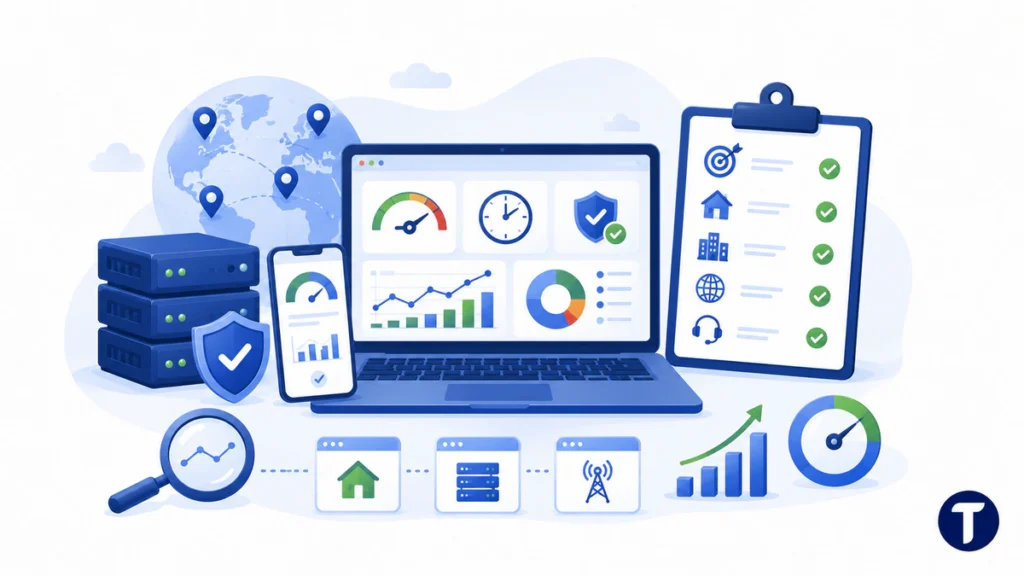
Do not judge a proxy service from the homepage alone. Test it against your real workflow before you scale.
Run a small proof of concept. Measure connection time, page load time, failure rate, CAPTCHA rate, and cost per successful task. High success rates matter more than a low headline price because failed requests still consume time, bandwidth, and engineering attention. A responsible test should also check whether the setup supports your web scraping compliance requirements.
A simple test plan can include:
- Choose three to five real target tasks.
- Test the same tasks with residential, datacenter, and ISP proxies where possible.
- Run each test across the locations you need.
- Track success, speed, errors, bandwidth, and block signals.
- Ask support about failures and judge the quality of the answer.
You can also score vendors with a simple table:
| Factor | Why It Matters | How to Score It |
|---|---|---|
| Success rate | Shows whether requests complete reliably | 1 = frequent failures; 5 = most tasks complete without retries |
| Latency | Affects workflow speed and job duration | 1 = slow or inconsistent; 5 = fast and stable across locations |
| CAPTCHA or block rate | Reveals target-site friction | 1 = frequent blocks; 5 = minimal blocks during normal use |
| Cost per successful task | Gives a more realistic cost than price per GB | 1 = cheap upfront but costly after failures; 5 = efficient after retries and bandwidth |
| Support quality | Shows how the provider handles real issues | 1 = vague or slow replies; 5 = fast, specific, and useful answers |
Bandwidth can change the total cost quickly. Good proxy management includes blocking unneeded assets when the use case allows it.
Look at Documentation, Support, and Pricing
Good documentation saves engineering time. It also reveals how well the provider understands its customers.
Check whether the provider has setup guides for Python, Node.js, browsers, cURL, scraping tools, and common proxy management platforms. Look for clear examples for HTTP, HTTPS, SOCKS5, whitelisting, authentication, API usage, and credential management. Documentation should also explain proxy security settings in plain language so non-specialists can follow safe setup steps.
A useful dashboard should show traffic, errors, active sessions, proxy usage, and billing. It should also make it easy to create separate credentials for separate projects. Separate users, separate API keys, and clear logs make it easier to spot misuse or a broken script before it drains budget.
Support quality also matters. Ask a specific technical question before buying. A vague answer during the sales process is often a preview of a frustrating support experience later.
Proxy pricing can look simple until the first real workload runs. Review bandwidth cost, monthly minimums, pay-as-you-go terms, concurrent thread limits, location-based price differences, residential pool access, static residential availability, refund rules, free trial limits, and whether unused bandwidth expires.
A cheap plan can become expensive if credits vanish before a campaign starts or if failed requests consume too much bandwidth. A higher-priced plan can be more economical if it produces better success rates with fewer retries.
Use This Final Selection Checklist
The best proxy service is the one that passes your operational checklist. A big network means little if it fails your workflow.
Before you choose a proxy provider, confirm these points:
- Use Case Fit: The provider supports your exact research, testing, or verification task.
- Proxy Category: You can choose residential, datacenter, ISP, mobile, static, or rotating proxies as needed.
- Protocol Support: The service supports HTTP, HTTPS, SOCKS5, or other connection methods your tools require.
- IP Quality: The IP pool is clean, stable, and testable.
- Location Coverage: The proxy locations match your markets.
- Proxy Security: The platform supports strong authentication, HTTPS, access controls, and clear log policies.
- Web Scraping Compliance: The provider has acceptable-use rules and does not encourage abuse.
- Performance: Your test shows acceptable speed, uptime, and success rate.
- Documentation: Your team can set it up without guessing.
- Support and Cost: Support is responsive, and the real cost per successful task fits your budget.
Keep your first commitment small. Buy a limited plan, run the tests, and scale only after the numbers make sense.
Getting it right
A strong proxy setup gives a team cleaner testing, better market visibility, and more dependable data workflows. A weak setup creates noise, risk, and wasted time.
Choose a proxy provider by matching proxy security, web scraping compliance, location controls, IP quality, performance, and pricing to your real use case. The best proxy provider is not simply the one with the largest pool or the lowest advertised price. It is the proxy provider that performs reliably in your specific workflow, gives your team enough control, and supports responsible use without hiding costs or operational limits.