How to Change Your Address Online With USCIS: Account, Security, and Case-Update Guide
Table of Contents
Introduction
A USCIS change of address is more than a moving-day task. Missing the update can leave important immigration notices connected to your old mailing address.
For most users, the fastest option is to change your address online with USCIS through an online account. This guide also explains when Form AR-11 may apply, how to connect pending cases, and how to protect your account.
Quick Answer
To complete a USCIS change of address online:
- Sign in to your USCIS online account.
- Open the Enterprise Change of Address tool.
- Enter your old and new addresses.
- Add the receipt number for every pending case.
- Review the details and submit the update.
- Save the confirmation page and screenshots.
Update USPS separately. Postal forwarding does not replace a USCIS change of address.
Most noncitizens in the United States must report a new address to USCIS within 10 days of moving. Because procedures and exceptions can change, review the official USCIS address-change instructions before submitting. This guide explains the online service and does not provide personal legal advice.
Get Your Information Ready Before You Sign In
Prepare for your USCIS change of address before opening the website, especially when several family members or cases have separate receipt numbers.
Gather every case record before starting the online form.
You may need:
- Your full legal name
- Your date of birth
- Your old physical and mailing addresses
- Your new physical and mailing addresses
- Your Alien Registration Number, also called an A-Number, if you have one
- The receipt number for each pending USCIS case
- A secure email address you can keep using
- Access to your multifactor authentication method
A USCIS receipt number has three letters followed by 10 numbers. You can find it on a Form I-797 notice. Check each notice instead of copying a number from memory. One wrong digit can keep a case from linking to the update.
Make a separate list for each person. A spouse, child, or parent may have a different A-Number and separate receipt numbers.
Change Your Address Online With USCIS
The USCIS Enterprise Change of Address tool, also called E-COA, works through a USCIS online account. You can use it even when you filed a pending case by mail. You do not need to have filed the case online.
Start from USCIS.gov, sign in, and enter every pending receipt number when the tool asks for case details.
Follow these steps:
- Go to the official USCIS website.
- Open the Change of Address page.
- Sign in to your USCIS online account, or create one.
- Choose the online change-of-address option.
- Enter your identity details, old address, and new address.
- State whether you have pending cases.
- Add the receipt number for each pending benefit request.
- Review every field before submitting.
- Send the update and save the confirmation.
On the review screen, check apartment numbers, ZIP Codes, dates, and spelling.
USCIS says the address change applies to the pending requests you include. A missing receipt number may leave one case tied to the old address.
Update Every Pending Case With Its Receipt Number
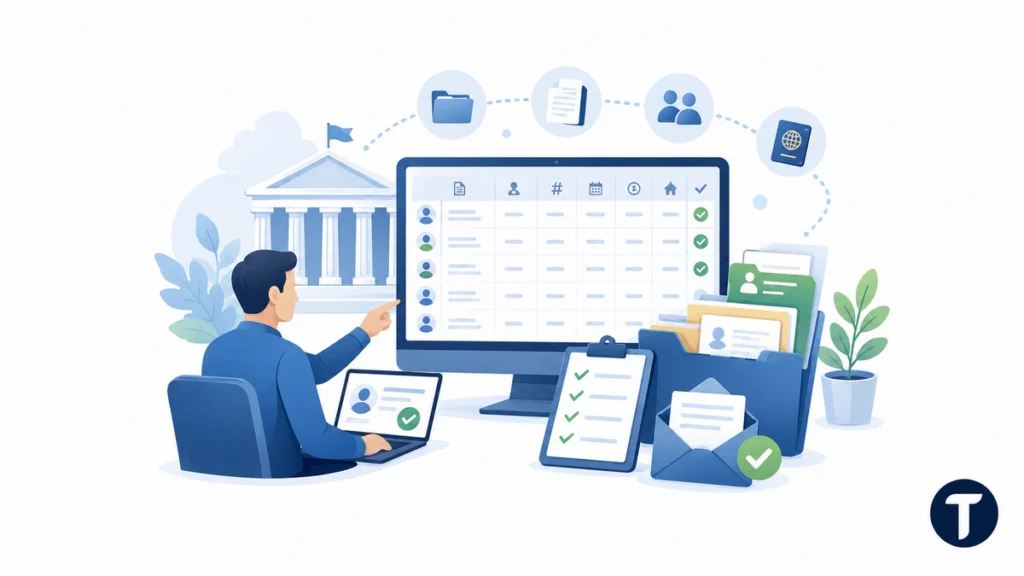
One account can hold several cases, but each case remains a separate government record. Think of the account as a dashboard. Receipt numbers tell USCIS which records need the new address.
An account-level update is not complete until you list every pending case covered by the move.
Review all active matters, including applications, petitions, and other requests. Check cases filed on paper, cases added with an online access code, and cases filed through a representative.
Use a small case log:
- Form type
- Applicant or petitioner name
- Receipt number
- Filing date
- Current case status
- Address update date
- Confirmation file name
This log helps prevent omissions, such as updating a parent’s case but missing a child’s receipt or a related travel document. A USCIS change of address only reaches the cases you enter.
After submission, confirm that the saved receipt list matches your case log. Keep older address notices to document the timeline.
Compare Online Filing With Mailing Form AR-11
USCIS still provides Form AR-11 for reporting an address change by mail. The online route offers a stronger digital trail and can update the pending cases entered during the process.
For most users, the online tool is the better choice because it provides faster processing and easier proof.
The online method offers:
- One guided account process
- Fields for pending receipt numbers
- A submission confirmation
- Screenshots and files you can store
- Less risk from postal delays
Before choosing a filing method, this USCIS change of address guide explains Form AR-11 deadlines, online filing, and common exceptions in plain language.
Form AR-11 may suit someone who cannot use the online service. Print the current Form AR-11 edition from USCIS, follow its mailing instructions, keep a full copy, and use a tracked mailing service when appropriate.
A mailed Form AR-11 does not provide the near-immediate processing offered by the electronic tool. USCIS also directs users with pending or approved benefit requests to follow the current instructions for those records. Do not assume one paper form updates every case without additional steps.
Never download Form AR-11 from a random form site. Old editions and fake fee pages can appear in search results. Check the current USCIS fee schedule before paying any website or service.
Do Not Treat USPS Forwarding as a USCIS Update
USPS forwarding is useful for bank letters, bills, and many daily mail items. It does not change the address stored in USCIS systems.
Even when you change your address online with USCIS, update USPS as a separate moving task.
USCIS states that a USPS change of address will not update USCIS. The agency also warns that USPS will not forward USCIS mail. A notice may go to the old address even when other letters reach the new home.
USPS controls postal routing, while USCIS controls immigration case records. One system does not update the other.
Submit both updates and keep proof from both services. Ask a trusted person at the old address to alert you about mail when this is safe and possible, but do not depend on that person as your main plan.
Save Confirmation Records and Screenshots
A confirmation page is not the end of the process. It is the beginning of your record-keeping trail.
Save enough proof to show what you submitted, when you submitted it, and which cases you included.
Take screenshots of:
- The final review page
- The new physical and mailing addresses
- The receipt-number list
- The submission confirmation
- Any confirmation number or message
Save the page as a PDF when the browser offers that option. Use a clear file name, such as USCIS-address-change-2026-07-28.pdf. Store it in an encrypted cloud folder or a protected local folder, and keep a second backup on a device you control.
Avoid storing immigration records in a public photo album, shared work drive, or open family chat. These files can contain names, dates of birth, addresses, A-Numbers, and receipt numbers.
Add a note to your case log after submission. Record the date, account email, cases entered, and storage location. This turns a collection of screenshots into a useful audit trail.
Secure Your USCIS Online Account
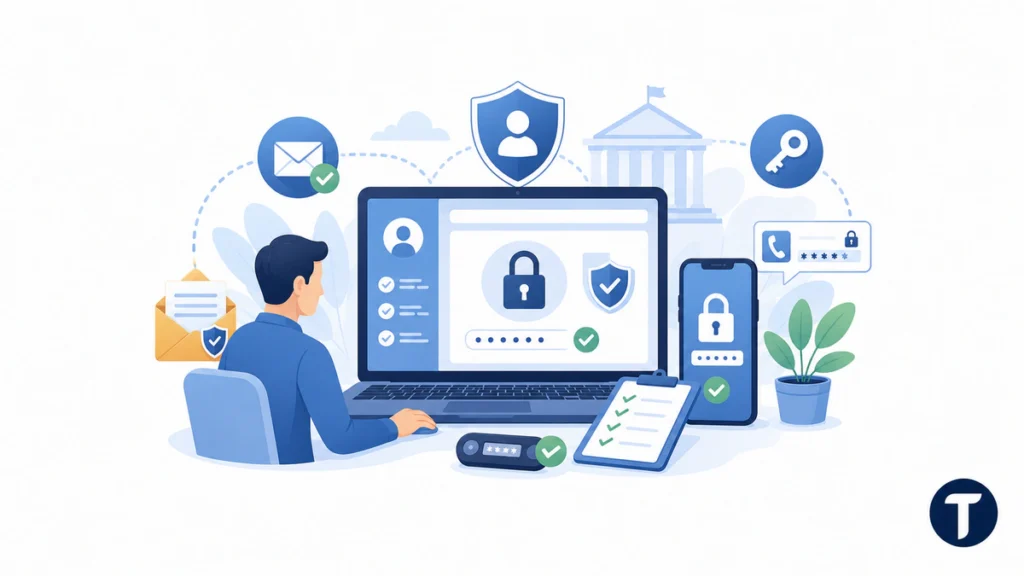
Your USCIS account can contain private identity data and case documents. A weak password can place far more than one address update at risk.
Use a unique password, protect your email account, and keep multifactor authentication turned on.
Create a long password or passphrase you do not use on another site. Store it in a password manager. Do not send it to a preparer, friend, or family member through text.
USCIS uses two-step verification and provides a backup code during account setup. Save that code in a secure location away from the main password. A recovery email can also receive password-reset instructions if one is on file.
Protect the email account connected to USCIS with its own strong password and multifactor authentication. Someone who controls your email may try to reset your USCIS password.
Review your account settings after changing a phone number, email address, or authentication app.
Spot Fake USCIS Websites and Phishing Scams
Moving creates urgency. Scammers use that pressure to push fake deadlines, payment demands, and login pages.
USCIS common scams guidance warns that government impersonators may pose as officials and says USCIS does not contact people through personal social-media accounts. Address changes and account recovery should start from a verified uscis.gov page, not a link in an unsolicited message.
Trust government pages ending in .gov, and reach your account through USCIS.gov instead of an email button.
Check the address bar before entering a password. A fake site may use “USCIS” in a long domain name, copy the agency seal, or place an advertisement above the official result.
Watch for these warning signs:
- A demand for payment by gift card, Venmo, PayPal, MoneyGram, or Western Union
- A threat of arrest or deportation unless you pay immediately
- A request for your password or multifactor code
- A shortened link with no clear government domain
- A request to send immigration papers to a personal email address
- A payment request sent outside the official USCIS account
USCIS warns that it will not call, email, or text to demand money or threaten deportation. Suspicious emails can be sent to the USCIS webmaster for review.
Close the message, open a fresh browser tab, and type USCIS.gov. This removes the scammer’s link from the process.
Fix Login and Case-Linking Problems
Account trouble may appear when you lose a phone, forget a password, use an expired online access code, or find a case linked to another account.
Use the official recovery tools first, and do not create additional accounts as a quick fix.
For a forgotten password, use the USCIS password-reset page. Check your spam folder, then confirm that the email address you entered matches the account.
For a lost verification method, try the backup code from account setup. Use the USCIS Need Help form when you still cannot sign in. The same support area covers locked accounts and other technical problems.
A paper-filed case may need an online access code before you can link it. Use the Need Help form to request assistance when a code has expired or is unavailable.
Check for typing errors when a receipt number fails. Remove spaces and dashes if the field requires the plain 13-character number. Confirm the case belongs to the person named in the account. Contact USCIS support when the system says the case is already linked elsewhere.
Check Special Rules for Complex Immigration Matters
The standard online process does not cover every situation. Privacy protections, court rules, and sponsorship duties can create separate steps.
Check current agency instructions or speak with a qualified immigration professional when your case is complex.
USCIS has special address-change procedures for VAWA, T nonimmigrant, U nonimmigrant, and certain Form I-751 abuse-waiver matters. People with these cases should use the protected process listed by USCIS instead of relying on a general guide.
Removal proceedings involve a separate Department of Justice record. Updating USCIS does not replace Form EOIR-33 for immigration court or Board of Immigration Appeals contact details. EOIR requires a separate update for each person with a pending case.
A financial sponsor with an active Affidavit of Support duty may need Form I-865 within 30 days of moving. That duty can apply even to a U.S. citizen sponsor.
Seek case-specific advice when you have removal proceedings, missed notices, sponsorship duties, protected-case filings, conflicting addresses, or a complex immigration history. Use an attorney or a Department of Justice-accredited representative.
Completing a USCIS change of address promptly, saving proof, and checking every receipt number can reduce the risk of missed notices. Whether you change your address online with USCIS or must use Form AR-11, follow current agency instructions and keep a secure record of what you submitted.