
Does Starlink Work Well in Bad Weather?
Table of Contents
Starlink in bad weather can be reliable, but it is not magic. Rain, snow, wind, power loss, local WiFi, and dish placement all affect satellite internet reliability, so the right answer depends on the weather event and the way the kit is installed.
This guide gives practical Starlink setup advice for homes, cabins, RVs, farms, remote worksites, and backup connections. It explains what usually works, what can fail, and how to make Starlink in bad weather more dependable without overselling the service.
What it means
Starlink usually works well in light rain, cloud cover, cold weather, and many normal snow conditions when the dish has a clear view of the sky, a stable mount, power, and good WiFi. It can slow down or briefly drop during heavy rain, wet snow, hail, thunderstorms, extreme wind, power cuts, or obstruction. Treat it as strong satellite internet, not guaranteed storm-proof service.
What Bad Weather Means for Starlink
Starlink reliable in bad weather is a fair goal for many households, but the phrase covers several different risks. Light rain is not the same as a thunderstorm, and dry snow is not the same as wet snow building on the face of the dish.
The main technical issue is signal degradation. Starlink uses low-Earth orbit satellites, but it still sends data through the atmosphere. Water, ice, dense clouds, and storm cells can scatter or absorb part of the signal, which is why people talk about rain fade with satellite TV and satellite internet.
That does not mean every shower causes an outage. It means service quality can move from normal to slower, from slower to unstable, or from unstable to a short interruption when the weather is severe enough. Local equipment can add another problem if the router is weak, the cable is damaged, or the mount shifts.
None of this is unique to Starlink. Rain attenuation on Earth-to-satellite paths is old, well-measured engineering, and ITU-R Recommendation P.618 is the international reference that satellite systems are designed against. It is a reminder that weather losses are a planning parameter, not a fault report.
Official Specifications and Support Limits
The most important official guidance is simple: Starlink needs a clear view of the sky, suitable mounting, outdoor-rated equipment, and safe installation. The Starlink Help Center weather guidance says Starlink is rated to operate outdoors across a broad temperature range and explains that severe natural events can exceed what the system is designed to handle.
That official wording matters because it keeps expectations realistic. Starlink in bad weather can be a good connection for normal weather conditions, but Starlink is not designed to guarantee internet access through every hurricane, tornado, lightning strike, flood, or power failure.
For practical Starlink setup advice, start with the app obstruction check before blaming the sky. A small tree line, roof edge, pole, or seasonal branch can look harmless, yet cause a dropout when satellites pass behind it. A clean view of the sky is often more important than buying a faster plan.
Real-World Weather Evidence
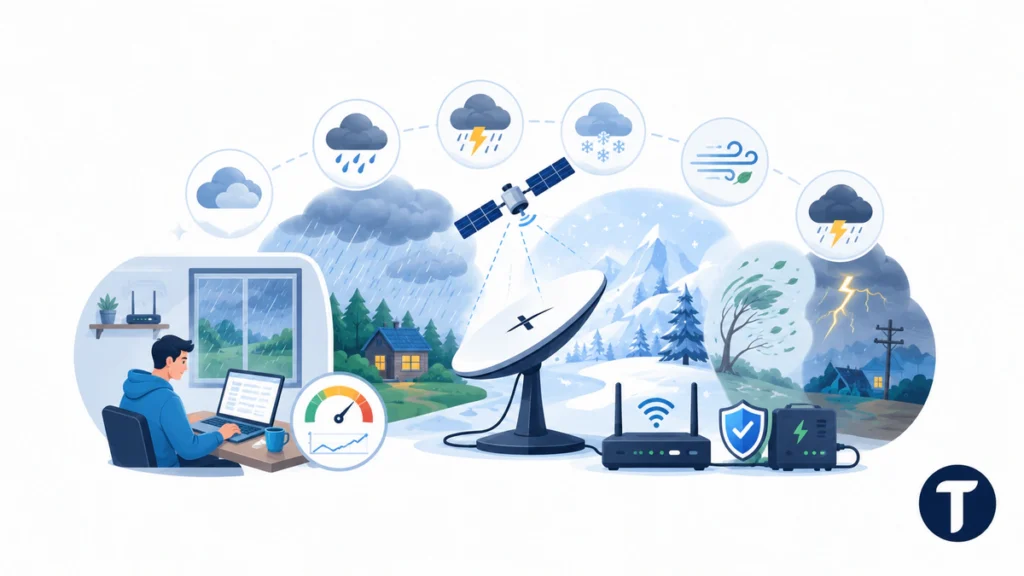
Independent testing adds useful context because official specs do not tell you how every storm feels at home. Earth SIMs published a field-style Starlink weather performance test based on repeated rain, snow, wind, and heat checks. It reported light to moderate rain as generally usable, with heavier downpours causing bigger speed drops and occasional short outages.
Use that kind of independent evidence as a pattern, not a promise. Real-world results vary by cell capacity, satellite availability, climate, firmware, mount position, terrain, and how much speed you need at that moment. A video call, gaming session, cloud upload, and smart TV stream all react differently to latency, packet loss, and short interruption.
| Weather Type | Likely Effect | Best Response |
|---|---|---|
| Cloud Cover | Usually limited impact | Focus on obstruction and normal WiFi checks |
| Light Rain | Often usable with minor variation | Expect some speed movement but keep working |
| Heavy Rain | Possible speed loss, latency, or outage | Avoid critical uploads and keep a backup option |
| Snow and Ice | Can block signal if buildup persists | Use a suitable mount and let snow melt features work |
| High Wind | Risk if the mount moves | Use a secure mount and inspect after heavy storms |
| Thunderstorm | Power and safety risk | Use surge protection and avoid outdoor work during lightning |
Rain, Snow, Wind, and Heat Scenarios
Rain and Heavy Rain
Rain is the most common concern for Starlink in bad weather, and Starlink in bad weather planning should start before storm season. Light rain and moderate rain may only cause small changes, while moderate to heavy rain can cause clear degradation. The worst moments usually happen when a dense storm cell sits between the Starlink dish and the satellites.
If heavy rain affects Starlink in bad weather, do not immediately move the dish. Wait for the weather clears, then compare the app statistics, obstruction map, wired speed, WiFi speed, latency, and packet loss. If the problem appears only during storm peaks, the issue is probably weather-related rather than a bad router.
Snow and Ice
For Starlink in bad weather, snow and ice create two problems: signal loss through wet snow and physical buildup on the dish. Starlink terminals include snow melt features, but heavy snow, refreezing, or bad placement can still create trouble. Dry snow may slide away more easily than wet snow.
Starlink in bad weather also depends on mounting height in cold climates. If the dish sits where roof snow can slide onto it, or where drift buries the cable, satellite internet reliability becomes a setup problem rather than a network problem.
Wind, Hail, and Thunderstorm Risk
Wind usually affects Starlink by moving equipment, not by moving the signal itself. Strong gusts can shift a weak mount, loosen cable routing, or turn a temporary RV setup into a real-time reliability problem. Hail can also damage exposed equipment.
Starlink in bad weather during a thunderstorm adds electrical risk. Use proper grounding and surge protection where appropriate, keep cable runs safe, and do not climb onto a roof or touch outdoor equipment during lightning. Backup power helps only if the installation itself remains safe.
The National Weather Service’s indoor lightning guidance is worth following at the same time, because it treats the mains wiring itself as part of the hazard rather than only the roof. That is the difference between protecting the router and protecting the person resetting it.
Climate-Specific Setup Advice
Starlink setup advice should change by location. A cabin in snow country needs different planning from a desert RV, a humid coastal house, or a farm that uses Starlink Business for cameras and payment systems.
- Snow climates: mount high enough to avoid snow building around the dish, protect the cable path, and check power draw if the heater runs often.
- Rainy or tropical climates: keep connectors protected, avoid low areas where water pools, and plan for brief interruptions during heavy storms.
- Windy rural sites: use a rigid mount, check fasteners after heavy storms, and avoid temporary stands for permanent service.
- Hot climates: give equipment ventilation, avoid enclosing the router and power supply, and watch for heat-related slowdown.
- RV and off-grid setups: size your battery or portable power station for the dish, router, heater, and longer storm events.
If you searched because of a Subaru dashboard, app, or infotainment screen rather than a satellite dish, TechBonna’s separate guide explains what Starlink in a Subaru means. Subaru STARLINK is a vehicle-service system, so weather advice for SpaceX Starlink internet does not apply to that car feature.
Reliability for Homes, RVs, Farms, and Remote Work
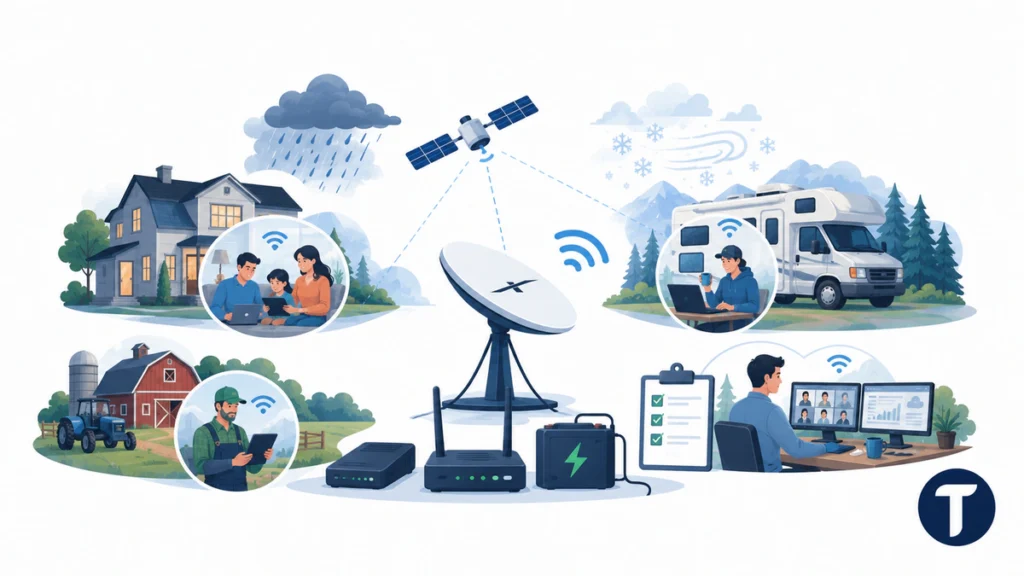
For homes, Starlink in bad weather is often good enough, and Starlink in bad weather can stay practical for streaming, browsing, email, and normal work, but mission-critical users should plan around possible interruption. A fiber, cable, cellular, or fixed wireless backup can be worth it if you run payment systems, security cameras, telehealth calls, or business operations.
For RVs and remote sites, Starlink in bad weather and satellite internet reliability depends heavily on placement. A perfect campsite can work well, while the next campsite under trees can be poor even in clear weather. Bad weather then makes the weak setup more obvious.
Farms and outdoor businesses should document normal performance before storm season. Take screenshots of app statistics, obstruction checks, speed tests, and outage logs. That record makes support conversations easier and helps you decide whether the problem is weather, hardware, power, WiFi, or local network load.
How to Improve Starlink in Bad Weather
The best Starlink setup advice for Starlink in bad weather is to fix controllable problems before the next storm. Weather can cause issues, but Starlink in bad weather often exposes many outages blamed on weather come from obstruction, loose mounts, weak WiFi, poor cable routing, overloaded devices, or a power supply problem.
- Run the Starlink app obstruction check and move the dish if the view of the sky is blocked.
- Use a permanent mount for permanent service, especially in snow and wind.
- Keep the cable path protected from water, ice, animals, and foot traffic.
- Place the router where WiFi reaches the rooms that need internet access.
- Use Ethernet where possible for gaming, video calls, or business equipment.
- Add surge protection and backup power if outages would cause real disruption.
- Reboot the system after weather passes only if the app, router, or devices still show a fault.
Do not overcorrect Starlink in bad weather during a storm. If Starlink goes slow only during heavy clouds and rain, the best move may be to wait, switch to backup, and review app data after the storm. Climbing, unplugging, or moving equipment in severe weather can create more risk than the temporary outage.
When Starlink Is not Reliable Enough
Starlink in bad weather may not be reliable enough, and Starlink in bad weather should be tested carefully if you need uninterrupted trading systems, emergency dispatch, remote medical work, live production, or business-critical payments. It can still be part of a resilient setup, but it should not be the only connection when the cost of downtime is high.
Compare Starlink in bad weather with traditional internet by risk type. Cable and fiber can fail when local lines or power fail. Cellular can slow down when towers are crowded. Traditional satellite internet can suffer from latency and weather. A good backup plan for Starlink in bad weather mixes technologies so one weather event does not remove every connection at once.
Specific Weather Checks Before You Recommend Starlink
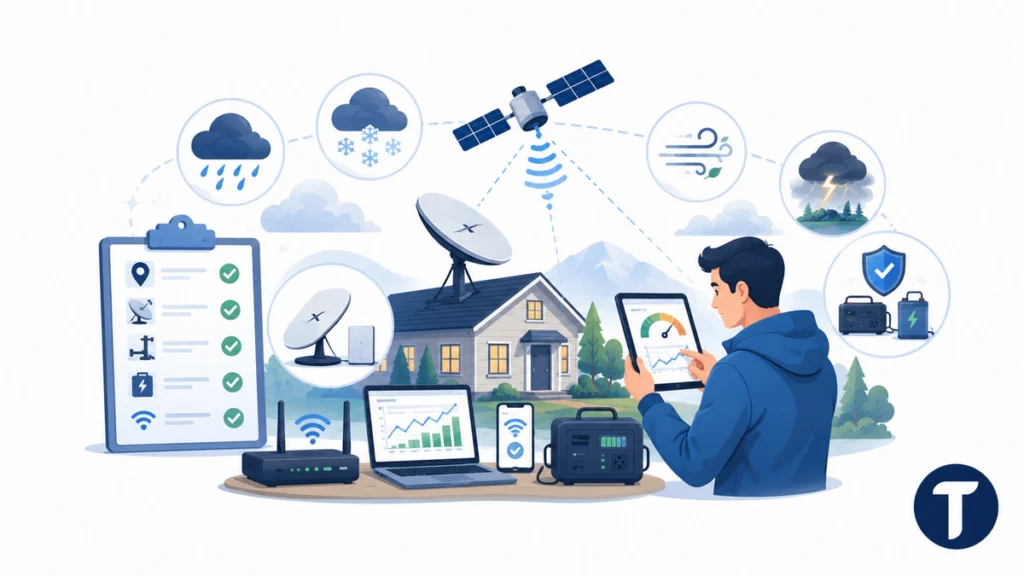
If you live in an area with frequent rain and snow, start by checking the exact Starlink service address, kit generation, mount type, power source, and local backup options. Gen 3 hardware, older terminals, mobile kits, and fixed residential setups can have different practical limits even when the same Starlink satellites and the same ground station network support the service.
Starlink users should measure connectivity before and after weather events instead of guessing. Record Starlink performance during dry weather, light rain, heavy rain, heavy snow, and high wind, then note any dropout, outage, increase in latency, or packet loss. This makes weather challenges easier to separate from WiFi problems, router placement, or too many devices using TV use, gaming, and work calls at once.
In plain English, discover how Starlink performs at your site by testing specific weather types. Starlink uses Ku and Ka bands, so conditions can cause signal changes, but Starlink’s low-Earth orbit design often keeps high-speed internet usable after the weather clears. Starlink is designed for outdoor service, yet extreme weather still needs a backup plan.
You can recommend Starlink when the site has sky clearance, safe mounting, reliable power, and realistic expectations. Do not recommend Star Link as the only critical connection for life-safety systems, emergency work, or payment systems unless another service can keep your internet running if a storm interrupts the Starlink service.
Things people ask
Does Starlink Work in Rain?
Yes, Starlink often works in rain, especially light rain and moderate rain. Heavy rain can reduce speed, increase latency, or cause short outages due to rain fade and signal degradation.
Does Starlink Work in Snow?
Starlink can work in snow, and the dish has snow melt behavior that helps reduce buildup. Wet snow, heavy snow, ice, bad mounting, and buried cables can still hurt service.
Does Starlink Work During a Thunderstorm?
It may work during a thunderstorm, but performance can drop and electrical safety matters. Use surge protection, avoid outdoor equipment during lightning, and keep a backup if the connection is critical.
Can Starlink Work Without Electricity?
No. Starlink needs power for the dish, router, and power supply. Off-grid users need a battery, generator, inverter, or portable power station sized for normal use and extra draw in cold weather.
Is Starlink Better Than Traditional Satellite Internet in Bad Weather?
Starlink uses low-Earth orbit satellites, so latency can be lower than older geostationary satellite internet. Weather can still affect the radio link, especially during heavy rain, snow and wind, or extreme weather conditions.
The takeaway
Starlink in bad weather is usually a practical option when the dish has a clear sky view, a stable mount, protected cabling, power, and good WiFi. For stronger satellite internet reliability, test Starlink in bad weather after installation and follow sensible Starlink setup advice: plan for rain or snow, secure the mount, test after storms, keep backup power available, and use a second connection when downtime would cost more than the backup.






One Comment
Comments are closed.