Does Bluetooth Work Without WiFi?
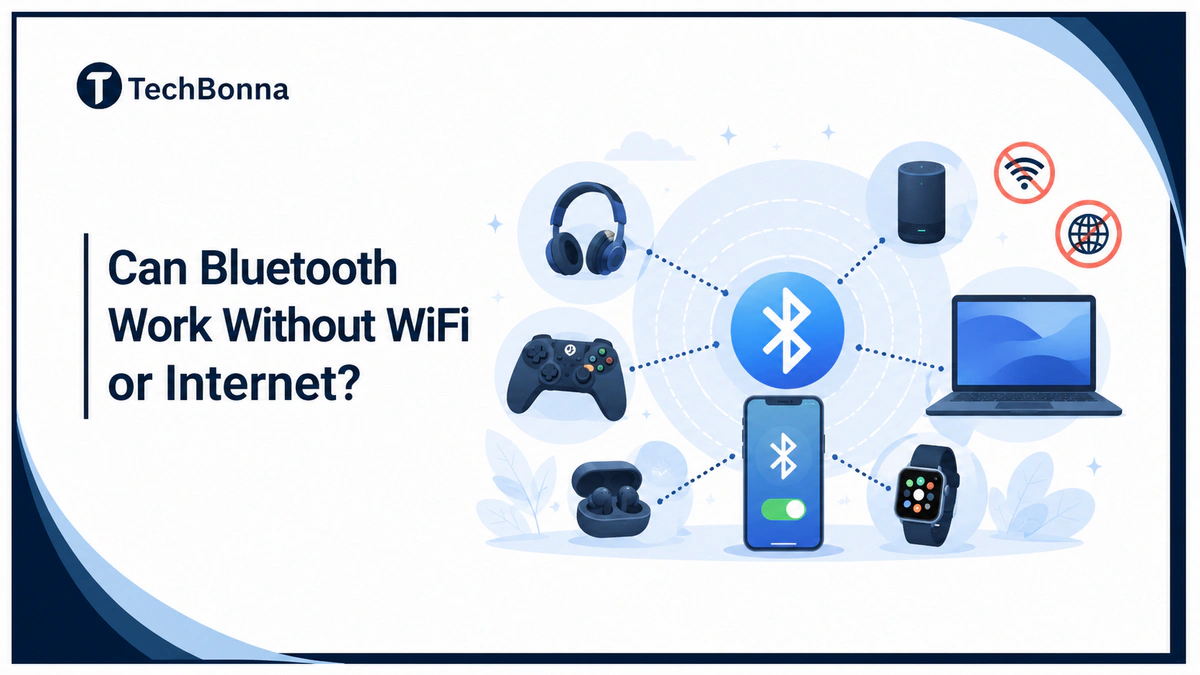
Table of Contents
Bluetooth without WiFi is possible because Bluetooth devices can create a short-range wireless connection directly with each other. WiFi is usually used for internet access, streaming, cloud accounts, and home networks, but Bluetooth has its own radio link for nearby accessories.
This guide explains where Bluetooth without WiFi works, where it does not, and how to troubleshoot audio, file transfer, and smart-home problems. It also covers Bluetooth devices, wireless connection limits, and simple security checks before you pair anything new.
The short explanation
Yes, Bluetooth works without WiFi. Bluetooth uses short-range radio waves to connect nearby devices directly, so headphones, speakers, keyboards, mice, game controllers, car audio systems, and some smart-home devices can work even when WiFi is off. You only need WiFi or another internet connection when the app, content, account, cloud service, or remote-control feature needs to connect to the internet.
How Bluetooth and Wi-Fi Are Different
Bluetooth and Wi-Fi are two separate wireless technologies. Bluetooth is designed for nearby device-to-device communication. Wi-Fi is designed to connect devices to a router, local network, and often the internet.
The official Bluetooth technology overview explains that Bluetooth is used for wireless communication between devices across many product types. That is why the answer to the question whether if Bluetooth works without WiFi is usually yes for local accessories, but not always yes for online services.
If you are comparing network terms, it also helps to understand the difference between WiFi and internet. WiFi can connect your device to a network, while the internet is the outside service that websites, cloud apps, and streaming platforms use.
| Feature | Bluetooth | Wi-Fi |
|---|---|---|
| Main Job | Connect nearby devices | Connect devices to a network |
| Typical Uses | Headphones, earbuds, keyboards, mice, speakers, wearables, controllers | Web browsing, downloads, video streaming, cloud backups, smart-home hubs |
| Internet Needed? | No for basic pairing and local use | Often used to reach the internet |
| Power Use | Usually lower | Usually higher |
| Best For | Short-range accessories | Higher-speed network access |
Device-to-Device Matrix
This matrix shows when Bluetooth without WiFi works and when another connection may still be required.
| Device Pair | Works Without WiFi? | What to Check |
|---|---|---|
| Phone to Bluetooth headphones | Yes | Downloaded music, offline podcasts, calls, and local audio work. Online streaming still needs cellular data, Wi-Fi, or another internet connection. |
| Laptop to wireless mouse | Yes | The mouse only needs pairing, battery power, and compatible Bluetooth support. |
| Tablet to keyboard | Yes | Typing works locally after pairing. Cloud document syncing still needs internet access. |
| Phone to Bluetooth speaker | Yes | The speaker can play local audio. A streaming app needs internet for online content. |
| Game console or phone to controller | Yes | The controller connection is local. Online multiplayer or downloads need internet. |
| Phone to car audio system | Yes | Hands-free calls may use cellular. Music works if the source is local or online through another connection. |
| Phone to another phone for files | Sometimes | Support depends on the devices and operating systems. Some transfers use Wi-Fi after Bluetooth discovery. |
| Phone to smart lock | Often | Nearby unlock may work locally. Remote access, alerts, and account syncing usually need internet. |
Audio Examples Without WiFi
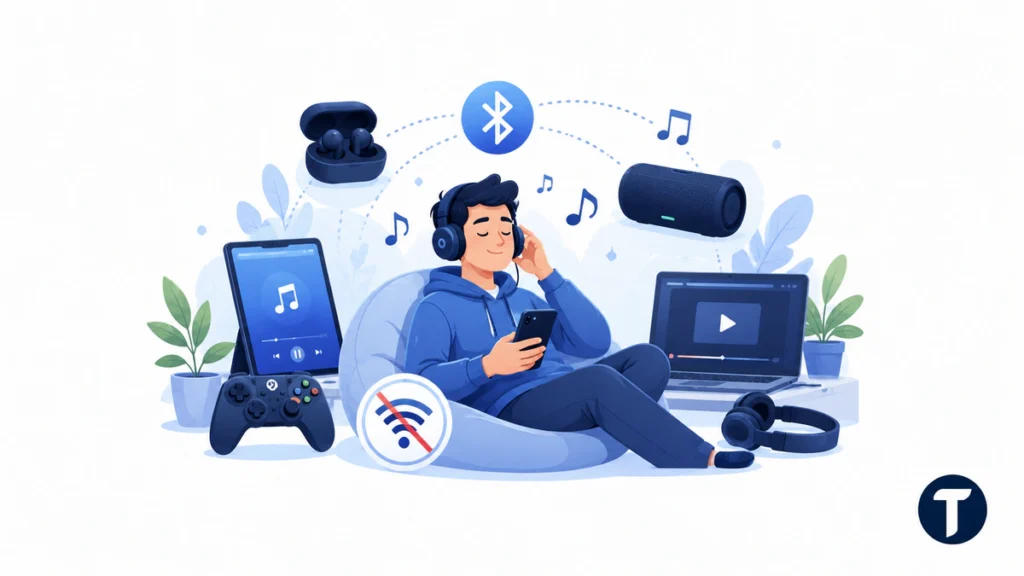
Widely available Bluetooth audio accessories such as headphones, earbuds, headsets, and portable speakers can play sound without WiFi when the source device has audio ready. Examples include downloaded playlists, saved podcasts, local videos, offline games, and system sounds.
A Bluetooth speaker does not fetch songs from the internet by itself unless it also has a network feature. It receives audio from the phone, tablet, laptop, or audio system that is already playing the sound.
If your Bluetooth headphones stop when you turn WiFi off, the Bluetooth connection may still be fine. The streaming app probably lost internet access. Try downloaded audio or switch the phone to cellular before assuming Bluetooth failed.
File Transfer and Local Sharing
Bluetooth file transfer can work without Wi-Fi, but it depends on the device. Some Android phones and Windows PCs still support direct Bluetooth sharing for small files. Other products use Bluetooth only to discover nearby devices, then use Wi-Fi, a local network, or cloud syncing for the actual data transfer.
Bluetooth is not the best tool for large files. It is slower than Wi-Fi, USB, Ethernet, or cloud storage. Use Bluetooth for small items, accessories, and low-power connections, not for moving a full video library.
For Apple users, AirDrop is a common example of mixed behavior. Bluetooth can help find nearby devices, but the transfer process may rely on Wi-Fi technology. That does not mean Bluetooth needs WiFi for all tasks. It means that specific sharing feature uses both technologies.
Smart-Home Use Without WiFi
Smart home devices can be confusing because many use more than one wireless connection. A smart lock may use Bluetooth for nearby unlock. A light bulb may use Bluetooth for setup. A tracker may use Bluetooth to send and receive signals through nearby devices. A garage door controller may need the internet for remote access.
Local control and cloud control are different. If you stand near a smart-home device, Bluetooth without WiFi may be enough. If you want to control it from another city, receive real-time alerts, share account access, or update firmware, you usually need internet.
For IoT products, always check the product manual before relying on offline use. Some battery-powered devices work well locally, while others depend on a hub, app login, or Wi-Fi network during setup.
Why Bluetooth Works Without a Router
Bluetooth operates as a short-range radio system. It does not need a router because the paired devices communicate directly. In plain English, the signal comes from the Bluetooth chips and antennas inside the two devices.
That is why Bluetooth can work anywhere the two devices are close enough, powered on, and compatible. You can use Bluetooth in a car, on a plane when allowed, in a hotel, at home or office, or outside a normal network area.
Range depends on device class, antenna design, walls, batteries, interference, and the supported Bluetooth version. A newer phone will not always fix the problem if the accessory has a weaker radio or poor battery.
Troubleshooting Bluetooth Without WiFi
Troubleshooting is easier when you separate Bluetooth pairing problems from internet-dependent app problems.
When Pairing Fails
- Confirm Bluetooth is turned on for both devices.
- Put the accessory in pairing mode, not just power-on mode.
- Keep the two devices close together during setup.
- Forget the old pairing and pair again.
- Charge the accessory or replace batteries.
- Restart both devices before trying again.
When Audio Stutters
- Move closer to reduce weak wireless signals.
- Disconnect unused earbuds, speakers, or watches.
- Move away from crowded 2.4 GHz areas where Wi-Fi and Bluetooth may coexist.
- Check whether the app lost internet access while Bluetooth stayed connected.
- Update the phone, computer, or accessory firmware when internet is available.
When an App Still Demands Internet
Some apps require an internet connection for login, cloud profiles, subscription checks, setup steps, maps, streaming, or firmware updates. In that case, Bluetooth without WiFi may connect the accessory, but the app workflow still needs online access.
Security and Privacy Notes
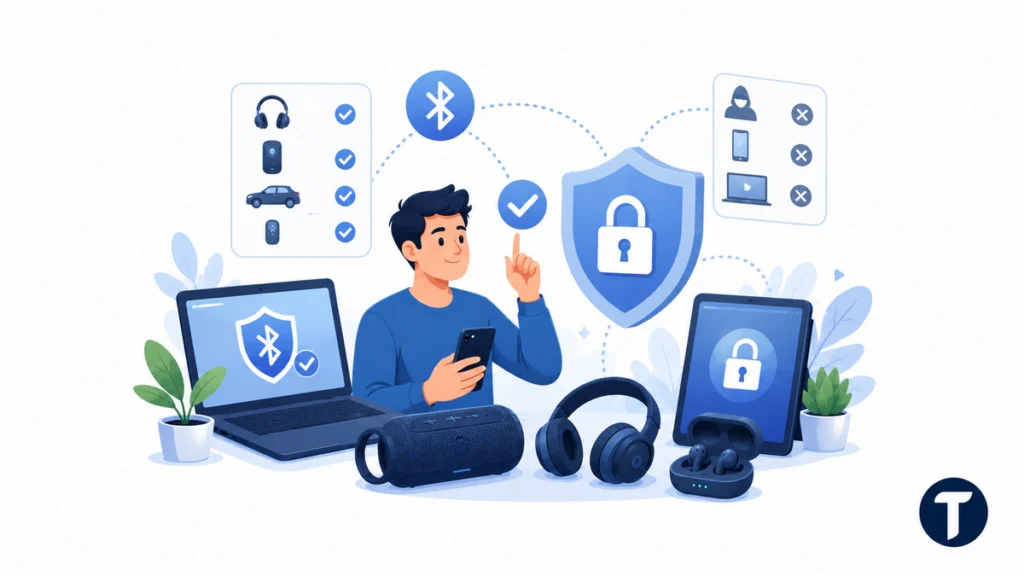
Bluetooth is convenient, but it is still wireless technology. Treat pairing requests carefully, especially in airports, hotels, offices, rental cars, and other shared places.
The reason pairing deserves that caution is that the security of a Bluetooth link is largely decided at the moment two devices are first paired. NIST’s Guide to Bluetooth Security sets out the pairing and key-establishment steps that protect a link, and it is why an accepted request from an unknown device matters more than anything you change afterwards.
Pair only with devices you recognize.
- Pair only with devices you recognize.
- Do not accept unknown pairing requests.
- Turn off discoverable mode when you are not pairing.
- Remove old car, hotel, rental, or borrowed-device pairings.
- Reset wireless earbuds, headphones, or speakers before giving them away.
- Keep phones, computers, and accessories updated.
- Use a screen lock so someone cannot approve pairing on an unattended device.
These steps are simple, but they reduce the chance of accidental reconnects, unwanted access, and confusing shared-device behavior.
Quick Offline Checklist
Before travel, outages, or low-connectivity situations, prepare the content and accessories you want to use.
This planning lets Bluetooth without WiFi stay useful when internet access is unavailable, expensive, slow, or unreliable.
- Download music, podcasts, videos, documents, or maps before going offline.
- Pair headphones, earbuds, keyboards, mice, and controllers before you leave.
- Charge accessories fully.
- Know which app features need account access or cloud syncing.
- Carry a cable if you need reliable data transfer for large files.
- Check airline, vehicle, workplace, or venue rules before using wireless devices.
This planning lets Bluetooth without WiFi stay useful when internet access is unavailable, expensive, slow, or unreliable.
Related questions
These common questions clarify the difference between Bluetooth itself and services that may use internet access alongside Bluetooth.
Can I Use Bluetooth on Airplane Mode?
Often yes. Many phones and laptops let you turn airplane mode on and then turn Bluetooth back on. Follow airline rules and device instructions.
Does Bluetooth Use Mobile Data?
No. Bluetooth itself does not use mobile data. An app may use cellular data if it streams music, syncs a cloud account, downloads maps, or verifies a subscription while the Bluetooth device is connected.
Is Bluetooth Faster Than Wi-Fi?
Usually no. Wi-Fi is better for higher-speed data transfer and network access. Bluetooth is better for short-range accessories, audio, wearables, controllers, and low-power device connections.
Can Bluetooth Connect to the Internet?
Bluetooth is not normally used as your main internet connection. It can support special tethering or device-link features in some cases, but most people use Wi-Fi, cellular, or Ethernet for internet access.
Do Smart Home Devices Need WiFi If They Have Bluetooth?
Sometimes. Nearby setup or control may work through Bluetooth, but remote access, cloud alerts, account sharing, and software updates often require Wi-Fi or another internet connection.
What this means in practice
Bluetooth without WiFi works because Bluetooth devices use a direct short-range wireless connection, not a router-based internet link. That makes Bluetooth without WiFi useful for audio, accessories, controllers, car systems, file sharing in some cases, and nearby smart-home control.
When something stops working, separate the Bluetooth connection from the online service. If the accessory pairs and the local audio or input works, Bluetooth is doing its job. If streaming, cloud syncing, remote access, or account verification fails, you need WiFi, cellular, Ethernet, or another internet connection, not a different Bluetooth devices setup or a new wireless connection.