How Do Residential IP VPNs Improve Online Privacy?
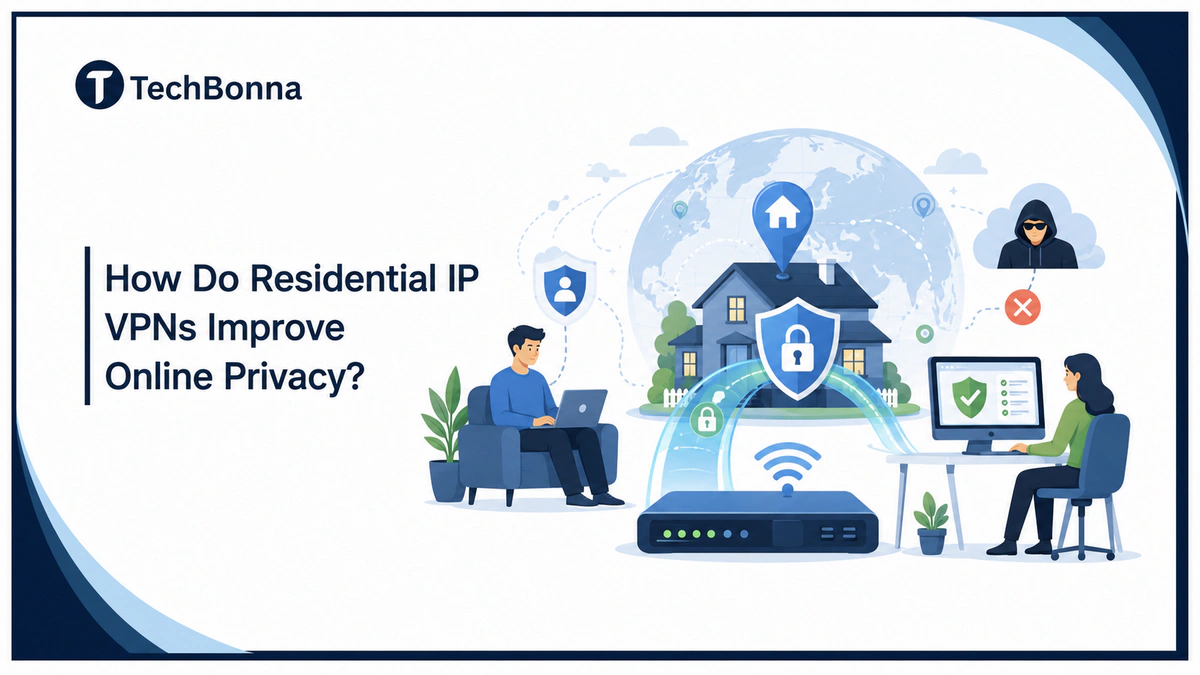
Table of Contents
A residential IP VPN can make online privacy feel less fragile because it combines home-network routing, VPN encryption, and a more natural online identity. For people who want fewer account checks, safer browsing, and a better way to protect everyday activity, it offers a practical privacy layer beyond a regular VPN.
The main value is not invisibility. It is smarter risk reduction. A residential VPN helps your traffic look more like normal home internet use while still protecting data in transit, which matters when online privacy depends on both secure connections and believable network behavior.
The short explanation
A residential IP VPN improves online privacy by encrypting your connection, masking your original network, and routing traffic through a real home-network endpoint instead of a typical data center IP. This can reduce tracking, limit IP-based profiling, and make sensitive browsing look more like ordinary home internet activity.
Sensitive directories create a different kind of privacy risk because browsing, messaging, payments, and local law can overlap. For a practical safety example, see this guide to navigating the Miami ListCrawler community legally and securely before using any location-based listing site.
Services such as Mysterium VPN show how residential VPN models can combine privacy protection with access through real network endpoints.
How Does a Residential VPN Work?
A residential VPN work pattern is simple: the app encrypts traffic, sends it through a VPN tunnel, and exits through a home-network endpoint rather than a hosting-company endpoint. That exit path gives websites a more familiar signal while your real connection stays hidden.
This is why VPNs and residential proxies are often compared, but they are not the same privacy tool. A genuine residential IP can help with trust signals, while the encrypted tunnel protects more of your device traffic. Some providers sell this as an IP add-on, while others include it inside one residential VPN plan.
For users comparing the best residential VPNs, the safest choice is usually the one that explains whether it uses a dedicated ISP residential route, shared routing, or rotating access. A good residential VPN provides clear controls for IP location, device setup, and abuse prevention instead of vague promises about being undetectable.
What Makes a Residential IP VPN Different?
This VPN type routes your internet traffic through a connection linked to an internet service provider and a home connection. That is different from many VPN services that use large data center ranges. Those data center ranges can be easy for websites, streaming services, fraud systems, and login tools to flag.
The home-network endpoint is the key difference because it looks closer to normal consumer traffic. A regular VPN can still encrypt traffic and hide your original IP address, but the VPN server may sit inside a known hosting network. A residential IP address comes from the same type of network that real households use.
This difference matters because websites often use network origin as one trust signal. They may check whether it belongs to a home internet service provider, a data center, a public proxy, a shared IP pool, or a location with unusual activity. This setup can make that signal less suspicious when the service uses ethical, consent-based endpoints.
The privacy benefit is strongest when the VPN provider is transparent about its network, logging practices, encryption, and IP options. You should still read the privacy policy and avoid any residential VPN service that cannot explain where its residential IPs come from.
How Residential IP Routing Supports Online Privacy
Online privacy is partly about hiding personal details and partly about reducing the signals that websites can use to connect activity across sessions. Your IP address is one of those signals. It can reveal an approximate location, internet provider, and connection type.
The FTC explains that websites and apps may collect information about users through many signals, including device and browsing data, in its guide to how websites and apps collect and use your information. A residential IP VPN does not stop every form of tracking, but it can reduce the usefulness of IP-based tracking when paired with careful browser privacy habits.
Residential-style routing adds privacy by separating your real home connection from the sites you visit. Instead of exposing your own network, your connection appears from a different household-style endpoint. That makes it harder for websites, advertisers, or bad actors to tie every request back to your actual network.
It can also help when privacy overlaps with account security. If your account is constantly challenged because a regular VPN server looks suspicious, a home-network endpoint may create fewer interruptions. That does not mean platforms will never detect VPN use. It means the IP type usually looks less like mass automated traffic.
Residential VPN, Regular VPN, and Residential Proxy Compared
People often confuse residential VPNs, regular VPNs, and residential proxies. They can all mask an IP address, but they protect traffic in different ways. A VPN encrypts your connection at the device or app level, while a proxy often works at the browser, app, or request level.
If privacy is the priority, VPN encryption is usually the deciding factor. A residential proxy can be useful for specific tasks, but it may not protect all device traffic unless it is configured carefully. A residential VPN is simpler for everyday privacy because it can secure more traffic by default.
| Option | How It Works | Best Privacy Use | Main Limitation |
|---|---|---|---|
| Regular VPN | Routes traffic through a VPN server, often in a data center. | Encrypting public WiFi and hiding your original IP address. | Some sites flag known VPN server ranges. |
| Residential IP VPN | Routes encrypted traffic through a real home-network endpoint. | Combining VPN encryption with a more natural IP type. | Usually costs more and needs careful provider review. |
| Residential Proxy | Routes selected app or browser traffic through residential IPs. | Specific browser sessions, testing, or business workflows. | May not encrypt all device traffic like a VPN. |
For most readers, the choice comes down to how much privacy coverage you need. If you want broad device protection, a residential VPN is usually easier. If you only need one browser or tool to use residential IPs, residential proxies may be enough.
Key Privacy Benefits of Residential IP VPNs
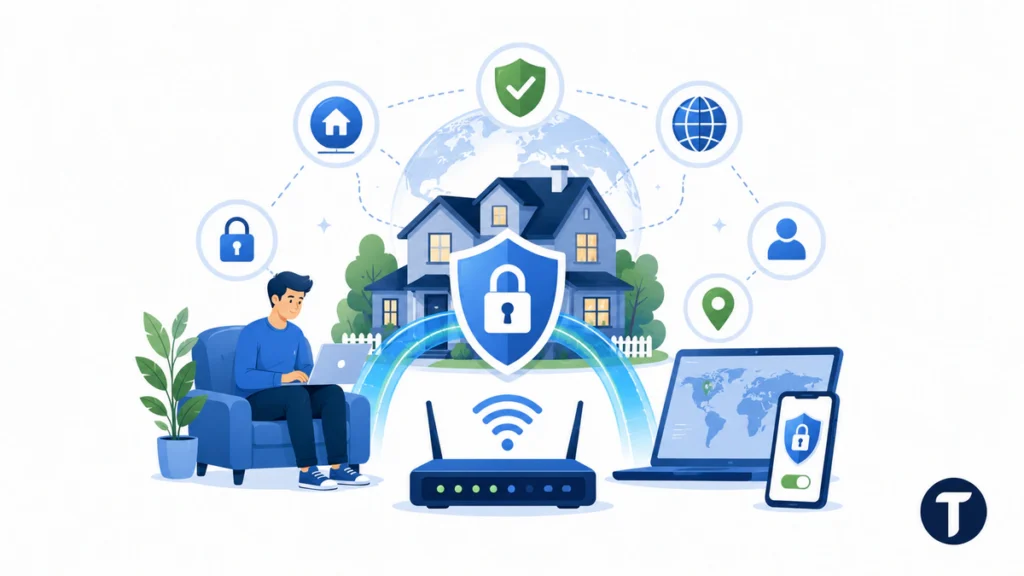
This kind of VPN should not be sold as a magic shield. It cannot erase cookies, stop account fingerprinting, or protect you from unsafe downloads. Still, it can improve privacy in several practical ways when used with good security habits.
The biggest benefit is a stronger mix of encryption, IP masking, and ordinary-looking network identity. That combination helps in day-to-day browsing, research, travel, remote work, and privacy-sensitive account access.
- It hides your original network. Websites see the residential IP instead of your home, office, hotel, or public WiFi network.
- It protects data in transit. VPN encryption helps shield traffic from local network snooping, especially on shared networks.
- It reduces obvious VPN flags. A residential IP address can look more natural than a data center VPN server.
- It supports location consistency. Static IP and dedicated IP options can reduce repeated login challenges when used responsibly.
- It limits some IP-based profiling. Advertisers and sites get less direct information about your real network.
This is also where readers should think carefully about free VPNs. Some free services may monetize usage data or cut corners on privacy. If you are weighing price against risk, TechBonna’s guide on whether free VPNs can put your data at risk is a useful next step before choosing a provider.
Where a Residential IP VPN Helps Most
This setup is most useful when privacy, trust signals, and access consistency all matter. It is not necessary for every user. A regular VPN plan from a trusted provider may be enough if you only want basic encryption on public WiFi.
Residential VPNs are most valuable when a normal VPN keeps causing friction. That friction can include extra CAPTCHAs, blocked logins, suspicious-location alerts, or services that treat data center IP ranges as risky by default.
Common use cases include:
- Remote work and travel. A static residential IP can make account access more consistent when you work away from home.
- Privacy-focused browsing. You can hide your real IP address while keeping traffic encrypted.
- Market research. Teams can review public pages without exposing a company network or triggering obvious data center blocks.
- Account protection. A dedicated residential IP can reduce suspicious shared IP overlap when many users abuse the same VPN endpoint.
- Testing local experiences. Businesses can check how pages, prices, or availability appear from different residential IP locations.
These uses should stay within platform rules and local law. A residential IP VPN is a privacy tool, not a license to bypass bans, commit fraud, scrape aggressively, or hide harmful activity.
How to Choose a Safe VPN Provider, IP Options, and VPN Pricing
The best residential VPN is not always the cheapest or the one with the biggest IP pool. You need to know how the provider sources residential IPs, what it logs, how it handles abuse, and whether it offers the IP type you actually need.
A trustworthy VPN provider should be clear about consent, encryption, logging, pricing, and support. If those details are vague, treat that as a privacy warning.
It is worth knowing what you are asking for when you ask for WireGuard. WireGuard’s protocol documentation describes a fixed cryptographic suite with no negotiation, which is why there is no weak cipher for a provider to fall back to. It also means the provider cannot claim credit for encryption choices the protocol makes for it.
Check these points before you buy a residential VPN:
- IP sourcing: The provider should explain whether IPs are consent-based and how the network is managed.
- Encryption: Look for modern protocols such as WireGuard or OpenVPN and clear VPN encryption details.
- Logging policy: Read whether the service logs activity, connection times, DNS requests, or device data.
- IP options: Decide whether you need rotating residential IPs, a static IP, a dedicated IP address, or shared IP access.
- Locations: Match residential IP locations to your real privacy and work needs.
- Support: A reliable residential VPN service should help with setup, app issues, and account security.
VPN pricing is often higher for residential IPs because real residential routing is harder to operate than standard data center infrastructure. A cheap plan may still be fine, but only if the provider gives clear answers about network quality, data handling, and abuse prevention.
Residential VPN Features and Best Residential IP VPN Checks
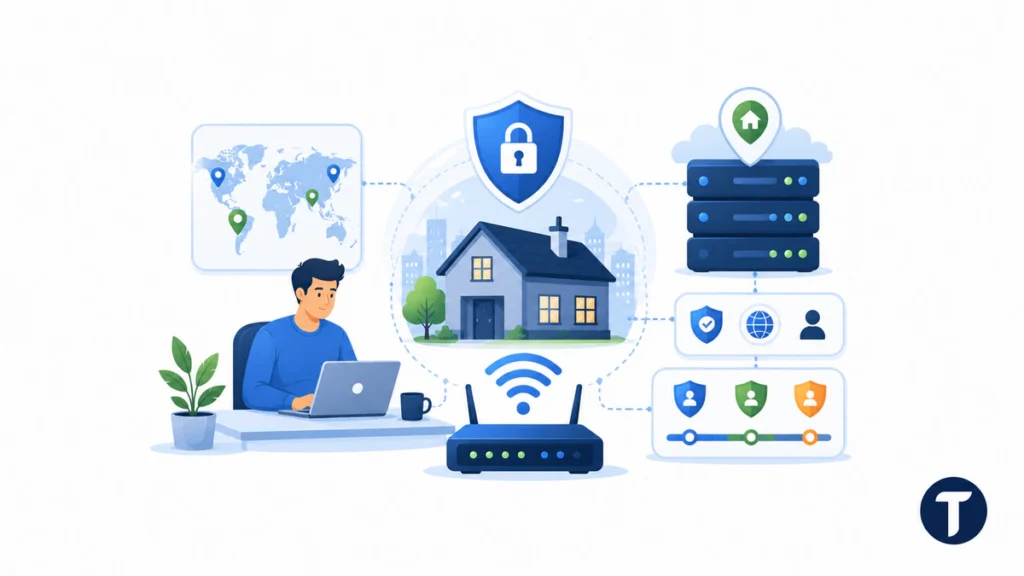
Before you buy residential VPN access, compare the practical features behind the marketing page. A polished VPN app is useful, but the network model, support process, and IP quality matter more for privacy.
The best residential VPN setup gives you clear control over location, protocol, and identity stability. Look for a residential WireGuard option if you want a modern protocol, and check whether the VPN subscription includes a static IP address, static IPs in several regions, or a dedicated IP server for one account.
- VPN locations: Choose locations that match your real browsing, work, or testing needs.
- Stable IP or fixed IP: Use these when account consistency matters more than frequent rotation.
- Residential internet providers: Ask how provider relationships, consent, and abuse controls are handled.
- Best VPN fit: Pick the service that explains its privacy tradeoffs, not just the largest network.
What Residential IP VPNs Cannot Do
This privacy layer helps, but it does not make you anonymous on its own. Websites can still use cookies, browser fingerprints, account logins, payment details, and device signals to recognize you.
Think of a residential VPN as one privacy layer, not the whole privacy strategy. You still need private browser settings, strong passwords, multi-factor authentication, software updates, and careful app permissions.
It also will not guarantee access to every platform. Some sites can detect unusual behavior even when the IP address looks residential. If your browser fingerprint, login pattern, or request volume looks risky, the site may still challenge or block you.
The safest approach is simple: use residential IP VPNs for legitimate privacy, security, travel, research, and access consistency. Do not rely on them to hide abuse. Good providers monitor misuse because abuse damages the same residential IP pool that privacy-minded users depend on.
Things people ask
Are Residential VPNs Legal?
Residential VPNs are legal in many places when used for legitimate privacy and security purposes. You still need to follow local laws and the terms of the websites or apps you use.
Is a Residential IP VPN Better Than a Regular VPN?
It can be better when you need both VPN encryption and a more natural residential IP address. A regular VPN may be enough for basic public WiFi protection and everyday browsing.
Can a Residential IP VPN Stop All Tracking?
No. It can mask your IP address and encrypt traffic, but it cannot remove cookies, browser fingerprinting, account history, or device tracking by itself.
Should I Use a Static IP or Rotating Residential IP?
Use a static IP or dedicated IP if you need stable account access. Use rotating residential IPs when you need broader location coverage for legitimate testing or research.
Are Free Residential VPNs Worth It?
Be careful. A free residential VPN may have weaker support, unclear IP sourcing, lower speeds, or a business model that conflicts with privacy. Review the provider before trusting it with sensitive activity.
What Is the Difference Between a Dedicated IP Server and Shared VPN?
A dedicated IP server gives one user or account a more consistent route. Shared VPN access can be cheaper, but shared residential traffic may create more overlap with other users. A dedicated static residential setup can be useful when account stability is more important than frequent rotation.
Can Residential IP VPN Routes Improve IP Blocks?
Residential IP VPN routes can reduce some IP blocks because the exit signal looks closer to ordinary home browsing. They cannot prevent every block, especially when behavior, cookies, device fingerprints, or login history look risky.
What this means in practice
A residential IP VPN can improve online privacy by combining home-network routing, VPN encryption, and a less suspicious network identity. It is not a complete anonymity tool, but when you choose an ethical provider and use it with smart privacy habits, this setup can give you a stronger, safer way to protect personal browsing, work accounts, and everyday online activity.