Starlink Business VSAT Plus: Transforming Internet Connectivity for Businesses
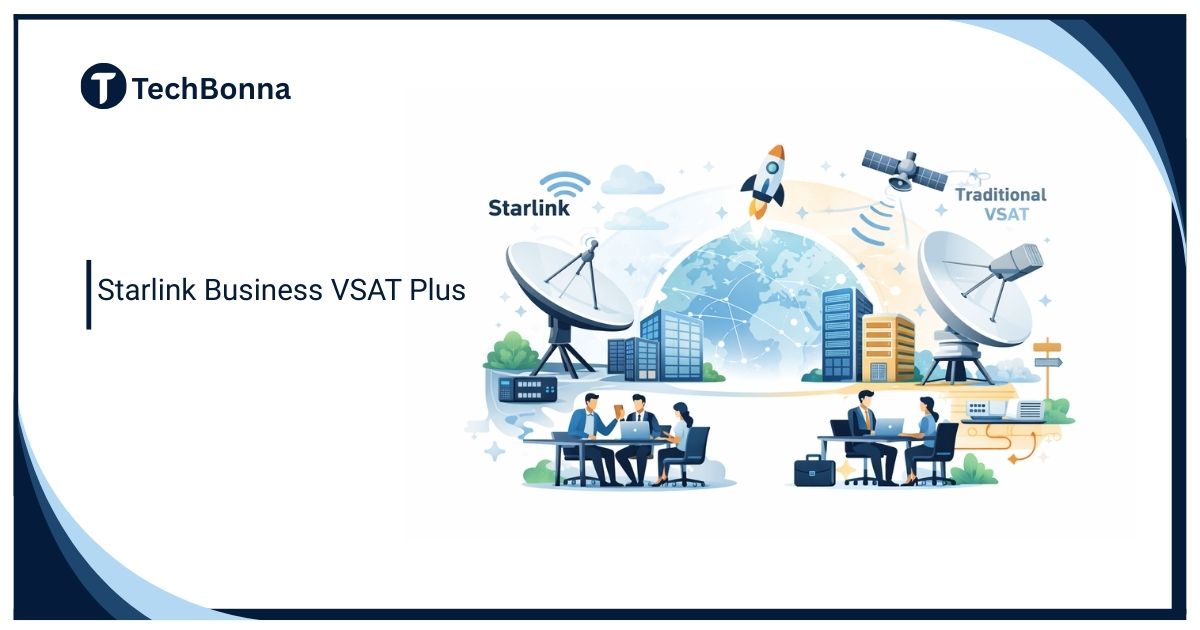
Table of Contents
Business satellite internet has changed quickly, and older terms such as VSAT Plus can make the market harder to understand. Starlink is now usually discussed through official business, priority, roam, maritime, aviation, and fixed-site service plans rather than one simple legacy product label.
This rewrite keeps the useful business-connectivity angle while removing outdated product assumptions. It explains how to evaluate Starlink Business VSAT Plus as a practical satellite-connectivity option, what to verify from current Starlink materials, and when a traditional VSAT, fiber, fixed wireless, or cellular backup may still be the better choice.
The short comparison
Starlink can be a strong business connectivity option for remote sites, temporary operations, mobile teams, rural offices, construction projects, and backup internet. However, the exact plan name, hardware, priority data, availability, and pricing must be checked on Starlink’s official website for the country and use case.
The safest business decision is to treat Starlink as one option in a connectivity design, not as a universal VSAT replacement. It can deliver low-latency satellite access, but it still has limits around coverage, obstructions, power, weather, support, network congestion, and compliance requirements.
What Changed From Traditional VSAT
Traditional VSAT services often use geostationary satellites. They can cover remote regions, maritime sites, mines, oil and gas locations, and disaster-recovery operations, but they may have higher latency because signals travel much farther. Starlink uses a low Earth orbit satellite network, which can reduce latency and make everyday cloud apps feel more responsive.
That difference matters for video meetings, remote desktops, VoIP, cloud software, point-of-sale systems, and field reporting. A lower-latency satellite service can feel closer to fixed broadband than older satellite connections, especially for interactive work.
It does not remove every limitation. Businesses still need clear sky view, approved hardware, reliable power, proper mounting, internal networking, security controls, and a realistic failover plan.
Current Business Use Cases
Starlink-style business satellite connectivity makes the most sense where normal wired options are poor, unavailable, slow to install, or unreliable. Common use cases include:
- Rural business premises with weak fixed broadband.
- Construction sites that move before fiber can be installed.
- Temporary event offices, emergency sites, and pop-up operations.
- Farms, logistics yards, field depots, and remote warehouses.
- Backup connectivity for branches that cannot afford long outages.
- Maritime, mobility, or remote-area operations where approved plans support the use case.
Starlink’s current business service page separates fixed-site, land mobility, maritime and aviation connectivity, and says Priority plans vary by data allowance. Those distinctions make the intended operating mode and current plan terms part of procurement review.
The strongest business case is usually continuity. If internet downtime stops payments, bookings, safety systems, dispatch, support, or cloud access, a satellite backup can be worth more than its monthly fee.
What to Verify Before Buying
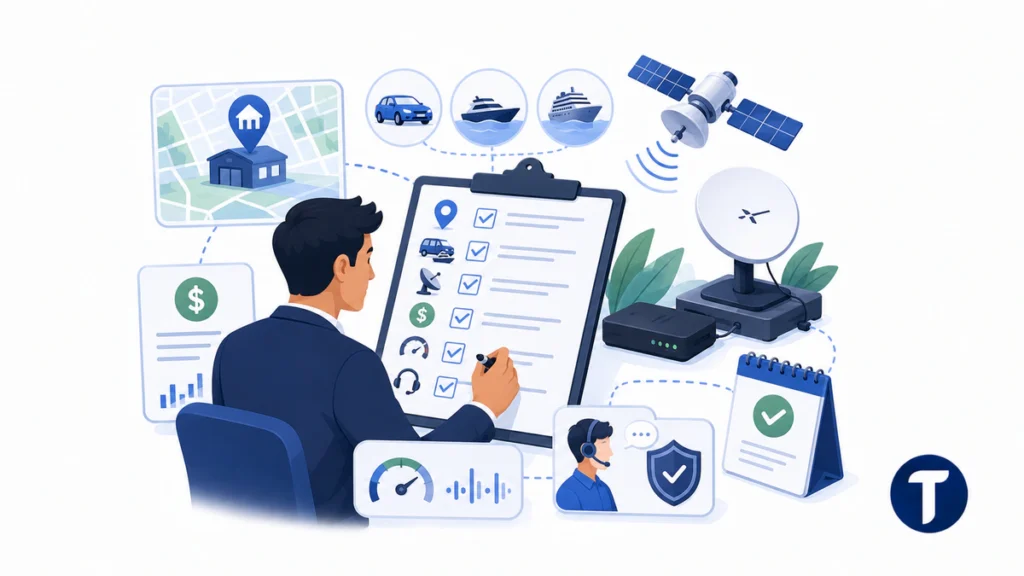
Do not rely on old plan names, screenshots, or reseller summaries. Verify these details from current official documents before ordering:
- Whether service is available at the exact address or operating region.
- Which plan supports fixed, mobile, maritime, or in-motion use.
- Hardware cost, mounting requirements, and professional-installation needs.
- Monthly service price, priority data, deprioritization rules, and overage terms.
- Expected speeds and latency for the business location.
- Support level, service-level expectations, and response channels.
- Whether business use, resale, or public WiFi use is allowed.
Plan names and prices can change, so date every buying decision. Keep a copy of the plan page or quote used for approval so finance and IT teams understand what was actually purchased.
Deployment Limits Businesses Should Plan For
Satellite internet needs a clear view of the sky. Trees, buildings, cranes, masts, and roof equipment can reduce performance. A site survey matters more for business use than for casual home browsing because the network may support payments, operations, security cameras, or customer service.
Power is another practical issue. Remote sites may need a UPS, generator, solar design, or battery system. The router and dish also need physical security, cable protection, and weather-safe mounting. A poor installation can make a good service look unreliable.
Network design matters too. Businesses may need VLANs, guest networks, firewalls, VPNs, endpoint security, DNS filtering, and usage controls. Starlink can provide the outside connection, but it does not replace internal IT design.
Starlink vs Fiber, Fixed Wireless, Cellular, and VSAT
| Option | Best Fit | Main Limitation |
|---|---|---|
| Fiber | Permanent sites needing high capacity | Build time and availability |
| Fixed wireless | Sites near strong wireless infrastructure | Line of sight and tower capacity |
| Cellular 4G/5G | Portable backup and quick deployment | Coverage, data limits, and congestion |
| Starlink | Remote sites and backup internet | Obstructions, plan limits, and support expectations |
| Traditional VSAT | Specialized remote or regulated operations | Latency, cost, and contract complexity |
For many businesses, the best answer is not either-or. A branch might use fiber as primary and Starlink as backup. A construction site might use Starlink first, then switch to fiber later. A mobile operation might combine Starlink and cellular for redundancy.
Security and Compliance Considerations
Business internet is not only about speed. If the connection carries customer data, payment traffic, health records, operational systems, or staff credentials, security controls must be part of the design.
Use strong WiFi security, separate guest and internal networks, avoid shared admin passwords, keep firmware current, and route sensitive systems through approved security tools. If the business has regulatory duties, confirm whether the satellite setup meets logging, access-control, data-location, and vendor-risk requirements.
Cost Planning and ROI
Compare Starlink with the cost of downtime. Include hardware, installation, mounts, IT labor, monthly service, backup power, security equipment, and any secondary connection. Then estimate the cost of lost sales, staff downtime, missed bookings, failed card payments, or delayed field reporting.
A service that looks expensive for casual browsing can be reasonable if it prevents a site outage. It may be less attractive if a low-cost fixed wireless or fiber plan already provides stable service.
Implementation Checklist for IT Teams
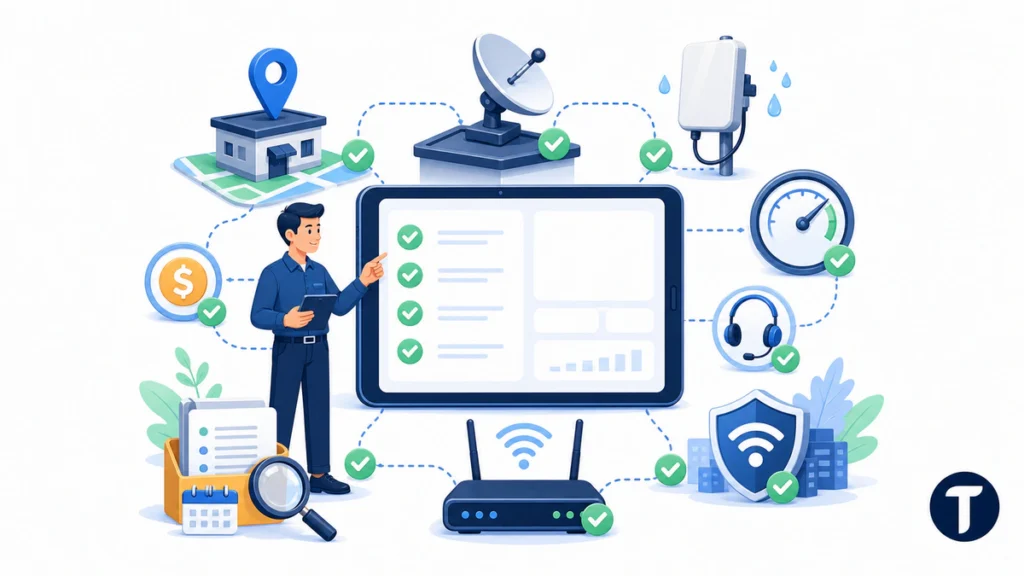
A business rollout should include more than ordering hardware. IT teams should confirm mounting location, cable path, router placement, firewall design, bandwidth policy, guest access, device inventory, and support ownership. If the service will be used at multiple sites, create a standard install checklist so every branch is deployed consistently.
Also decide how the Starlink connection will fail over. Some routers can switch automatically from fiber to satellite when the primary line drops. Others need manual intervention. Automatic failover is useful, but it should be tested during a planned maintenance window before a real outage happens.
Performance Testing After Installation
After installation, test during normal business hours, bad weather if possible, and peak customer activity. Record download speed, upload speed, latency, packet loss, VPN performance, video-call stability, point-of-sale behavior, and cloud-app response times. One successful test on installation day is not enough for a business-critical connection.
For remote sites, ask staff to report practical issues rather than only speed-test results. A system can show acceptable speed but still feel unstable if video meetings drop, payment terminals lag, or cloud dashboards time out.
Questions for Procurement
Procurement teams should ask whether the business needs one site, several sites, temporary service, mobile use, or emergency standby. They should also confirm contract terms, tax treatment, support expectations, equipment ownership, and how unused hardware is handled after a project closes.
If the organization already uses managed network providers, ask whether Starlink can be included in existing monitoring and support. A satellite connection outside the normal IT process can create confusion during an outage.
Alternatives to Keep on the Table
Businesses should also price alternative options before choosing satellite. Local fiber may be better for a permanent office. Fixed wireless may be cheaper where line-of-sight towers are available. Cellular routers may be easier for small backup needs. Managed SD-WAN may combine multiple links and improve failover across branches.
Traditional VSAT can still matter for regulated, maritime, government, or specialist operations where service contracts, coverage requirements, and support models are more important than consumer-style flexibility. The right answer is the one that matches the operating environment.
Questions buyers ask
Is Starlink the Same as VSAT?
Starlink is satellite internet, but it is not the same as every traditional VSAT service. It uses a low Earth orbit network, while many older VSAT services use geostationary satellites.
Can Starlink Replace Business Fiber?
Sometimes, especially where fiber is unavailable. For permanent high-capacity sites, fiber may still be better as the primary connection, with Starlink used as backup.
Should Businesses Buy Through a Reseller?
Only if the reseller adds clear value such as installation, support, managed networking, or multi-site service. Always verify plan terms against official Starlink information.
For budget approval, include a short risk note explaining what happens if the service fails, who troubleshoots it, and which connection becomes the backup. That makes satellite internet part of business continuity planning rather than a one-off gadget purchase.
For multi-site organizations, standardize documentation for every install. Record the terminal serial number, mounting location, cable route, power source, router model, firewall rules, support owner, and backup connection. This makes future troubleshooting faster and prevents each location from becoming a custom one-off network.
The recommendation
Starlink can transform connectivity for businesses that have been limited by poor rural broadband, temporary sites, or fragile backup options. But it should be evaluated with current plan details, site-specific testing, and a realistic network design.
Use official Starlink sources for pricing and availability, document the use case, and compare it with fiber, fixed wireless, cellular, and traditional VSAT before committing.