How Good is Verizon Home Internet? A Comprehensive Review for Everyday Users
Table of Contents
Verizon Home Internet can be a good choice for everyday users who want straightforward setup, unlimited data, and an alternative to cable. This review explains how Verizon Home Internet performs for streaming, gaming, remote work, and a busy household.
The answer depends on the plan available at your address, local signal quality, and your expectations for speed and consistency. This updated guide explains 5G home internet coverage and how to use an internet speed test before switching.
The verdict up front
Verizon Home Internet is good for many homes. Its 5G service offers easy setup, included equipment, unlimited data, and enough speed for common activities when your address receives a strong signal.
Choose Fios instead when it is available and you need the most consistent uploads or lowest latency. For 5G service, check your address, place the gateway carefully, and test performance during busy evening hours before canceling your current connection.
What Verizon Home Internet Includes
“Verizon Home Internet” can refer to more than one service. Depending on your address, Verizon may offer 5G Home Internet, Home Internet Lite, or Fios fiber. Home Internet Lite is a cellular option aimed at light internet use in limited-service areas. LTE Home Internet remains available to existing customers, but Verizon no longer accepts new LTE Home signups.
Verizon 5G Home Internet is a fixed wireless internet service. A Verizon Internet Gateway inside your home receives the 5G signal and creates a Wi-Fi network for your devices. Fios uses a physical fiber-optic internet connection and usually provides stronger upload performance and more stable latency.
Verizon’s current 5G plans include a gateway, no annual contract, and unlimited data, although usage remains subject to its customer agreement. The official Verizon 5G Home Internet plan details also explain that actual speeds vary with location and cellular-network conditions.
The most important step is confirming which service and plan Verizon offers at your exact address. A positive review from another city cannot tell you how a fixed wireless connection will behave in your home.
Verizon 5G Home Internet Plans, Prices, and Speeds
At the time of this Verizon 5G Home Internet review, Verizon presents three main 5G home internet plans: 5G Home, Verizon 5G Home Plus, and 5G Home Ultimate. The advertised starting monthly prices are $60, $70, and $85 before any eligible discounts. Home internet offers, taxes, price locks, and bundle savings can change, so verify the broadband label shown during checkout.
| Plan | Advertised Maximum Download Speed | Best Fit |
|---|---|---|
| 5G Home | Up to 100 Mbps | Browsing, HD streaming, and smaller households |
| 5G Home Plus | Up to 150 Mbps | More devices, gaming, and regular remote work |
| 5G Home Ultimate | Up to 300 Mbps | Heavy streaming, larger households, and whole-home Wi-Fi needs |
These 5G Home Internet speeds are maximums, not guaranteed results in every room. Your internet speed can change with tower demand, signal strength, gateway position, device capability, and interference from walls or nearby networks.
Do not compare internet service providers using only the largest download number. Check the normal speed range, upload expectations, equipment charges, setup fees, discount conditions, and the rate after any promotion. A qualifying Verizon mobile customer may receive home internet savings, but the combined cost should still beat the best standalone alternatives.
Verizon’s pricing is most attractive when the included gateway, unlimited data, and available discounts produce a lower total bill than cable or fiber.
Setup and Gateway Placement
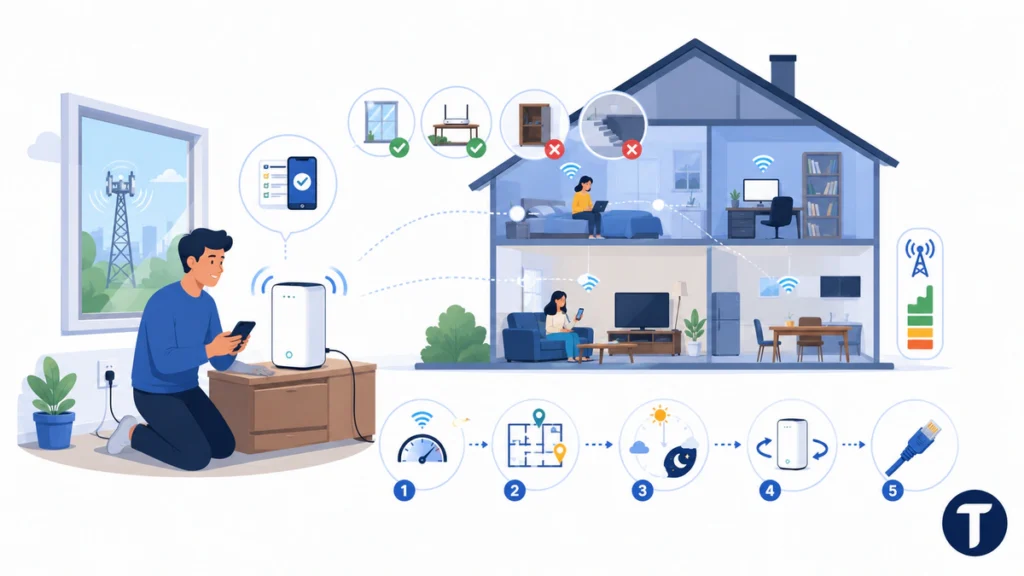
Most 5G Home Internet equipment is designed for self-setup. You connect the internet gateway to power, follow the My Verizon app or included instructions, and wait for it to establish a connection to the 5G network. Some locations may require different equipment or professional setup.
Gateway placement has a direct effect on performance. Start near a window or exterior wall, keep the unit in an open and elevated location, and avoid hiding it inside a cabinet. Thick concrete, metal, large appliances, and low basement rooms can weaken the signal.
Use a Simple Placement Test
- Set up the gateway in the recommended room and run a speed test nearby.
- Test again in the bedrooms, office, and living area where people use Wi-Fi.
- Repeat the tests in the morning, afternoon, and evening.
- Move the gateway to another suitable location if results vary sharply.
- Check an Ethernet connection if you need to separate internet performance from Wi-Fi problems.
A strong signal at the gateway does not always mean perfect coverage throughout a large home. A Wi-Fi extender or mesh system may help, but confirm compatibility and costs before buying extra equipment.
Good gateway placement can improve speed and stability more than changing a Wi-Fi name, restarting devices repeatedly, or relying on one ideal speed test.
Streaming, Gaming, and Remote Work
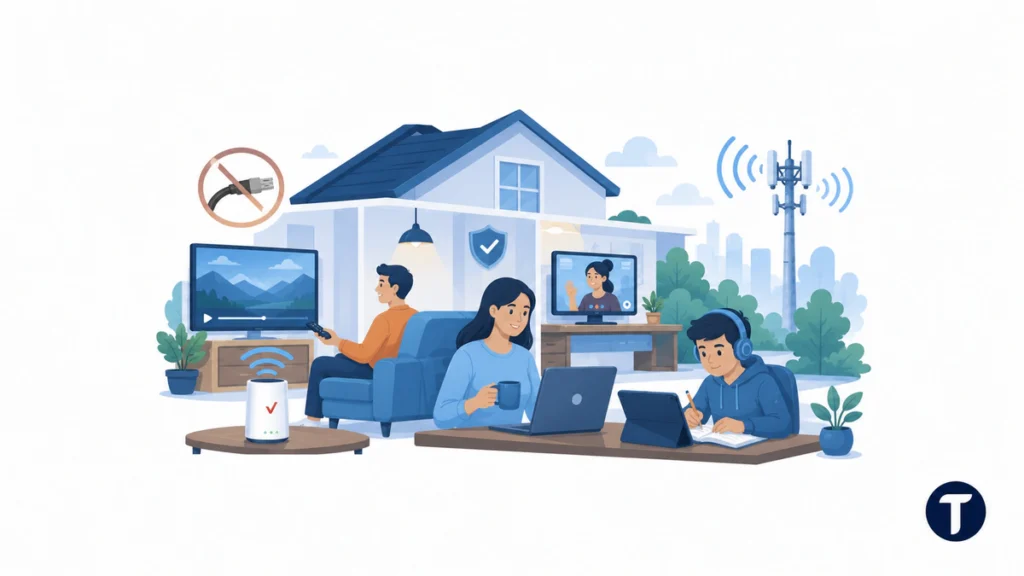
Verizon 5G Internet can handle video streaming well when real-world speeds stay above the requirements of your chosen platform. A household watching several HD streams needs less bandwidth than one using multiple 4K TVs while downloading games and backing up files.
Casual gaming should work on a stable connection, but competitive players need to test latency, jitter, and packet loss. Fixed wireless latency can shift as network conditions change. Fios or another fiber connection is usually the safer choice when every millisecond matters.
Remote Work Needs More Than Download Speed
Video calls, cloud backups, design files, and live collaboration depend on upload performance and stability. Test a real workday rather than assuming a fast download result guarantees reliable meetings.
If losing connectivity would stop your work, consider keeping a backup connection. Our guide to using two internet providers in one house explains how separate services can provide failover or divide demanding workloads.
For everyday entertainment and standard remote work, Verizon can perform well, but gamers and heavy upload users should test their exact applications before committing.
Reliability and Coverage
Home internet reliability starts with coverage at your service address. Verizon limits 5G Home Internet customers according to network capacity, but conditions can still differ between homes on the same street. Building materials, distance from 5G cell towers, obstructions, and local demand all affect fixed wireless home internet performance.
Check the offer through Verizon’s address tool, then compare providers with the FCC National Broadband Map. The map is useful for identifying reported technologies and providers, but an address-level speed test remains the best way to judge the installed service.
Test Before Fully Switching
- Keep your old internet active during the initial test period if possible.
- Run tests during the evening, not only in a quiet weekday morning.
- Join a video call while another device streams video.
- Download and upload a large file that reflects your normal use.
- Test smart TVs, consoles, cameras, and work devices in their usual rooms.
One slow result does not prove the service is poor, and one fast result does not prove it is consistently good. Look for repeatable performance and note whether problems appear at the same time each day.
Reliable fixed wireless service is a local result, not a nationwide promise.
How Verizon 5G Home Internet Compares with Other Services
Verizon 5G Home Internet competes most directly with T-Mobile 5G Home Internet, AT&T Internet Air, and other fixed wireless products. T-Mobile and Verizon both use cellular capacity to provide wireless home internet, while cable and fiber internet use wired networks. Compare the actual offers available at your address rather than national brand averages.
| Service Type | Main Advantage | Main Trade-Off |
|---|---|---|
| Verizon 5G Home | Easy setup and included gateway | Performance depends on signal and network load |
| Fios or Other Fiber | Consistent speed, strong uploads, and low latency | Limited availability |
| Cable Internet | Broad coverage and high download tiers | Uploads, fees, and promotional rates vary |
| Home Internet Lite | May reach limited-service areas without faster options | Better suited to light internet use |
If a Verizon Fios plan is available at a competitive price, it will often be the better technical choice for heavy users. If fiber internet service is unavailable and cable is expensive, capped, or difficult to install, Verizon’s 5G home internet service can offer a practical middle ground.
The best internet provider is the one that delivers stable real-world performance at a fair total price in your home.
How to Compare Home Internet Plans and Pricing
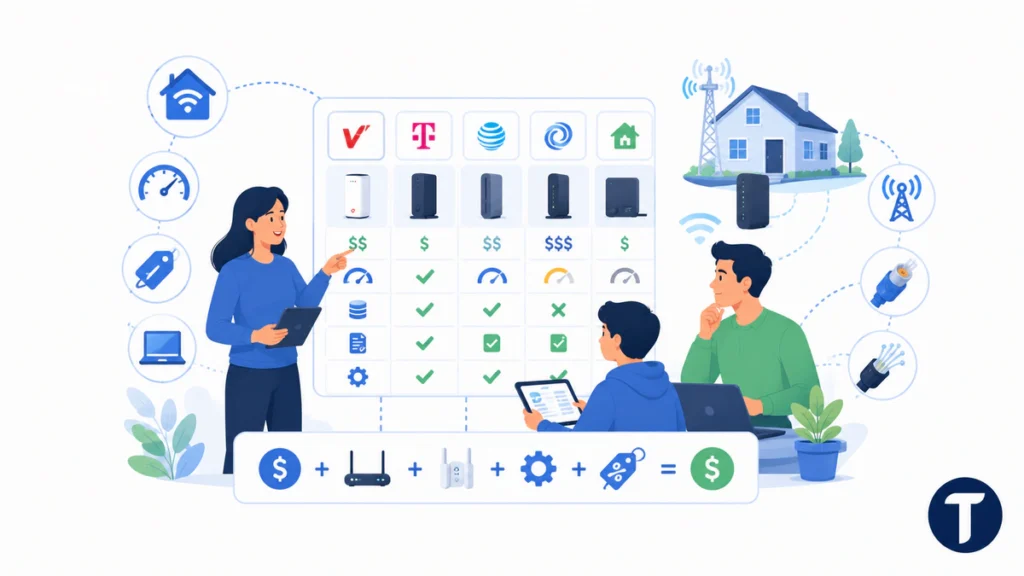
Start with the broadband label for each internet plan. It should help you compare monthly charges, introductory rates, equipment, typical speeds, data rules, and other terms. Use the same checklist for Verizon or T-Mobile, AT&T Internet Air, cable, and local fiber internet service providers.
Those labels are not a marketing device the provider chose to publish. Under the FCC’s broadband consumer labels rules, home and mobile broadband providers must display standardised information at the point of sale, which is what makes a like-for-like comparison between a fixed wireless plan and a cable plan possible at all.
Then compare what you can actually order. Verizon 5G Home Internet offers vary by address, and the 5G Home Plus plan in one market may not be available at another home. Home Internet Lite may appear where 5G Home Internet is not available, but it is intended for lighter activity and may not suit a large or demanding household.
Check the Technology Behind the Offer
Verizon’s 5G Home Internet service uses Verizon’s 5G Ultra Wideband network where coverage and capacity allow it. This is 5G fixed wireless broadband, so the connection travels from nearby network equipment to the gateway over the air. Cable or fiber internet reaches the home through a physical line.
That difference affects the experience with Verizon. Fixed wireless can be fast and convenient, but the 5G signal and local network load influence performance. Fiber generally provides more predictable uploads. Cable often provides fast downloads, but the price and upload tier deserve close attention.
Compare the Full Monthly Cost
Calculate the price after required Auto Pay, mobile-bundle, or promotional conditions. Add any setup, extender, or optional service charges. Verizon doesn’t enforce data caps on its current home plans, but use is still subject to the customer agreement. Another internet provider may advertise a lower base price while charging separately for equipment or unlimited data.
Home internet plans and pricing only become comparable when you use the same speed needs, contract period, discount conditions, and equipment costs for every option.
A Real-World Verizon 5G Home Internet Review Test
A useful Verizon 5G Home Internet review should measure more than the fastest result. Test for a full week if your return period allows it. Record download speed, upload speed, latency, and any brief dropouts in the rooms and at the times that matter most.
5G Home Internet customers should also test several devices together. Stream 4K video while joining a video call, upload a large folder, or download a game update. This reveals whether Verizon 5G Home Internet delivers enough capacity under realistic demand rather than only when one phone is connected.
Score the Service Against Your Priorities
- Coverage: Does the gateway keep a stable connection in a practical location?
- Speed: Do normal results support your household’s simultaneous activities?
- Latency: Do games and calls remain responsive at busy times?
- Wi-Fi reach: Can important devices connect without extra equipment?
- Value: Does the final bill compare well with wired alternatives?
This approach helps internet users choose the fastest internet they need, not simply the highest advertised maximum. It also turns a broad review into evidence about one home.
Your own week of testing is more valuable than a nationwide rating because fixed wireless internet performance is address-specific.
Who Should Choose Verizon Home Internet?
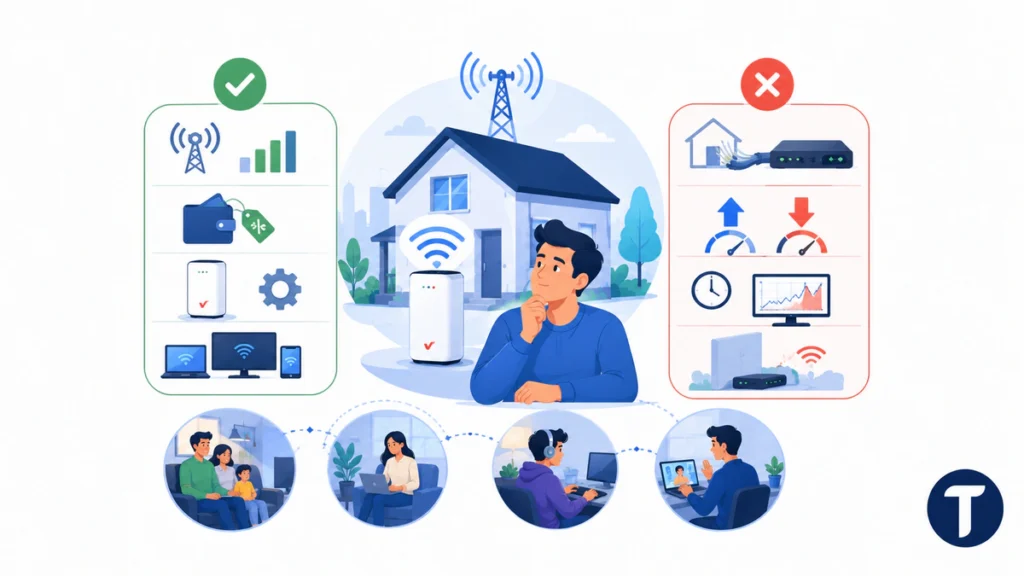
Verizon is worth considering if 5G Home Internet is available at your address, you value simple installation, and your household mainly streams, browses, studies, plays casually, or works remotely. This wireless internet solution can also suit renters who cannot make major changes to a property.
You should be more cautious if you run a home server, upload large media files daily, play competitive games, or require highly predictable latency. Homes with weak indoor cellular reception may also have better results from a wired provider.
Choose It When
- Verizon shows strong 5G availability for your exact address.
- The total monthly cost is competitive after checking every discount condition.
- You want an included gateway and straightforward self-setup.
- Your most important devices pass real-world tests at busy times.
Consider Another Service When
- Fios or another fiber provider offers similar pricing.
- You need symmetrical uploads or the lowest possible latency.
- Evening performance changes too much during the trial period.
- The gateway cannot receive a strong signal from a practical location.
Do not cancel a working connection until Verizon has passed the tests that matter to your household.
5G Home Internet FAQs
These answers cover the practical questions most households should resolve before ordering.
Does Verizon Home Internet Have a Data Cap?
Verizon currently advertises unlimited data for its home internet plans. Consumer use is still governed by the applicable customer agreement, so review the current terms if your household transfers unusually large amounts of data.
Is Verizon Home Internet Good for Gaming?
It can be good for casual gaming when latency and signal quality remain stable. Competitive players should test ping, jitter, and packet loss during evening hours. Fiber is usually more predictable when available.
Can I Use My Own Router?
The included Verizon gateway provides the internet connection and Wi-Fi. Advanced users may connect other networking equipment, but supported configurations depend on the gateway model and service. Check Verizon’s current support guidance before changing settings.
Does Verizon Home Internet Require a Mobile Plan?
No. A Verizon mobile plan is not generally required to order 5G Home Internet, although an eligible mobile account may provide a discount.
How Long Does Setup Take?
Basic self-setup can be quick once the gateway is delivered, but finding the best location and testing every important room takes longer. Plan enough time to compare several positions and busy-hour performance.
The Bottom Line on Verizon
Verizon Home Internet is a strong cable alternative at addresses with good 5G coverage. Its included equipment, unlimited data, simple setup, and current plan range make it suitable for streaming, browsing, schoolwork, and ordinary remote work.
It is not automatically better than fiber or cable. Check the exact offer, compare the complete monthly price, and test uploads, latency, Wi-Fi reach, and evening stability. A careful Verizon Home Internet review should treat 5G home internet coverage and an internet speed test as the evidence that decides whether the service fits your home.