How to Use Verizon Benefits Connection to Manage Employee Benefits
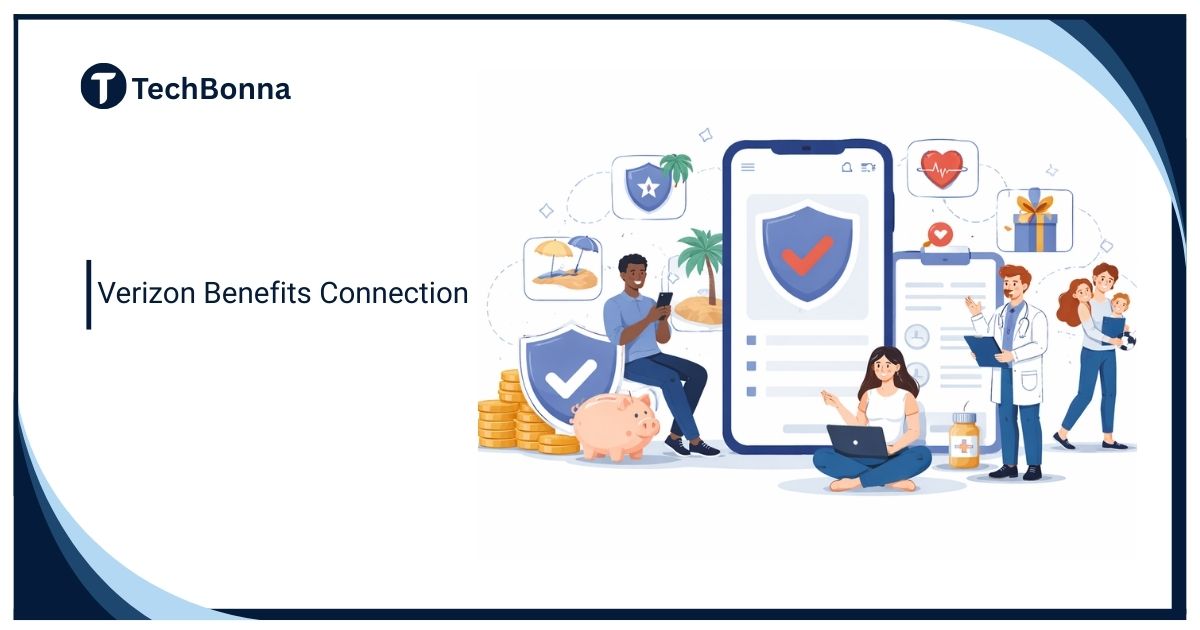
Table of Contents
Introduction
Verizon Benefits Connection gives eligible employees, retirees, and former employees a central place to review coverage, manage personal details, and find benefit documents. Used correctly, the portal can make employee benefits enrollment easier while reducing the chance of missed deadlines or incomplete records.
This guide explains how to use Verizon Benefits Connection, what you may be able to manage, and how benefits portal security protects health, financial, employment, and family information. Official plan documents and Verizon Benefits Center instructions always control your actual eligibility, deadlines, and coverage.
The short explanation
Verizon Benefits Connection is Verizon’s online benefits portal for reviewing eligible health, insurance, retirement, dependent, beneficiary, and plan information. Start from an official Verizon benefits page, sign in through the approved route, review your current elections, make permitted changes, save the confirmation, and contact the Verizon Benefits Center when the portal does not resolve your question.
For a safer visit:
- Open the official portal route.
- Verify your account and contact details.
- Review current coverage and costs.
- Make only eligible changes.
- Save your confirmation and sign out.
What Verizon Benefits Connection Does
Verizon Benefits Connection is designed to bring common benefit tasks into one account. Depending on your status and plan eligibility, you may see medical, dental, vision, life insurance, disability, savings, retirement, dependent, beneficiary, and plan-document information.
The portal is most useful as a self-service starting point. It can show what you currently have, what choices are available, which actions need documentation, and where to get help. Official benefits information from Verizon also explains enrollment, changes, contacts, and plan resources.
Do not treat a dashboard summary as the complete plan rule. Coverage limits, eligibility definitions, claims procedures, and appeal rights may appear in a Summary Plan Description, Summary of Material Modifications, enrollment guide, or other official notice.
Who Can Use the Verizon Employee Benefits Portal
Active employees are a primary audience, but eligible retirees and some former employees may also use BenefitsConnection or related administrator tools. The correct access path can depend on employment status, location, plan type, and whether another provider manages a specific retirement or financial account.
New employees should follow the invitation and deadline in their official notice. Verizon’s current new-hire enrollment guidance says eligible new employees generally have 30 days to enroll in selected benefits, while the 401(k) election timeline may extend to 45 days. Those timeframes can change, so use the dates shown in your own account and notices.
The U.S. Department of Labor’s guidance on Summary Plan Descriptions explains that an SPD tells participants what a plan provides and how it operates. Review that document when you need details that a portal card or enrollment summary does not show.
How to Use the Verizon Benefits Connection Login Safely
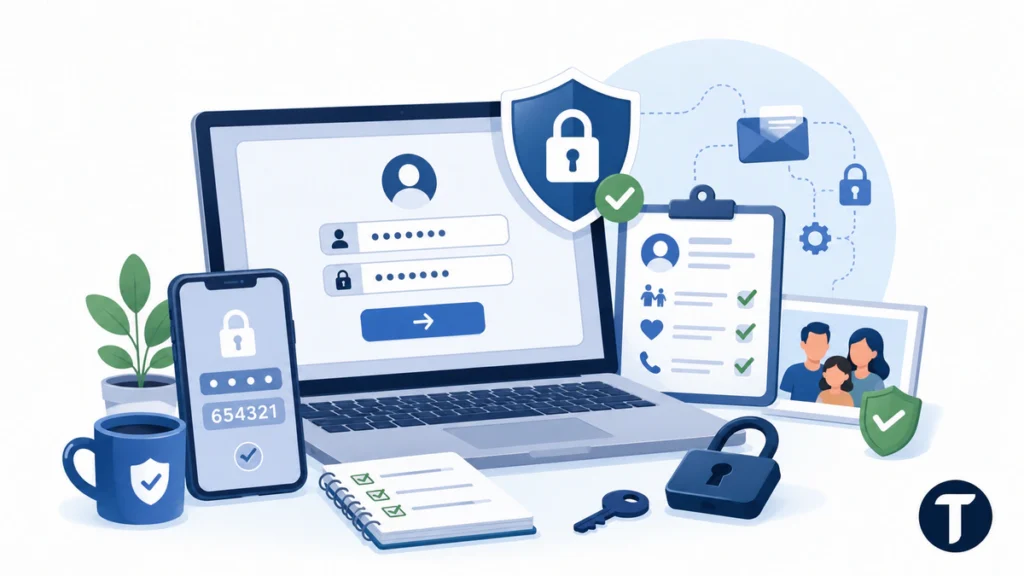
A benefits account may contain personal identifiers, health-plan details, home addresses, dependent records, beneficiary names, and retirement information. Treat the Verizon Benefits Connection login with the same care you would use for payroll, banking, or tax records.
Follow these seven steps:
- Start from an official source. Use a verified Verizon benefits page, an HR-provided link, or a benefits notice you know is genuine.
- Check the domain before signing in. Avoid copied login pages, unexpected redirects, sponsored ads, and links from unsolicited messages.
- Use your own device when possible. A private, updated device is safer than a public kiosk or shared computer.
- Complete multi-factor verification. Never give another person a one-time code or approve a prompt you did not initiate.
- Review your profile first. Confirm your address, phone number, email, dependents, and beneficiaries before changing coverage.
- Save proof of every change. Download or print confirmation pages, reference numbers, and plan notices.
- Sign out completely. Close the session when you finish, especially if anyone else can access the device.
What You Can Manage in the Portal
The exact dashboard varies, but Verizon Benefits Connection may support several routine tasks throughout the year. Some options appear only during annual enrollment, after a qualifying life event, or when your employment status changes.
You may be able to:
- Compare medical, dental, and vision options.
- Review premiums, deductibles, and coverage summaries.
- Add or update eligible dependents.
- Review life insurance and disability coverage.
- Update beneficiaries for eligible plans.
- Find savings or retirement information.
- Download enrollment confirmations and benefit notices.
- Open SPDs, SMMs, and other plan documents.
- Find contact details for the Verizon Benefits Center or another administrator.
Some benefits use separate systems. For example, a 401(k), health savings account, brokerage account, or employee discount may route you to a different provider. Follow the portal’s instructions instead of assuming one Verizon login manages every employee, retiree, wireless, and customer service.
Verizon Benefits Connection Features at a Glance
Use this table as a practical checklist, not as a substitute for official plan rules.
| Portal Area | What to Review | When to Check It |
|---|---|---|
| Health Coverage | Plan choice, premiums, dependents, deductibles, network details | New hire enrollment, annual enrollment, or a qualifying life event |
| Insurance | Life, AD&D, disability, coverage amount, beneficiary records | After marriage, divorce, birth, retirement planning, or a major income change |
| Retirement and Savings | Contributions, administrator links, notices, beneficiary details | After hiring, during financial reviews, or before retirement |
| Personal Information | Address, phone, email, legal name, recovery details | After any personal change or before enrollment |
| Documents and Confirmations | SPDs, SMMs, election summaries, reference numbers | After every submitted change and before a deadline closes |
How Employee Benefits Enrollment Works
Employee benefits enrollment is usually limited to specific windows. New hires receive an initial opportunity, existing employees may make annual elections during open enrollment, and qualifying life events may allow certain changes during the year.
A marriage, divorce, birth, adoption, loss of other coverage, or similar event may create a special enrollment opportunity. The portal may request supporting documents and may impose a deadline measured from the event date. Submit accurate records promptly and keep a copy of what you provided.
Before selecting a plan, compare more than the paycheck deduction. Review deductibles, out-of-pocket limits, prescription coverage, provider networks, dependent needs, tax-advantaged accounts, and expected healthcare use. A lower premium does not always produce the lowest total annual cost.
After submitting employee benefits enrollment choices, open the confirmation page and verify every election. Check the effective date, covered dependents, contribution amount, beneficiaries, and any action still marked incomplete.
Verizon Benefits Center and Retiree Support
The Verizon Benefits Center is the support path to use when Verizon Benefits Connection does not answer your question. Verizon currently lists the center as 855.4vz.bens or 855.489.2367, but you should confirm the number on the official benefits site or your current notice before calling.
Contact support when you cannot sign in, your eligibility appears wrong, a dependent is missing, documentation was rejected, a deadline is unclear, or the portal does not show the expected plan. Support can also help you locate printed plan documents or the correct administrator.
Retirees and former employees should not assume the active-employee route applies. Verizon may separate active employee, retiree, COBRA, pension, health, insurance, and savings resources. Start with the official retiree or former-employee instructions, then follow the specific provider link shown for the task.
How to Protect Your Employee Benefits Data
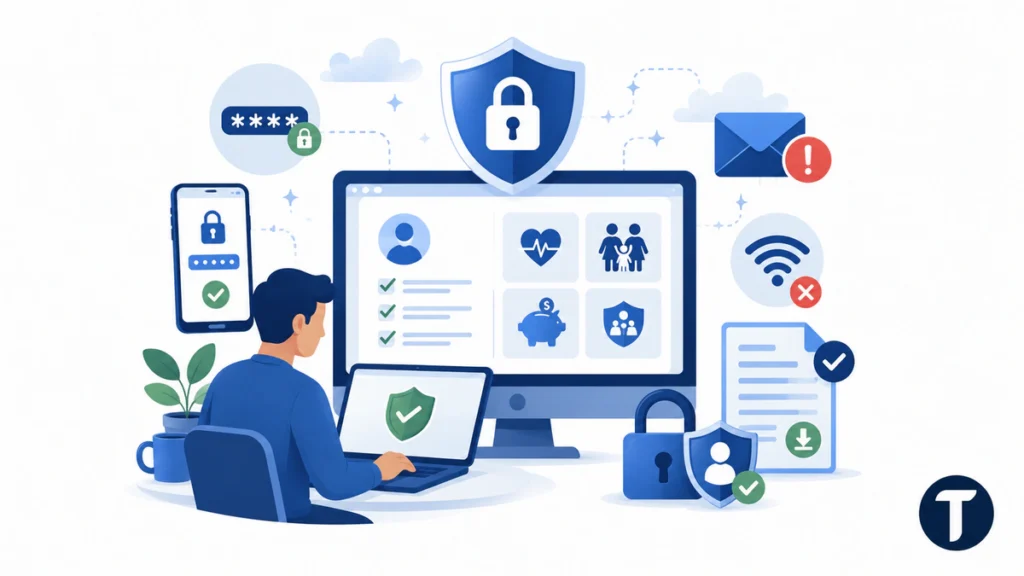
Benefits portal security matters because one account may connect health coverage, family information, contact details, financial elections, and identity records. A reused password or fake login page can expose more than a single benefit choice.
TechBonna has covered the wider problem of consumer and employee data exposure before. That wider privacy context matters because a benefits account may contain dependent, beneficiary, health coverage, and retirement information that deserves careful protection.
Use these habits every time you access Verizon Benefits Connection:
- Create a strong password that you do not use elsewhere.
- Turn on multi-factor authentication when available.
- Keep recovery information current.
- Avoid public Wi-Fi for sensitive account changes.
- Download documents only to devices you control.
- Report suspicious messages instead of opening their links.
- Review login alerts, beneficiaries, and dependents regularly.
The U.S. Department of Labor recommends strong unique passwords, multi-factor authentication, account monitoring, and caution with suspicious messages in its online security tips for retirement benefits. Those practices also support benefits portal security for health, insurance, and dependent records.
Common Login and Enrollment Problems
Most Verizon Benefits Connection problems involve incorrect credentials, outdated recovery details, missing documentation, or confusion about the correct access path. Use the official recovery and support options instead of trying unofficial workarounds.
The Verizon Benefits Connection Login Does Not Work
Start with the official password-reset or account-recovery process. Confirm that you are using the correct employee, retiree, or former-employee path. If recovery fails, contact the Verizon Benefits Center through a verified official source rather than giving credentials to someone who contacts you unexpectedly.
The Verification Code Never Arrives
Check whether the phone number or email on file is current. Look in spam folders, wait briefly before requesting another code, and avoid repeated attempts that could lock the account. Support may need to verify your identity before changing recovery details.
Dependent Information Is Missing or Incorrect
Update the record as soon as possible and follow the documentation request. Coverage may depend on proof of eligibility, so a name, relationship, date of birth, or supporting document should match the official record.
The Enrollment Window Has Closed
Do not assume support can reopen every election. Ask whether a qualifying life event, administrative correction, or appeal process applies. Keep evidence showing when you tried to enroll, what error appeared, and whether you contacted support before the deadline.
A Submitted Change Does Not Appear
Check the confirmation page, pending-action area, and effective date. Some changes require document review or take effect later. Contact support if the confirmation conflicts with the dashboard or payroll deduction.
Best Practices Before You Submit Changes
Benefits decisions in Verizon Benefits Connection can affect healthcare access, paycheck deductions, taxes, dependents, insurance protection, and retirement savings. Slow down before selecting the final submission button.
- Compare total annual cost, not only the monthly premium.
- Confirm doctors, prescriptions, and dependents fit the plan.
- Review beneficiaries after major life events.
- Read the relevant SPD and current enrollment guide.
- Check the effective date of every change.
- Save confirmations, notices, and support reference numbers.
- Ask questions before the deadline rather than after it.
Verizon Benefits Connection should make routine tasks easier, but it cannot decide which coverage is best for your family or financial situation. Use official plan information and qualified professional advice when a decision has legal, tax, medical, or financial consequences.
Related questions
Is Verizon Benefits Connection Only for Active Employees?
No. Active employees are a main audience, but eligible retirees and some former employees may also have access to Verizon retiree benefits, pension information, COBRA resources, insurance details, or vested benefits. The available tools depend on status and plan eligibility.
What Is the Verizon Benefits Center Phone Number?
Verizon currently lists 855.4vz.bens or 855.489.2367. Confirm the contact details on the official Verizon benefits site or a current official notice before calling.
Where Can I Find Verizon Plan Documents?
SPDs, SMMs, annual enrollment guides, and related notices may be available in the library area of Verizon Benefits Connection. The Verizon Benefits Center may also provide guidance or printed copies.
Can I Use Verizon Benefits Connection on a Phone?
In most cases, a secure mobile browser can access the portal. Use your own device, verify the official domain, avoid public Wi-Fi, and sign out when finished.
Can I Change My Benefits at Any Time?
Usually not. Many coverage elections are limited to new-hire enrollment, annual enrollment, or a qualifying life event. Some personal details and beneficiary records may be updated at other times.
Is BenefitsConnection the Same as My Verizon?
No. BenefitsConnection is used for eligible employee, retiree, and former-employee benefits. My Verizon generally handles consumer wireless, Fios, billing, and service accounts.
What Should I Do After Updating My Benefits?
Save the confirmation, verify the effective date and covered dependents, check for pending documentation, and review the next payroll deduction or administrator record. Contact support if any detail differs from the election you submitted.
What this means in practice
Verizon Benefits Connection works best when you use it throughout the year, not only when a deadline or login problem appears. Review your records after major life changes, keep plan documents and confirmations, and use official support when the dashboard does not provide a clear answer.
A careful Verizon Benefits Connection routine makes employee benefits enrollment easier to verify and strengthens benefits portal security. That combination helps employees, retirees, and eligible former employees protect their information, meet deadlines, and make better-informed benefit decisions.