Custom Web App Development: Complete Guide, Types & Trends 2026
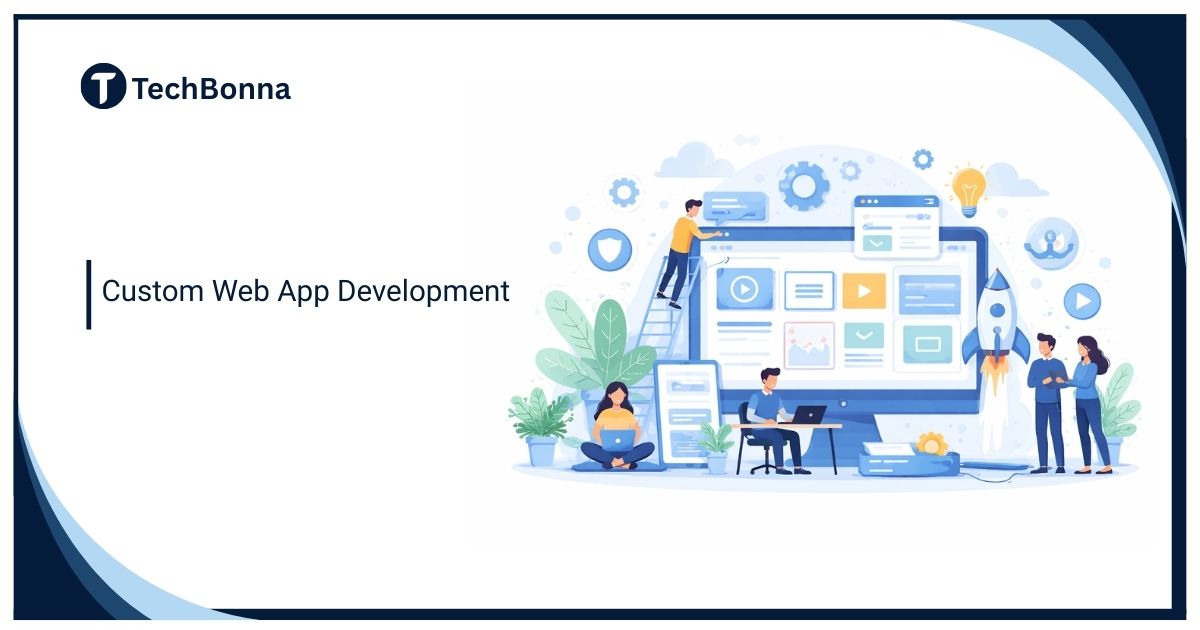
Custom web app development helps a business build browser-based software around a specific workflow, user journey, data model, or integration need. The best projects start with the problem, not the technology stack.
A useful plan should compare web application architecture, delivery scope, security risk, and web app development cost before a team writes code. This guide explains the main types, choices, costs, and trade-offs in plain business language.
Quick Answer
Custom web app development is the process of designing, building, testing, deploying, and maintaining a browser-based application for a specific business need. It makes sense when a workflow is valuable, unusual, integration-heavy, or hard to run in standard SaaS tools. A strong project defines the users, selects the right architecture, estimates cost by scope, reuses proven components, protects data, and plans maintenance before launch.
When Custom Development Makes Sense
Use Custom Software for Strategic Workflows
Custom software is strongest when the app changes how customers buy, how staff work, how data moves, or how a company earns revenue. A portal, booking engine, dashboard, marketplace, or operations system can create value when generic tools force the team into awkward manual steps.
Avoid Building What a Good Tool Already Solves
A custom app is not automatically better than a configured platform. Before approving custom web app development, compare the cost of building with the cost of buying, integrating, or extending existing software. If a standard tool solves the workflow cleanly, custom code can add avoidable maintenance.
Build vs Buy vs Configure
Run the Build-Versus-Buy Review First
Every serious project should begin with three options: buy a SaaS platform, configure a low-code or no-code tool, or build a custom app. The right choice depends on control, data ownership, user experience, integration depth, compliance, and long-term total cost.
Use Existing Systems Where They Fit
Some companies first assume they need a custom business system, then discover that ERP Systems: can cover inventory, finance, procurement, or operations workflows with less custom code. The strongest custom projects often connect existing tools and simplify the user layer instead of rebuilding every back-office function.
Common Types of Web Apps
| Type | Typical Use | Main Risk |
|---|---|---|
| Customer Portal | Accounts, documents, tickets, payments | Login design, support load, and user adoption |
| Internal Workflow App | Approvals, task routing, operations | Process change and unclear ownership |
| Marketplace | Buyers, sellers, listings, transactions | Trust, fraud, payments, and moderation |
| Analytics Dashboard | Reporting, KPIs, forecasts | Data quality and metric definitions |
| Integration Layer | Sync between SaaS tools and databases | API limits, monitoring, and failure handling |
| Line-of-Business System | Bookings, inventory, finance workflows | Scope growth and maintenance cost |
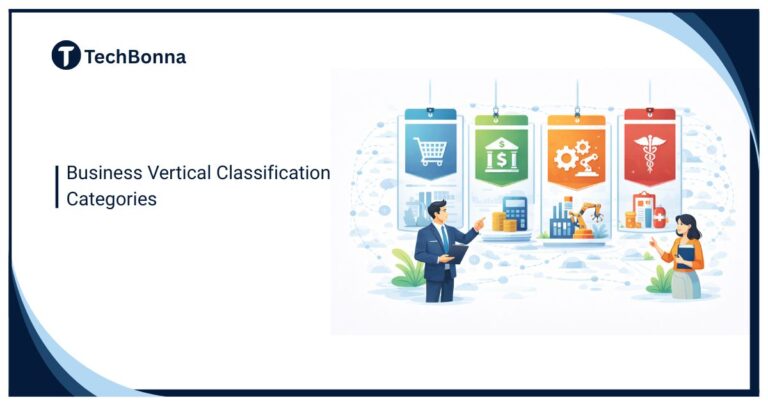
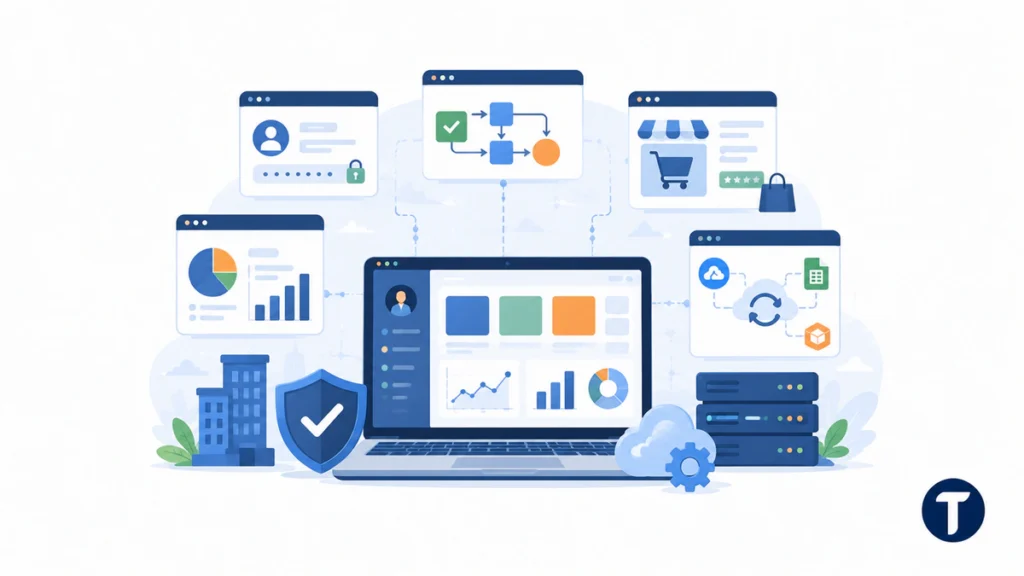
These types often overlap. A customer portal may include a dashboard, support workflow, and payment integration. A business system may need permissions, audit history, notifications, and reporting. That is why web application architecture should be chosen around real behavior, not a generic feature list.
Architecture Choices That Shape the Project
Monolith, Modular Monolith, or Services
A simple monolith can be the fastest and safest choice for a small app because one codebase contains the main logic. A modular monolith separates domains inside one deployable app. Microservices can help larger teams scale independently, but they add deployment, observability, and coordination costs.
Frontend, Backend, Database, and Integrations
Most custom apps include a frontend interface, backend application logic, a database, authentication, hosting, monitoring, and third-party integrations. A practical software application components classification guide helps teams separate user-facing features from data, services, infrastructure, and integrations before estimates become vague.
Security and Maintenance Decisions
The NIST Secure Software Development Framework encourages secure software practices across design, implementation, testing, deployment, and vulnerability response. That matters because a custom app becomes a living system. Authentication, permissions, logging, backups, dependency updates, and incident response need owners after launch.
Cost Benchmarks and Budget Ranges
What Drives Web App Development Cost
Web app development cost usually depends on scope, design complexity, user roles, data migration, integrations, security requirements, testing, hosting, and the level of post-launch support. A brochure-style app with forms is very different from a multi-role platform with payments, analytics, and operational workflows.
| Project Shape | Typical Scope | Common Budget Range |
|---|---|---|
| Small Internal Tool | Forms, roles, simple dashboard, limited integrations | $10,000 to $40,000 |
| Business Portal | Accounts, documents, workflow, notifications | $40,000 to $120,000 |
| Marketplace or SaaS MVP | Multi-sided users, payments, admin tools | $80,000 to $250,000 |
| Complex Business System | Deep integrations, permissions, analytics, migration | $150,000 to $500,000+ |
Budget for the Full Product Lifecycle
Launch is not the end of custom web app development. Budget for hosting, monitoring, bug fixes, feature changes, security patches, support, analytics review, and occasional refactoring. A common planning rule is to reserve 15% to 25% of the original build cost each year for maintenance and improvement.
Development Process From Discovery to Launch
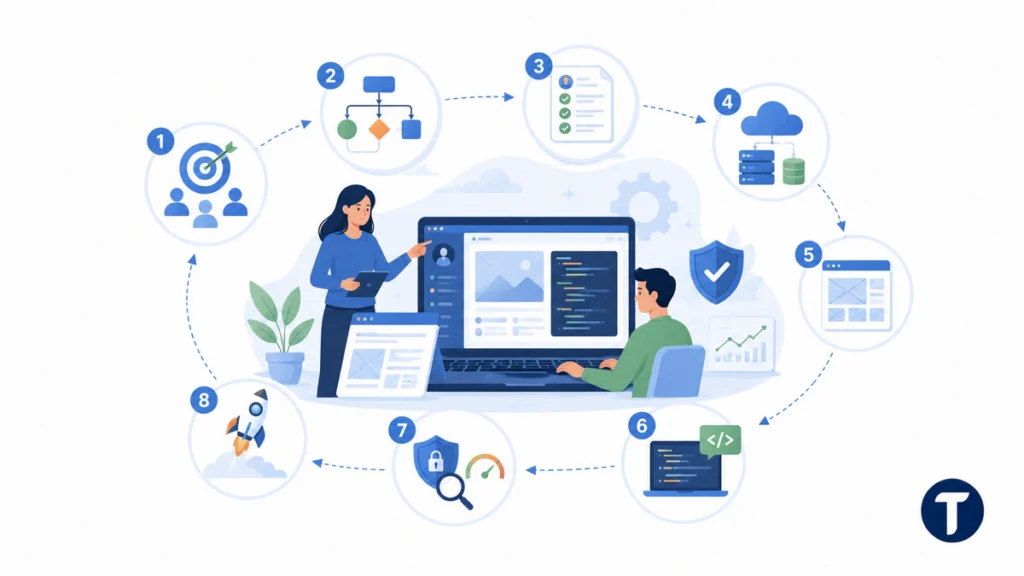
- Define the business goal, users, success metrics, and must-have workflows.
- Map the current process and identify where software should reduce friction.
- Write user stories, data requirements, access rules, and integration needs.
- Choose the web application architecture, hosting model, and technology stack.
- Design clickable wireframes before building expensive screens.
- Build in short releases with demos, QA, and stakeholder review.
- Test security, permissions, performance, data flows, and edge cases.
- Launch with monitoring, backups, support ownership, and a roadmap.
This process keeps the project tied to business outcomes. It also makes estimates easier to challenge because each feature has a purpose, owner, and acceptance test.
Case Examples and Architecture Patterns
Operations Portal for a Service Business
A service company may need a portal where customers upload documents, staff review requests, managers approve work, and finance tracks billing status. A modular monolith with strong role permissions may be simpler than multiple separate systems. The value comes from cleaner handoffs and fewer spreadsheet-based exceptions.
Data Dashboard for a Growing Team
A dashboard project may collect CRM, ad, finance, and support data into one reporting layer. Here, web application architecture should prioritize data pipelines, metric definitions, permissions, and refresh reliability. The visible chart is only one part of the product.
Marketplace MVP With Payments
A marketplace needs buyer and seller accounts, search, listings, payment handling, dispute workflows, moderation, and trust signals. The first release should prove the transaction model before adding complex personalization or automation.
Team and Delivery Model
Roles You Need
A typical project needs product ownership, UX design, frontend development, backend development, QA, DevOps, and project management. Small teams may combine roles, but somebody still needs to own requirements, release quality, and technical decisions.
How to Brief a Team
If you are choosing an external web app development team, give them workflows, user roles, data examples, integration needs, risk areas, and a realistic budget range. A clearer brief usually improves estimates and reduces discovery waste.
Technology, AI, and Scalability Choices
Pick Web Technologies Around the Job
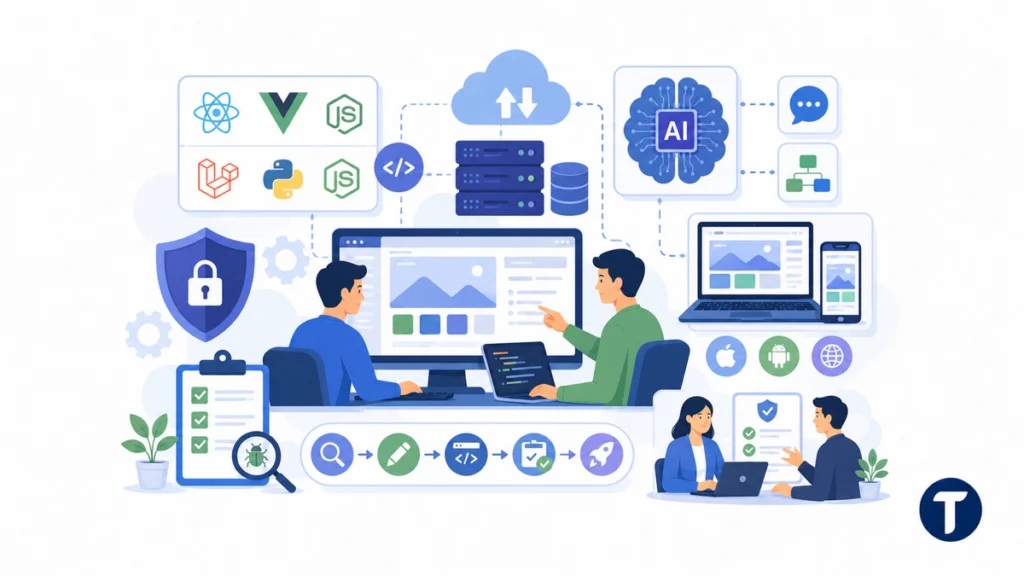
Modern web projects can use React, Vue, Laravel, Django, Node, cloud services, managed databases, and web services instead of reinventing basic infrastructure. A simple web admin panel does not need the same stack as a scalable web platform with real-time data, a public API, and heavy background jobs.
Understand AI and No-Code Limits
AI and an app builder can speed up prototypes, content drafting, coding support, and simple app experiments. They do not remove the need for product judgment, security review, testing, database design, or experienced web application developers. Teams can build custom prototypes faster, but production software still needs ownership.
Compare Web, Mobile, and Progressive Web Apps
Some products need native mobile app features such as device sensors, offline performance, or app-store distribution. Others work better as dynamic web applications tailored for a web browser. Progressive web apps can bridge part of that gap when users need install-like behavior without separate web and mobile codebases.
The MDN guide to progressive web apps notes that a PWA can run across platforms from one codebase while also being installable and able to work offline or in the background. Those capabilities can narrow the gap between a conventional web app and a platform-specific app, but they still need to be chosen against the product’s actual device and integration requirements.
Know What to Ask a Vendor
When comparing a web development company, app development company, or custom web app developers, ask about discovery, architecture, testing, security, maintenance, and handover. Good development services should explain the development lifecycle, initial development plan, development phase risks, and how they will build a web application that fits real business needs.
Keep Custom Solutions Maintainable
Custom solutions work best when the team documents decisions, avoids generic software workarounds, and keeps the codebase understandable. Whether you need custom web software, custom app development, or broader custom software development, the goal is a successful custom web application that is useful after launch, not just impressive during the demo.
Frequently Asked Questions
What Is Custom Web App Development?
Custom web app development means building a browser-based software application for a specific business workflow, customer experience, data process, or product idea. It can include planning, UX, frontend, backend, database, integrations, testing, deployment, and maintenance.
How Much Does a Custom Web App Cost?
Web app development cost can range from around $10,000 for a small internal tool to $500,000 or more for a complex business platform. The range depends on features, roles, integrations, security, data migration, QA, hosting, and support.
How Long Does It Take to Build a Web App?
A focused internal tool may take a few weeks. A business portal or MVP often takes several months. Complex systems take longer because discovery, integrations, testing, security, and rollout planning need careful sequencing.
What Architecture Is Best for a New Web App?
The best web application architecture depends on scope and team size. Many early products work best as a monolith or modular monolith because they are easier to build, test, and maintain. Microservices fit better when scale, domain separation, and team structure justify the extra complexity.
Should a Business Build or Buy Software?
Buy or configure when an existing tool handles the workflow well. Build when the workflow is strategic, unusual, hard to integrate, or central to customer experience. A build-versus-buy review should happen before any large custom project.
Final Thoughts
Plan Before You Build
Custom web app development works best when the business has a clear problem, a practical scope, and a realistic maintenance plan. Compare build, buy, and configure options before committing. Then choose a web application architecture that fits the users, integrations, data, and security needs. With honest planning around web app development cost, the result can be a useful product instead of an expensive pile of features.