10 Best Free AI Baby Generators in 2026 (Tested and Compared)

Table of Contents
A free AI baby generator can turn one or two parent photos into a playful future-baby preview in seconds. If you are comparing a baby face generator, the best option is the one that gives you clear controls, a realistic preview, and sensible photo privacy rules.
This guide compares ten popular tools for 2026: Overchat, AI Ease, Fotor, FutureBaby.ai, Vidmud, Supawork, AIBabyGenerator.io, Media.io, Homiwork, and LipSync.video. The results are fun, but they are not medical or genetic predictions. Free terms can also change, so always check the tool page before uploading photos.
Which one to pick
The best free AI baby generator starting point for most people is Overchat because it supports one or two photos, baby-to-teen previews, boy and girl styles, high-resolution results, and a wider AI tool suite.
If you want unlimited free tries, start with FutureBaby.ai, AI Ease, Vidmud, or Supawork. If you want more control, AI Ease is stronger. If you want a moving baby image or social clip, Media.io and LipSync.video are better fits.
Free AI Baby Generators at a Glance
| Tool | Free Terms | 1 or 2 Photos | Age Stages | Standout Feature |
|---|---|---|---|---|
| Overchat | Free account; paid options may apply | 1 or 2 | Baby / Child / Teen | 6 baby-to-teen styles + celebrity; all-in-one AI suite |
| AI Ease | Advertised as free; some controls may vary | 1 or 2 | Baby / Child / Teen | Gender, age, and skin-tone controls |
| Fotor | Free to try | 1 or 2 | Baby | Text-prompt and celebrity combos |
| FutureBaby.ai | Advertised as free | 2 photos | Baby | Repeat tries + baby-name generator |
| Vidmud | Free, no signup | 2 photos | Ages 1–6 | No watermark; expression control |
| Supawork | Free, no signup | 2 photos | Baby | Instant result, no account |
| AIBabyGenerator.io | Free to try | 2 photos | Baby | Realism-focused Baby Mystic model |
| Media.io | Free online | 1 or 2 | Baby | Can turn the baby into a short video |
| Homiwork | 1st free, no signup | 2 photos | Newborn → Adult | Age progression and sharper output options |
| LipSync.video | Free credits | 1 or 2 | Baby / Child / Teen | Animate the baby to sing or talk |
Use the table as a shortcut, then check the free terms and privacy page before uploading personal photos.
What an AI Baby Generator Actually Does
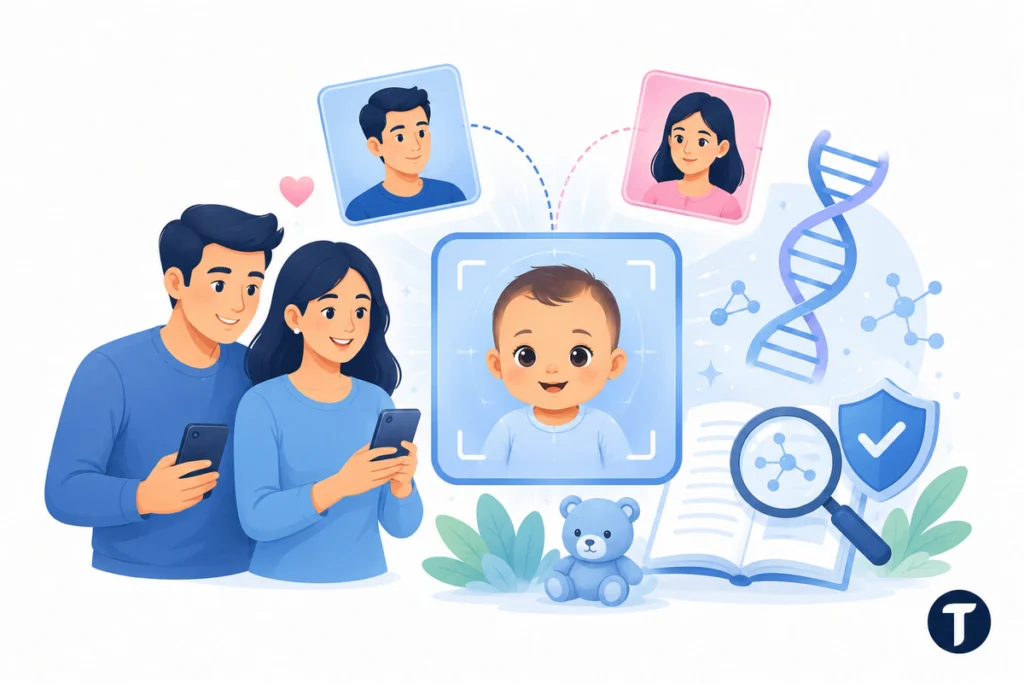
An AI baby generator predicts your future baby face by blending visible features from parent photos. It may copy eye shape, face structure, skin tone, hair color, or expression to create a realistic preview.
That does not mean it can see DNA. MedlinePlus explains that many human traits and conditions can be influenced by multiple genes and environmental factors, not one simple inheritance rule, in its guide to complex or multifactorial traits. A baby prediction should be treated as entertainment, not science.
How We Tested the Tools
We checked each online AI baby tool for upload flow, free access terms, signup requirements, one-photo or two-photo support, age and gender options, output style, watermark behavior, and privacy or deletion claims.
A good future baby AI tool should let you upload photos, create a face in seconds, and compare baby face predictions without making the process feel risky or confusing. We also noted whether each tool supports celebrity prompts, video output, high-resolution downloads, or extra editing tools.
Some providers use similar labels, including free online AI baby generator, online AI baby face generator, AI baby generator face maker, baby generator face maker app, AI future baby face generator, and future baby AI generator. Treat those names as category signals, then compare the real controls, limits, and download quality.
The safest test is simple: try the future baby AI with one image, check the result, read the privacy policy, then decide whether to upload more photos.
Before You Upload Photos

Face photos are personal data, so avoid tools with unclear privacy rules. Check whether the provider explains upload handling, deletion, storage, sharing, and training use. Do not upload someone else’s photo without permission, and avoid uploading children’s images unless you have clear consent.
UK readers should note where the line sits. The ICO’s explanation of special category data says biometric information becomes special category data when it is used to identify someone uniquely, which is a different question from whether a novelty tool keeps your upload.
1. Overchat – Best All-In-One Pick
Overchat is the best starting point if you want one flexible tool instead of a single-purpose baby maker. You can upload one parent photo or two parent photos, choose a boy or girl result, and preview baby, child, or teen styles.
The strongest feature is range. Overchat can create a baby preview, a child version, a teen version, or a celebrity-style result inside the same AI suite. Start with this AI baby generator if you want a simple route from photos to future babies without jumping between tools.
Free Terms: Free account; paid options may apply. Best for: one-place future baby previews with age and gender options.
2. AI Ease – Best for Customization
AI Ease is useful when you want more control over the final baby photo. It supports one or two parent images, then lets you choose gender, age stage, and skin tone before generation.
This makes it a strong AI baby face generator for people who want to test several versions. You can try baby, child, or teen outputs and adjust the setup until the image feels closer to the style you had in mind.
Free Terms: Advertised as free; some controls may vary. Best for: gender, age, and skin-tone controls.
3. Fotor – Best for Celebrity and Text-Based Results
Fotor works well if you want a future baby generator that can use photos, prompts, or celebrity pairings. You can upload faces, describe a baby image, or test a playful celebrity-crush result.
Its broader editor also helps if you want to crop, retouch, and share the edited result.
Free Terms: Free to try; premium for heavier use. Best for: celebrity combos and prompt-based images.
4. FutureBaby.ai – Best Fully Free, Unlimited Tool
FutureBaby.ai is one of the simplest options if you want repeat tries. Upload two photos, see your future baby, then run another version if the first result does not feel right.
The baby-name generator makes it feel more like a fun couple activity than a pure image tool.
Free Terms: Advertised as free. Best for: repeat baby prediction tries plus name ideas.
5. Vidmud – Best With No Sign-Up or Watermark
Vidmud is built for speed. It does not require an account, and it focuses on clean, watermark-free output. You upload two photos, choose the baby’s gender, pick an age from roughly one to six, and select an expression.
Expression control is useful when you want a smiling or laughing result for sharing.
Free Terms: Free, no sign-up. Best for: fast results with no watermark.
6. Supawork – Best for Instant, No-Account Results
Supawork is another quick option for people who do not want to create an account. Upload both parent photos, choose boy or girl, and see the result in seconds.
It also supports celebrity pairings and says uploaded photos are deleted after generation. Check that policy before uploading personal images.
Free Terms: Free, no sign-up. Best for: the quickest path from upload to download.
7. AIBabyGenerator.io – Best Realism Focus
AIBabyGenerator.io is built around realism. Its Baby Mystic model claims to analyze facial features, then generate a realistic baby face from two parent photos.
Test it when you care less about extra modes and more about the final portrait.
Free Terms: Free to try; paid plans for more. Best for: a realism-first prediction.
8. Media.io – Best for an Animated Baby Video
Media.io is useful when a still preview is not enough. It can generate a baby preview from one or two photos or from a text prompt, then help turn that result into a short video.
That makes it better for social posts, reactions, and playful family clips. If the goal is to share, motion can make the output feel more lively.
Free Terms: Free online tool. Best for: moving from a still image to a clip.
9. Homiwork – Best for Age Progression and 4K Output
Homiwork gives the first prediction free and then moves to credits. It stands out because it supports age progression and sharper output options.
That makes it useful if you want more than one future baby preview. You can compare a newborn, child, teen, or adult-style image and choose a better file for saving or printing.
Free Terms: First prediction free; credits after. Best for: age progression and sharper files.
10. LipSync.video – Best for Bringing the Baby to Life
LipSync.video is the most social option on this list. It can generate a preview from one or two photos, then connect that face to singing-photo or talking-photo tools.
It is less about one prediction and more about turning the AI-generated baby into something animated.
Free Terms: Free credits to start. Best for: turning a baby photo into a talking or singing clip.
How to Choose the Right Baby Face Generator
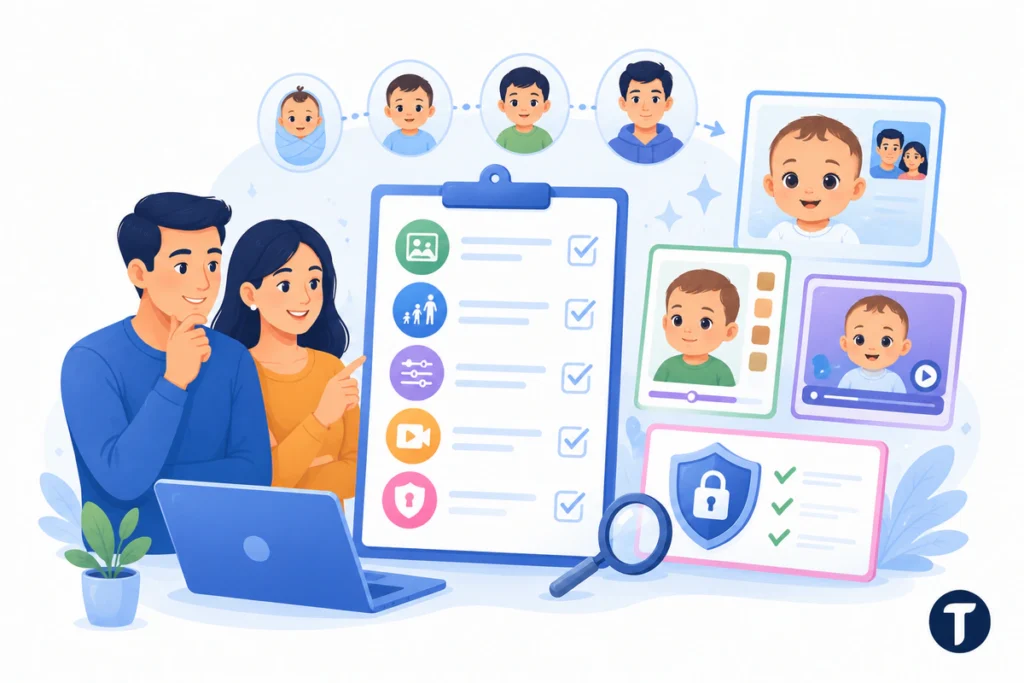
Start with the free terms. Some tools offer unlimited generations, while others give one free result, free credits, or a limited trial.
Then check these points:
- Photo Options: Choose a tool that works with one photo if you do not have a partner photo.
- Age Stages: Pick Overchat, AI Ease, Homiwork, or LipSync.video if you want baby-to-teen previews.
- Controls: Use AI Ease or Vidmud if gender, skin tone, age, or expression matters.
- Output Style: Choose AIBabyGenerator.io for realism, Media.io for video, and Homiwork for sharper files.
- Photo Privacy: Read the deletion and data-use policy before uploading anyone’s face.
The best choice is the one that matches how you want to use the result: private fun, social sharing, or a quick future baby preview.
What Common Search Phrases Mean
Some pages say an AI baby generator analyzes facial details or that a baby generator analyzes facial features before creating the result. That means the tool reads visible face structure, not DNA. Phrases such as see your future baby instantly, generate a realistic baby image, baby face features using AI, and watch as the AI baby appears point to the same promise: upload photos and get a playful preview.
Points people raise
Are AI Baby Generators Accurate?
No. They create a visual guess from photos, not a genetic prediction. Use them for fun, not family planning or medical insight.
Which AI Baby Generator Is Completely Free?
FutureBaby.ai, AI Ease, Vidmud, and Supawork advertise free use. Vidmud and Supawork also avoid sign-up, which makes them faster for testing.
Can I Make a Baby From Just One Photo?
Yes. Overchat, AI Ease, Fotor, Media.io, and LipSync.video can work from one photo. Two clear parent photos usually give a more balanced baby face.
Are Uploaded Photos Safe?
Photo privacy depends on the provider. Use tools that clearly explain upload handling, deletion, sharing, and data storage before you add personal face photos.
Do I Need to Install an App?
No. Every tool in this list can run in a browser. Some providers may also offer mobile apps, but the web version is enough for a quick test.
Making the call
A free AI baby generator is a fun way to see what your future baby will look like, but it should stay in the entertainment lane. For readers deciding whether Overchat’s broader tool suite is worth using beyond baby previews, TechBonna’s guide to an all-in-one AI platform explains when one AI workspace can replace several separate apps.
For most users, Overchat is the best all-in-one pick, AI Ease is best for customization, and FutureBaby.ai is best for repeat tries.
Use real photos carefully, read the upload and privacy terms, and avoid assuming that any result is accurate. These tools are useful for playful previews, social content, and light curiosity, not for serious genetic prediction.