
Lit AI Inc Magazine: The Ultimate Guide to Embracing AI Technology
Table of Contents
Lit AI Inc Magazine presents AI technology as something people can use now, not a distant concept reserved for researchers or large technology companies. Artificial intelligence already supports navigation, recommendations, writing, customer service, forecasting, security, and many routine digital tasks.
Successful AI adoption does not begin by buying the newest tool. It begins by identifying a useful problem, testing a focused solution, protecting sensitive information, and keeping people responsible for important decisions. This guide explains how to take those steps at home or at work.
In brief
The safest way to embrace AI technology is to start with one clear need, choose a tool that fits the task, test it with low-risk work, verify the results, protect private data, and expand only after the tool delivers measurable value.
A practical AI adoption checklist is:
- Define the problem and desired outcome.
- Choose an AI tool designed for that job.
- Check its data, privacy, security, and pricing terms.
- Run a small pilot with human review.
- Measure quality, time saved, cost, and user experience.
- Set rules for errors, sensitive data, and final decisions.
- Improve, replace, or scale the tool based on evidence.
How Lit AI Inc Magazine Frames Everyday AI Technology
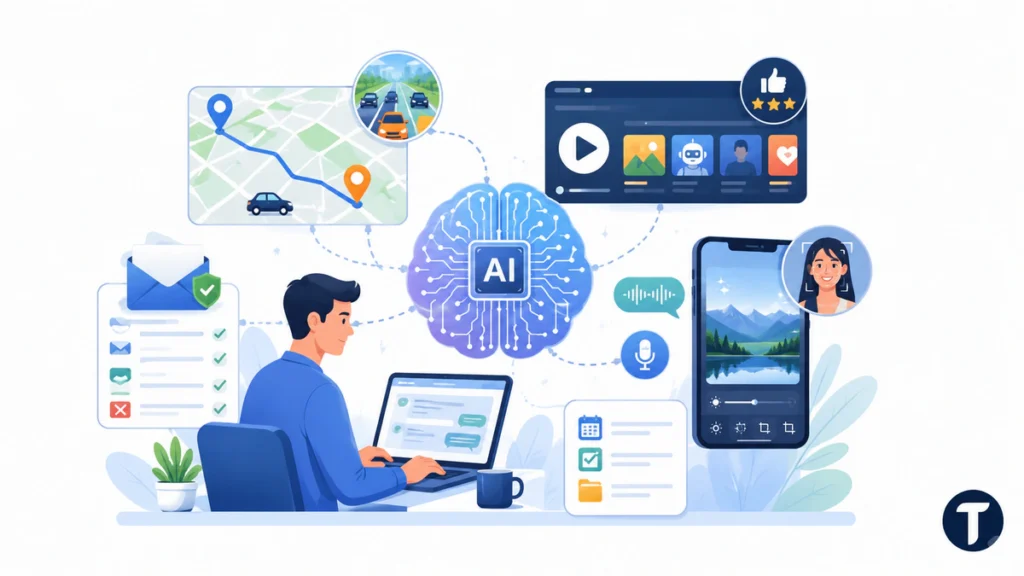
Artificial intelligence is a broad term for computer systems that perform tasks associated with learning, pattern recognition, language, prediction, perception, and decision support. The system does not think exactly like a person. It processes data and produces an output based on its design, training, instructions, and available information.
Many everyday AI features work quietly. Google Maps can compare routes and traffic conditions to suggest a faster trip. Streaming platforms can recommend programs based on viewing behavior. Email services can filter spam, while smartphones can improve photos, transcribe speech, or organize information.
These examples make AI technology easier to understand. It is usually most useful when it performs a defined task within a larger human-controlled process. The user still decides whether the route, recommendation, draft, or alert makes sense.
Start AI Adoption With a Real Problem
AI adoption is now widespread, but widespread use does not guarantee useful results. The 2026 Stanford AI Index Report found that organizational adoption continued to grow, which makes careful evaluation more important as AI enters more business functions.
Begin by describing the current problem in plain language. A small business may want to reduce repetitive customer questions. A marketing team may need faster first drafts. A household may want better reminders, navigation, or energy monitoring. A finance team may need help finding unusual transactions without allowing software to approve or reject them automatically.
Do not begin with a goal such as “we need more AI.” Define the task, the user, the current cost or delay, the expected improvement, and the decision that must remain human. Before comparing business software, TechBonna’s guide to AI SaaS product classification criteria can help you evaluate workflow fit, data use, automation, pricing, security, and governance.
Choose AI Tools That Match the Job
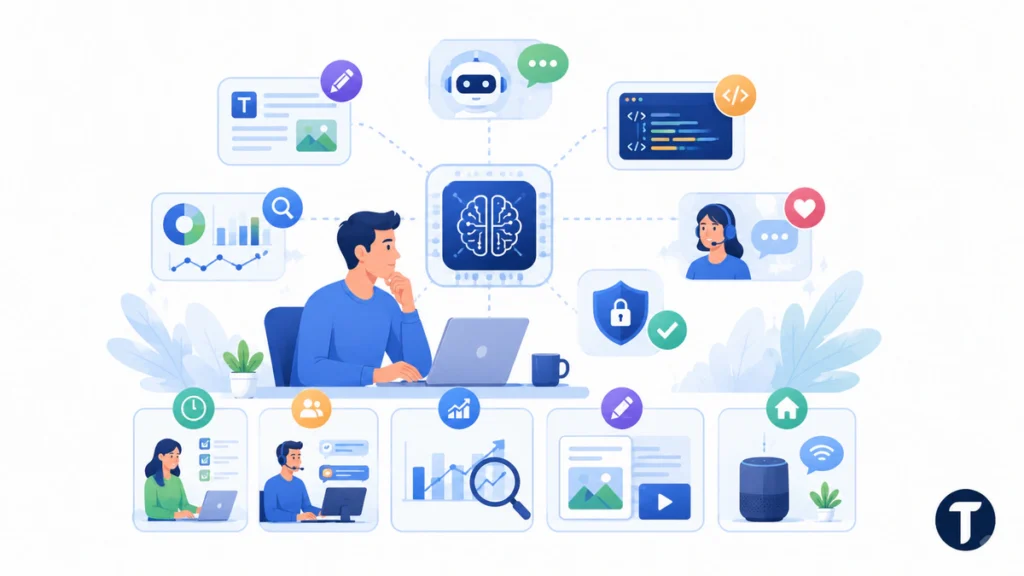
The right tool depends on the outcome, not the amount of AI language on its sales page. Virtual assistants can support reminders and simple commands. Generative tools can draft text, images, code, or summaries. Analytics platforms can find patterns, build forecasts, and flag unusual activity. Specialized products can support healthcare, finance, cybersecurity, education, logistics, or customer service.
Use the following table to connect a goal with a sensible starting point.
| Goal | Suitable AI Use | Human Responsibility | Useful Success Measure |
|---|---|---|---|
| Save administrative time | Summaries, transcription, scheduling, data entry assistance | Review accuracy and approve actions | Time saved and rework rate |
| Improve customer service | Suggested replies, ticket routing, knowledge search | Handle exceptions and sensitive cases | Resolution time and customer satisfaction |
| Support better decisions | Forecasts, anomaly detection, trend analysis | Interpret context and make the final decision | Error rate and decision quality |
| Create content faster | Outlines, drafts, editing, image concepts | Verify facts, rights, tone, and originality | Production time and revision count |
| Improve personal convenience | Navigation, reminders, smart-home routines | Control permissions and confirm recommendations | Reliability and usefulness |
A tool should also fit the user’s technical ability. A simple interface may be more valuable than an advanced platform that requires constant support. Check whether the product works on the devices you use, connects to existing systems, exports your data, and provides understandable help when something fails.
Follow a Step-by-Step AI Adoption Process
1. Define the Desired Outcome
Write down what should improve and how you will measure it. “Draft weekly reports 30 minutes faster” is more useful than “increase productivity.” A clear outcome prevents the pilot from turning into an open-ended experiment.
Also document what the AI tool must not do. It may draft a customer response but not send it automatically. It may flag a payment but not freeze an account. It may summarize medical information but not replace professional diagnosis or treatment decisions.
2. Check Data and Permissions
Identify the information the tool will receive. Public information creates different risks from customer records, financial details, health data, passwords, private documents, or confidential business plans.
Review the vendor’s privacy terms, retention settings, account controls, model-training options, deletion process, and third-party integrations. Use the least sensitive data needed for the test. Avoid copying confidential material into a consumer AI service unless the organization has approved that use.
UK readers have a further step, because putting personal data into a tool is itself a processing decision. The ICO guidance on AI and data protection sets out what accountability looks like when personal information reaches an AI system, and it is worth reading before a pilot rather than after a complaint.
3. Run a Small, Low-Risk Pilot
Start with a narrow task that is easy to review. Good first pilots include summarizing nonconfidential notes, drafting an internal outline, categorizing simple requests, or comparing information that a person can verify quickly.
Set a beginning and end date. Choose a small user group, create sample tasks, and record the baseline time and quality before using AI. A structured pilot makes it easier to distinguish real improvement from novelty.
4. Verify Every Important Output
AI systems can produce incomplete, inaccurate, biased, or invented information. Verification should match the risk. A casual travel idea may need a quick check. A legal, medical, employment, financial, or security decision requires qualified human review and stronger evidence.
Users should know how to confirm facts, identify weak outputs, correct the system, and report recurring failures. Keep the original source material available when AI summarizes or transforms important information.
5. Scale Only After the Evidence Is Clear
A successful pilot should show measurable improvement without creating unacceptable risk or hidden work. Compare time saved, accuracy, cost, user satisfaction, security issues, and the amount of human correction required.
If the tool works, expand gradually. Update training, permissions, documentation, and monitoring as more users or data enter the process. If the tool fails, change the workflow or replace it instead of forcing adoption to justify the purchase.
Use AI at Home Without Giving Up Control
Personal AI products can simplify routine tasks, but convenience should not remove user control. Smart assistants may manage reminders, timers, shopping lists, music, or compatible home devices. Fitness tools may organize activity data. Navigation apps can suggest routes, while recommendation systems can help people discover entertainment or products.
Review microphone, camera, location, contact, and cloud-storage permissions before connecting personal accounts. Turn off features you do not use. Keep strong passwords and multifactor authentication on important accounts, especially when an AI-powered service can access messages, documents, purchases, or home devices.
Treat recommendations as suggestions. A route may not reflect a temporary local condition. A fitness insight may lack medical context. A shopping recommendation may be shaped by advertising or previous behavior. AI technology can reduce effort, but the user should remain able to question and override it.
Use AI at Work to Support People
Business AI works best when it removes friction around a real workflow. Customer relationship management tools can summarize interactions or suggest follow-up tasks. Content tools can create a first draft. Analytics software such as Tableau or Power BI can help teams explore patterns. ChatGPT and similar assistants can support brainstorming, summarization, research planning, and routine writing when used within approved rules.
The goal should be better work, not automatic replacement of human judgment. Employees understand exceptions, customer needs, and operational shortcuts that a vendor demonstration may miss. Involve the people who perform the task before selecting the product or redesigning the process.
Explain how roles may change, which decisions remain human, and how workers can report problems. Training should cover both features and limitations. Platforms such as Coursera and Udemy can support basic AI literacy, but teams also need examples, policies, and practice based on their actual work.
Protect Privacy, Security, and Accuracy
AI adoption can increase the number of systems that handle personal or business information. Use access controls, unique accounts, multifactor authentication, encryption, logging, and clear deletion rules. Limit integrations so the tool can reach only the information required for its job.
Watch for prompt injection, fraudulent messages, manipulated files, and false confidence. An AI output can sound polished while being wrong. Require source checks for factual content, approval for external communications, and specialist review for high-impact decisions.
Keep an incident process. Users should know who to contact when the system exposes data, creates harmful content, behaves unpredictably, or influences an unfair outcome. Fast reporting is more useful than hiding mistakes to protect an AI project.
Apply Ethics and AI Governance
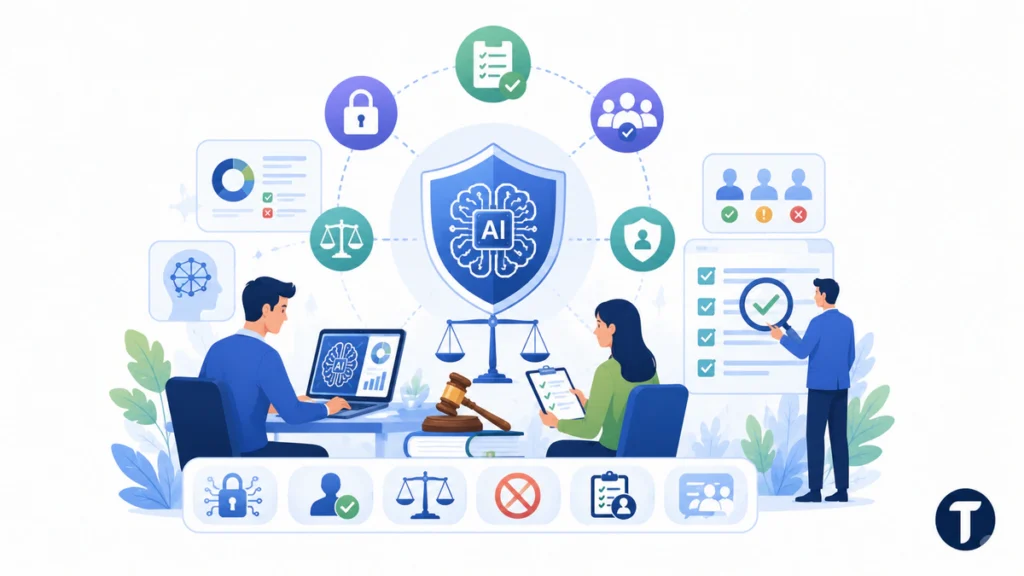
Responsible AI use requires rules that turn broad principles into daily actions. The OECD Recommendation on trustworthy AI gives organizations a voluntary structure for managing AI risks and considering trustworthiness throughout design, deployment, use, and evaluation.
Practical governance should answer several questions:
- Which AI uses are approved, restricted, or prohibited?
- What data may users enter?
- When is human review mandatory?
- How are accuracy, bias, privacy, and security tested?
- Who owns the final decision and any resulting harm?
- How can a user challenge or appeal an AI-assisted outcome?
- When will the tool, vendor, and workflow be reviewed again?
Ethical AI adoption does not mean avoiding every risk. It means understanding the risk, matching controls to the possible harm, documenting responsibility, and giving affected people a meaningful way to raise concerns.
Organisations that want a shared vocabulary for those answers can borrow one. Adopted in 2019 and updated in 2024, the OECD’s AI Principles were the first intergovernmental standard on AI, and they are useful here mainly because a small business and a large customer can point at the same definition of trustworthy use.
Avoid Common AI Myths
AI Will Replace Every Job
AI can automate tasks, change job responsibilities, and reduce demand for some forms of work. It can also create new tasks involving review, integration, training, governance, quality control, and customer support. The effect depends on the role, industry, business model, and decisions made by employers.
The better question is which tasks may change and how people will be supported. Honest workforce planning is more useful than promising that nothing will change or claiming that entire professions will disappear immediately.
AI Is Only for Technical Experts
Many AI products are designed for ordinary users. However, an easy interface does not remove the need to understand data limits, output quality, privacy, and responsibility. Users do not need to become programmers, but they should know what the tool does and when not to trust it.
More AI Always Means Better Results
Adding AI to every task can increase cost, complexity, and risk. A reliable checklist, template, search function, or traditional automation may solve the problem better. Choose AI technology only when its ability to generate, predict, recognize, classify, or recommend adds clear value.
Measure Whether AI Is Working
Measure outcomes instead of counting logins or generated outputs. A tool can be popular and still create inaccurate work, extra review, or privacy concerns. Compare performance with the process that existed before the pilot.
Useful measures include:
- Time saved per task
- Accuracy and error rates
- Rework and correction time
- Customer or employee satisfaction
- Cost per completed task
- Number of exceptions or overrides
- Security, privacy, or compliance incidents
- Adoption after the novelty period ends
Review the results regularly. AI products, prices, models, integrations, and policies can change. A tool that passed an earlier review may need new testing after a major update or a move into a higher-risk workflow.
Follow-up questions
What Is the Best Way to Start Using AI?
Choose one repetitive, low-risk task with a clear result. Test an appropriate tool with nonsensitive data, compare its performance with the current process, and require human review before expanding its use.
How Do I Choose the Right AI Product?
Define the workflow first. Then compare capability, data handling, integrations, ease of use, pricing, security, support, human oversight, and exit options. A polished demonstration is not enough evidence of long-term fit.
Is AI Safe for Personal Information?
Safety depends on the product, settings, contract, data type, and user behavior. Do not enter sensitive information until you understand how the provider stores, processes, shares, retains, and deletes it.
Can Small Businesses Benefit From AI Adoption?
Yes. Small businesses can use AI for focused tasks such as drafting, customer-service support, meeting summaries, forecasting, document search, and routine analysis. Start with a measurable problem and avoid buying a complex platform before proving the need.
Should AI Make the Final Decision?
Low-risk automation may operate within clear rules and limits. Decisions involving rights, safety, employment, credit, healthcare, legal matters, or significant financial impact should have stronger human review, accountability, and appeal options.
Where this leaves you
Embracing artificial intelligence is not about following every trend. It is about choosing a useful problem, selecting the right tool, testing carefully, protecting data, involving the people affected, and keeping human responsibility visible.
Lit AI Inc Magazine can serve as a practical starting point for understanding AI technology, but successful AI adoption depends on evidence, responsible controls, and continued learning. Start small, verify important outputs, measure real value, and expand only when the technology improves the task without weakening trust or safety.


One Comment
Comments are closed.