
ERP Inventory Management: Complete Guide to ERP Inventory Systems in 2026
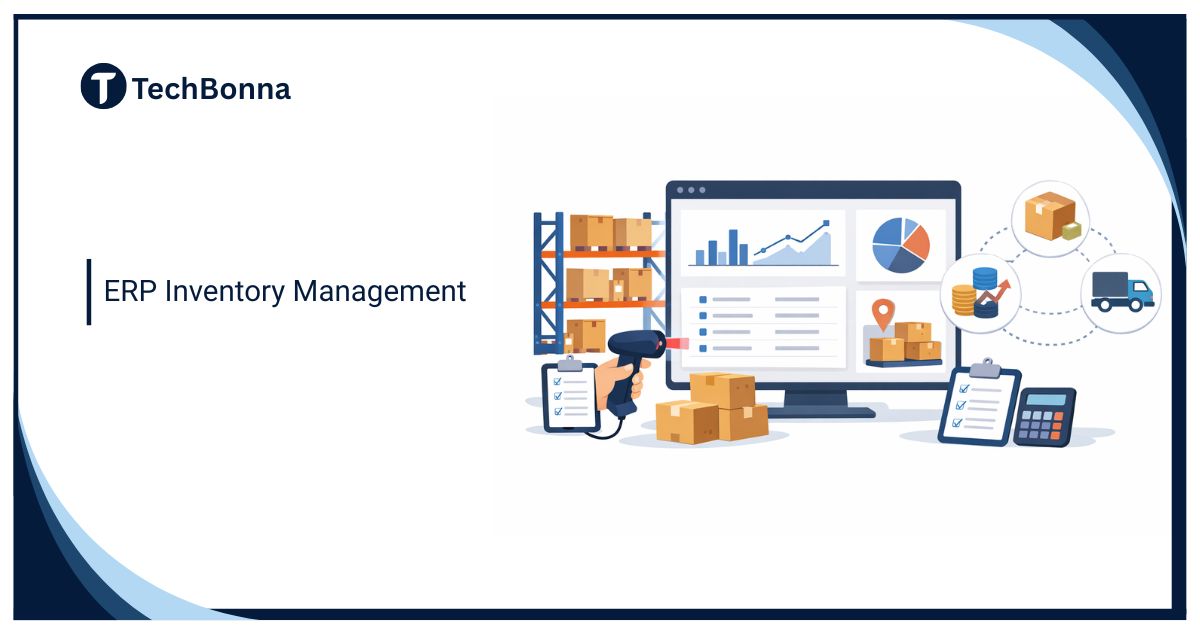
ERP inventory management has become a backbone system for businesses that rely on accurate stock control, predictable supply chains, and scalable operations. As companies expand across locations, sales channels, and markets, managing inventory through disconnected tools or spreadsheets creates delays, errors, and financial risk. In 2026, inventory accuracy is no longer just an operational concern it directly affects revenue, customer experience, and long-term growth.
An ERP inventory system solves these challenges by connecting inventory data with finance, procurement, sales, manufacturing, and management in one unified platform. Instead of reacting to inventory problems after they happen, businesses gain real-time visibility and control. This guide explains ERP inventory management in depth, how ERP inventory systems work, how to choose the best ERP for inventory
management, and whether it’s the right move for your business.
What Is ERP Inventory Management?
ERP inventory management is the process of tracking, controlling, and optimizing inventory using an enterprise resource planning (ERP) system that integrates inventory with accounting, purchasing, sales, and operations.
Unlike a standalone inventory management system that only tracks stock levels, ERP inventory management ensures every inventory movement automatically updates financial records, procurement plans, and operational workflows. This creates a single, accurate view of inventory across the organization.
In modern businesses, ERP inventory management matters because inventory decisions affect cash flow, customer satisfaction, compliance, and scalability. With real-time data and automation, companies can reduce waste, avoid shortages, and make better strategic decisions.
What Is an ERP Inventory System and How Does It Work?
An ERP inventory system is a core module within an ERP platform designed to manage inventory across the entire business lifecycle. It tracks raw materials, finished goods, work-in-progress items, and transfers between locations while staying fully synchronized with financial and operational systems.
Core Components of an ERP Inventory System
- Central inventory database
- Procurement and supplier management
- Sales and order fulfillment
- Financial accounting and costing
- Reporting and analytics
Real-Time Data Flow Across Departments
When inventory is received, sold, transferred, or consumed, the ERP inventory system updates all connected modules instantly. A purchase receipt updates inventory levels, accounts payable, and supplier records at the same time. This real-time flow removes delays and data mismatches.
How ERP Inventory Management Works
Centralized Inventory Data
All inventory records are stored in one centralized system, eliminating duplicate entries and conflicting data.
Automated Stock Tracking
Inventory quantities update automatically when goods move through purchasing, sales, or production processes.
Reorder Points & Replenishment Automation
ERP systems trigger purchase or production orders when inventory reaches predefined thresholds.
Demand Forecasting & Procurement Planning
Historical data and trends help predict demand and plan purchasing more accurately.
Reporting, Dashboards & Analytics
Managers monitor stock levels, turnover rates, and valuation through real-time dashboards.
Workflow Customization
Approval flows and inventory rules adapt to business processes rather than forcing manual workarounds.
Integration with Finance, CRM & SCM
Inventory data flows directly into accounting, customer management, and supply chain systems.
Key Features of an ERP Inventory Management System
Core Inventory Features
- Real-time inventory tracking
- Multi-location and warehouse management
- Batch, lot, and serial number tracking
- Barcode and RFID support
Automation & Intelligence
- Automated stock replenishment
- AI-driven demand forecasting
- Inventory alerts for shortages, overstocking, and delays
Business System Integrations
- Accounting and financial management
- Supply chain management (SCM)
- Customer relationship management (CRM)
- Manufacturing and production planning
Reporting & Data Management
- Inventory valuation methods (FIFO, LIFO, weighted average)
- Custom dashboards and reports
- Compliance logs and audit trails
Benefits of ERP Inventory Management
Operational Benefits
ERP inventory management improves daily operations by reducing manual work and human error. Inventory accuracy increases, order fulfillment becomes faster, and warehouse operations run more smoothly.
Financial Benefits
With real-time inventory valuation and cost tracking, businesses gain better cash flow control. Carrying costs decrease, excess inventory is reduced, and financial reporting becomes more accurate.
Strategic Benefits
ERP inventory systems provide a single source of truth, allowing leadership teams to make informed decisions. As businesses grow, ERP inventory management scales without adding complexity.
Do You Need an ERP for Inventory Management?
Ask Yourself These Questions
- Does your current inventory management system support forecasting and planning?
- Do you have real-time visibility across all warehouses and locations?
- Are inventory errors affecting customer satisfaction or sales?
If inventory complexity is increasing or errors are becoming costly, ERP inventory management is likely the right solution.
ERP Inventory Management vs Inventory Management System
ERP Inventory System vs Standalone Inventory Software
Standalone inventory management systems focus only on stock tracking. ERP inventory systems connect inventory to finance, procurement, sales, and operations.
- Scope: ERP covers the entire business
- Cost: Standalone tools are cheaper initially
- ROI: ERP delivers stronger long-term value
Retail Operating Systems vs ERP Inventory Management
Retail operating systems deploy quickly and support ecommerce well but lack deep customization. ERP inventory management offers flexibility, scalability, and long-term control, making it better for complex operations.
Major Functions to Look for in the Best ERP for Inventory Management
Must-Have Functions
- Inventory planning and forecasting
- Procurement and supplier management
- Multi-channel sales integration
- Role-based access control
Advanced Capabilities
- AI-powered demand forecasting
- Multi-entity and global inventory management
- APIs and third-party integrations
How to Choose the Best ERP for Inventory Management
Step-by-Step Selection Framework
- Define business goals and inventory challenges
- Identify required modules and integrations
- Build ROI and total cost of ownership analysis
- Shortlist ERP vendors
- Evaluate scalability and vendor support
Choosing the best ERP for inventory management depends on business size, industry, and growth plans—not just features.
ERP Inventory Management Software Implementation Best Practices
Pre-Implementation Preparation
- Clean and standardize inventory data
- Document existing workflows
Implementation Phase
- Choose phased rollout or full deployment
- Train users thoroughly and manage change
Post-Implementation Optimization
- Monitor performance metrics
- Continuously improve workflows
Risks and Challenges of ERP Inventory Management Systems
Common Risks
- High upfront implementation costs
- Poor user adoption
- Over-customization leading to complexity
How to Minimize ERP Inventory Risks
- Set clear requirements
- Choose experienced vendors
- Invest in training and change management
Scalability and Future-Proofing Your ERP Inventory System
Scalability ensures your ERP inventory system can grow with your business. Cloud-based ERP inventory systems offer flexibility, automatic updates, and easier global expansion compared to on-premise systems.
Real-World ERP Inventory System Example
A mid-sized manufacturing company replaced spreadsheets with an ERP inventory system.
Before: frequent shortages, excess inventory, delayed reporting
After: real-time inventory visibility, improved forecasting accuracy, and a 25% reduction in inventory costs
Getting Started With ERP Inventory Management
Businesses should upgrade when inventory complexity increases. Typical ERP inventory implementations take 3–9 months, depending on scope and customization. Costs vary by vendor, users, and deployment model.
FAQ – ERP Inventory Management
What is ERP inventory management?
It is inventory control integrated with finance, procurement, and operations in one ERP system.
How is an ERP inventory system different from inventory software?
ERP inventory systems manage inventory as part of a connected business platform, while inventory software works independently.
Is ERP inventory management suitable for small businesses?
Yes, especially cloud ERP solutions designed for growing companies.
What is the best ERP for inventory management?
The best ERP depends on business size, industry needs, and integration requirements.
How long does ERP inventory implementation take?
Most ERP inventory implementations take between three and nine months.
Can ERP inventory systems integrate with ecommerce platforms?
Yes, modern ERP inventory systems integrate with most ecommerce platforms.
Final Thoughts: Is ERP Inventory Management Worth It?
ERP inventory management is a strategic investment for businesses seeking accuracy, efficiency, and scalability. Companies dealing with complex inventory, multiple locations, or rapid growth benefit the most. When implemented correctly, an ERP inventory system delivers long-term value, operational stability, and a competitive advantage well beyond 2026.



One Comment