How Can Accounting Software Simplify Liability Tracking?
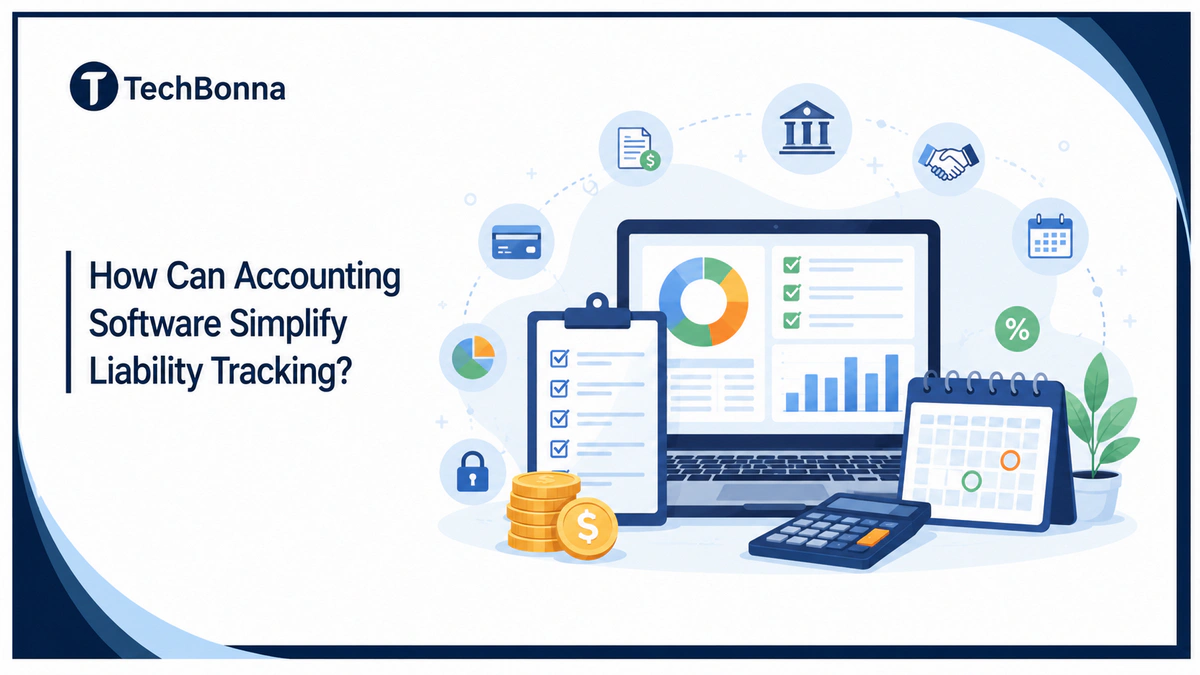
Table of Contents
Liability tracking gets harder when bills, loans, leases, tax deadlines, and repayment schedules live in different places. The right platform gives you one clean view of what your business owes, when each payment is due, and how those obligations affect cash flow.
This guide explains how liability tracking, accounting software, and financial reporting work together. It also shows where automation matters, what records to keep, and how to choose a setup that fits daily bookkeeping.
In brief
A modern accounting platform simplifies liability tracking by recording each obligation, linking it to invoices or contracts, assigning due dates, automating payment reminders, and updating financial reporting as balances change.
A good system keeps accounts payable, loans, leases, taxes, credit cards, and other debts in one place. You can see current balances, upcoming payments, audit history, and reports without rebuilding the numbers in spreadsheets.
Why Liability Tracking Gets Messy
Liabilities move every week. A vendor sends an invoice. A loan payment reduces principal. A lease creates a long-term obligation. A sales tax balance changes after a busy month.
The problem is not one large debt. The problem is dozens of small changes across different records.
Manual tracking also creates timing gaps. Someone may approve a bill in email, record it later in QuickBooks or Xero, then update a spreadsheet for management. Each handoff raises the chance of duplicate entries, late payments, or stale financial reporting.
Accounting standards also make clean records more important. The FASB lease accounting update explains that lessees must recognize lease assets and liabilities for the rights and obligations created by leases. That is a useful reminder: liabilities are not just bills waiting to be paid. They can come from contracts, financing, tax rules, and operating decisions.
Businesses reporting under international standards face the same obligation from a different rulebook: IFRS 16 requires lessees to bring most leases onto the balance sheet as an asset and a liability.
How Software Connects Liabilities to Daily Work
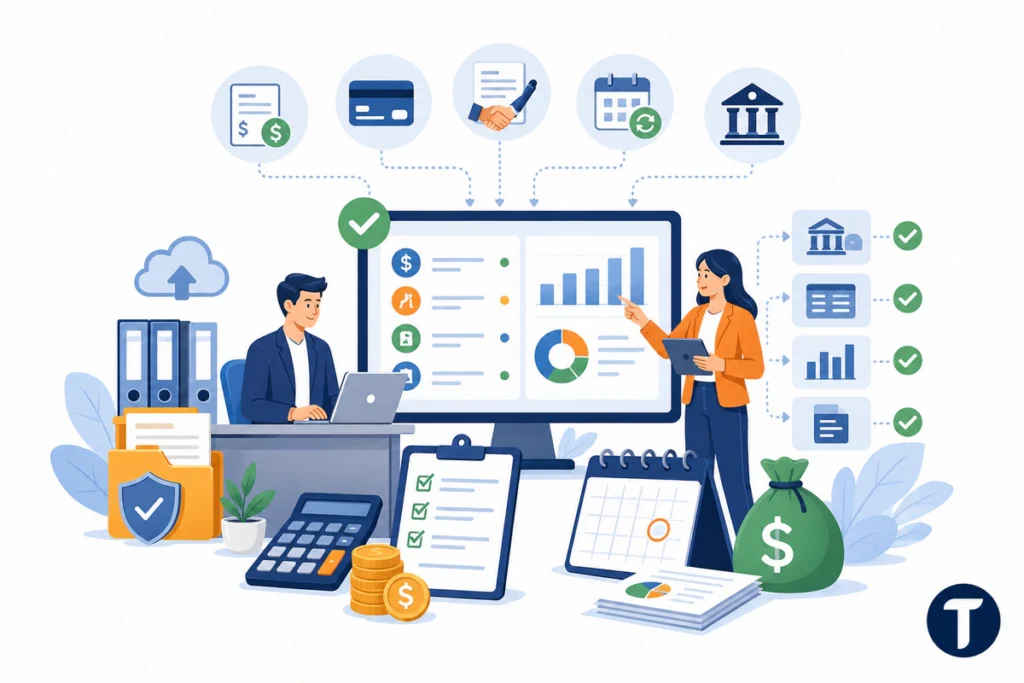
Accounting software works best when it captures liabilities at the point where they start. That might be a vendor bill, recurring subscription, credit card transaction, loan agreement, lease schedule, or payroll tax entry.
For example, accounts payable can be entered once, routed for approval, matched to the right vendor, then posted to the ledger. Longer-term obligations, including notes, leases, and bonds payable detailed by FinQuery, should be tracked with repayment dates, interest details, supporting contracts, and balance updates.
This turns liability tracking into a workflow instead of a month-end cleanup job.
Many accounting tools also connect to bank feeds, payment systems, and document storage. That connection matters because it reduces the gap between what happened and what the books show.
A simple example is a business that receives a supplier bill, pays a loan installment, collects sales tax, and records a lease payment in the same month. Without software, those items may sit in separate spreadsheets, email threads, bank statements, and tax files. With a connected accounting setup, each obligation can be recorded, assigned, reconciled, and reported from one source of truth.
What to Track in One Accounting Platform
Use one accounting platform as the main source of truth. A spreadsheet can support analysis, but it should not be the only place where obligations live.
Track these items in the system:
- Vendor bills, unpaid invoices, and accounts payable
- Credit cards, lines of credit, and bank loans
- Lease liabilities and payment schedules
- Payroll taxes, sales taxes, and other tax balances
- Accrued expenses, reimbursements, deposits, and deferred revenue
- Contract terms, due dates, approvers, and audit notes
That list may look basic, but it protects the close process. When every balance has a document, owner, and next action, bookkeeping becomes easier to review.
Features That Simplify Liability Tracking
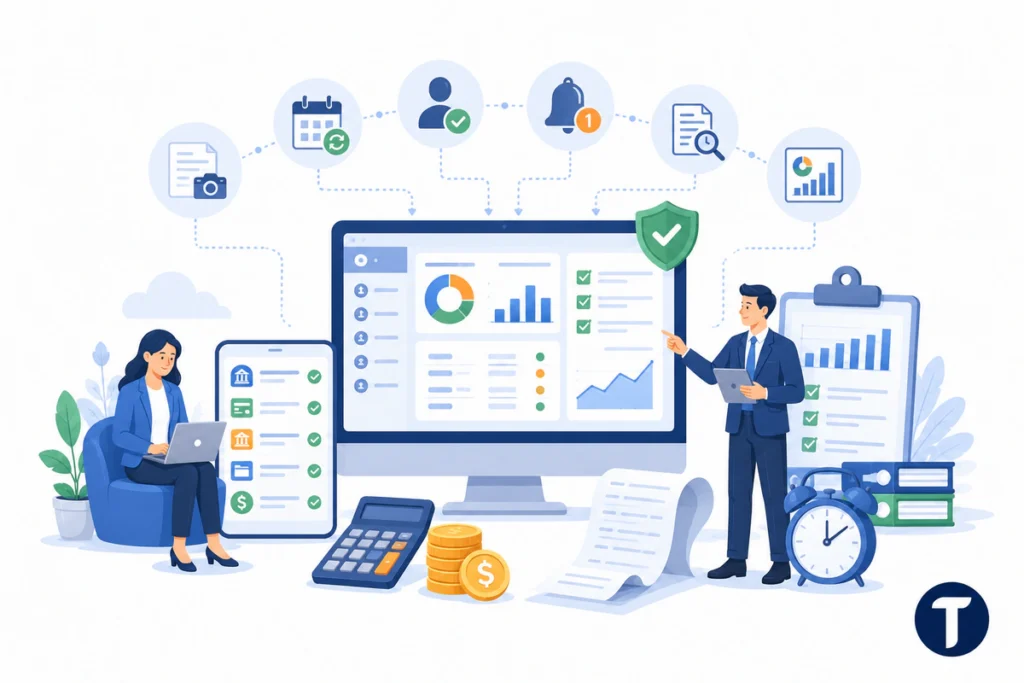
The best accounting setup is not the one with the longest feature list. It is the one that fits the way your team approves, pays, and reports obligations.
Look for features that reduce re-entry and make exceptions clear.
- Automated bill capture: The system reads vendor details and drafts entries for review.
- Recurring schedules: Loans, leases, subscriptions, and installment plans post on time.
- Approval routing: Managers review liabilities before payment or posting.
- Payment reminders: Due dates appear before cash leaves the bank.
- Audit trails: Every change shows who made it and when it happened.
- Financial reporting: Balance sheets, aging reports, and cash forecasts update from the same records.
QuickBooks, Xero, Zoho Books, and FreshBooks can handle common small-business needs. Zoho Books may fit a startup, while NetSuite, Sage Intacct, or an ERP may suit finance teams with multi-currency reporting. Larger teams may need deeper controls, cloud-based accounting, third-party tools, or specialist support for leases, revenue recognition, insurance accounting, trust accounting, premium accounting, or multi-entity reporting.
How Better Records Improve Cash Flow Decisions
Liability tracking is not only an accounting task. It is a cash planning tool.
If you can see what is due over the next 30, 60, and 90 days, you can make better choices about hiring, inventory, debt repayment, and tax reserves. You also avoid the false comfort of a healthy bank balance that already belongs to vendors, lenders, or tax authorities.
Good liability records show both the balance and the timing.
This is where software beats a static report. A paid invoice reduces the balance. A new bill increases it. A changed due date updates the forecast. The best bookkeeping process gives you that view without waiting for someone to rebuild the numbers by hand.
How to Choose the Best Accounting Setup
The best accounting software for liability tracking depends on your risk, volume, and reporting needs. If you are comparing tools after mapping your liabilities, TechBonna also has a practical guide to QuickBooks alternatives for small businesses that can help you compare pricing, reporting, integrations, and support before you choose a platform. A freelancer may only need invoice, tax, and credit card tracking. A growing business may need approvals, role controls, and deeper reporting.
Ask these questions before choosing or changing systems:
- Can liabilities be entered once and reused across reports?
- Can the system separate short-term and long-term balances?
- Can users attach contracts, bills, and payment proof?
- Can approvers see what changed before payment?
- Can the platform automate recurring entries without hiding mistakes?
- Can your accountant or CPA export the audit trail?
- Can it sync bank reconciliation, receipts, credit card activity, and payables?
Searches for the best accounting software can be noisy, so judge each option against your software needs, accounting requirements, and daily accounting workflows. The best bookkeeping tools should reduce errors, generate reports, protect financial records, and provide financial insights without adding unnecessary bookkeeping tasks.
A simple tool can work if your obligations are simple. A stronger system becomes worth it when manual errors, unclear balances, or slow month-end review start to damage audit readiness.
Where this leaves you
Liability tracking gets easier when every obligation has a clear record, due date, owner, document, and audit trail. Accounting software brings those pieces into one place, then keeps financial reporting current as balances change.
For most teams, the goal is not to buy the most complex accounting platform. The goal is to build a bookkeeping workflow where accounting software, liability tracking, and financial reporting support each other from the first vendor bill to the final payment.
When liabilities are tracked properly, the business is not just keeping cleaner books. It is making better decisions about cash, debt, taxes, and growth.