Email Security Upgrades That Stop Costly Mistakes
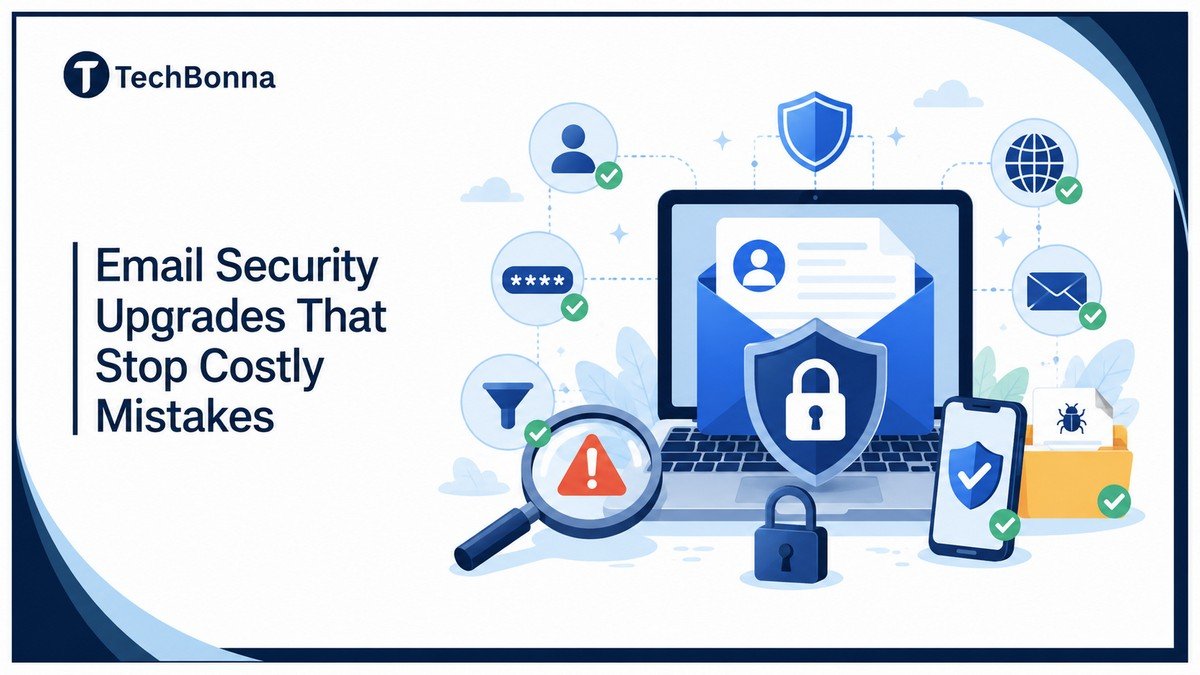
Table of Contents
Email security upgrades help businesses stop small email mistakes before they become expensive problems. A rushed invoice, reused login, fake portal, or risky file can look harmless at first.
The real cost often appears later, when one mistake leads to a breach, payment fraud, ransomware, or a long clean-up process. That is why stronger email protection should be treated as a practical business safeguard, not just an IT task.
In brief
The best email security upgrades are MFA, strong password rules, SPF, DKIM, DMARC, phishing protection, malware scanning, and employee awareness training.
The NCSC email security and anti-spoofing guidance treats SPF, DKIM and DMARC as complementary controls: SPF identifies permitted sending systems, DKIM authenticates message content and DMARC sets policy and reporting around failed checks. They need coordinated configuration and monitoring rather than three isolated DNS records.
These layers help stop common mistakes before they lead to account compromise, payment fraud, ransomware, or data loss. For small and mid-sized businesses, start with MFA, unique passwords, safer file scanning, and clear approval rules for payments and sensitive requests.
Why Email Security Mistakes Become So Expensive
Email is still where much business risk begins. It is fast, trusted, and connected to almost every other system you use. That makes it a useful target for a hacker.
The FBI’s 2024 Internet Crime Report shows why business email compromise matters. Reported losses linked to email account compromise reached billions of dollars, with criminals often using fake payment requests, supplier impersonation, and compromised mailboxes to move money.
The real issue is not just phishing. It is the chain reaction after one message gets through.
One phishing attack can lead to:
- A stolen login and unauthorized access.
- A compromised business email account.
- A fake invoice sent from a real source address.
- Ransomware spreading through a file.
- Sensitive information being forwarded outside the company.
- Lost reputation and customer trust.
That is why email security best practices should focus on prevention and containment. You want to block obvious email threats, reduce cybersecurity gaps, limit what an attacker can do if credentials are stolen, and make it easier to challenge suspicious requests.
Upgrade One: Add MFA to Every Email Account
Multi-factor authentication is one of the simplest upgrades with the biggest effect. It adds another layer of security after the password, such as an authenticator app, hardware key, or verified device prompt.
A strong password still matters, but credentials get reused, phished, leaked, and guessed. This helps stop a stolen login from becoming full access to your email account.
If your email provider supports multi-factor authentication, enable it for every user, not just admins.
For better protection:
- Use an authenticator app or security key where possible.
- Avoid SMS for high-risk accounts if stronger options are available.
- Review old devices and remove any that are no longer in use.
- Ask for a fresh sign-in after risky locations or device changes.
- Keep backup codes in a safe place, not in the same mailbox.
This is especially important for finance, leadership, HR, and anyone who can approve payments or access sensitive data.
Upgrade Two: Fix Weak or Reused Passwords
Weak or reused passwords create a common email security vulnerability. If a login from another site appears in a leak, attackers may try it against your email client, Microsoft 365, Gmail, or other email platforms.
A password manager makes it easier to use unique credentials without asking people to remember dozens of logins. It also reduces the risk of someone saving access details in a spreadsheet, a browser note, or a shared document.
The same habit applies beyond email. Teams that manage shared online platforms should also review how they protect logins, permissions, and recovery access across other channels. For example, businesses that handle multiple brand accounts can follow similar safety practices when learning how to manage multiple social media accounts safely.
The aim is simple: every account gets unique credentials, and no one has to invent or remember them manually.
Your security policy should cover:
- Minimum length rules.
- Unique credentials for every work account.
- No sharing access details by email or chat.
- Password manager use for teams.
- Immediate resets after suspected compromise.
- Admin review when an employee leaves.
Do not treat access rules as a one-time setup. Review them during periodic security audits, especially when people change roles, suppliers change access, or new email addresses are created.
Upgrade Three: Use Email Authentication to Stop Spoofing
Spoofing is when a malicious source makes an email appear to come from someone else. That could be your domain, a supplier, a director, or a known customer.
SPF, DKIM, and DMARC are email security protocols that help receiving email servers check whether a message is allowed to come from your domain. They do not stop every scam, but they make impersonation harder and help protect your business from fake messages using your brand.
If your domain sends email, you should know whether SPF, DKIM, and DMARC are properly configured.
A practical rollout looks like this:
- List every service that sends email for your domain.
- Check SPF records include the right services and no outdated ones.
- Enable DKIM signing for your email provider and marketing tools.
- Start DMARC in monitoring mode.
- Review reports before moving to stricter enforcement.
- Keep records updated when tools change.
This upgrade also helps legitimate email communication. Your genuine emails are less likely to be treated as spam when your domain identity is clear.
Upgrade Four: Block Phishing, Malware, and Risky Files Earlier
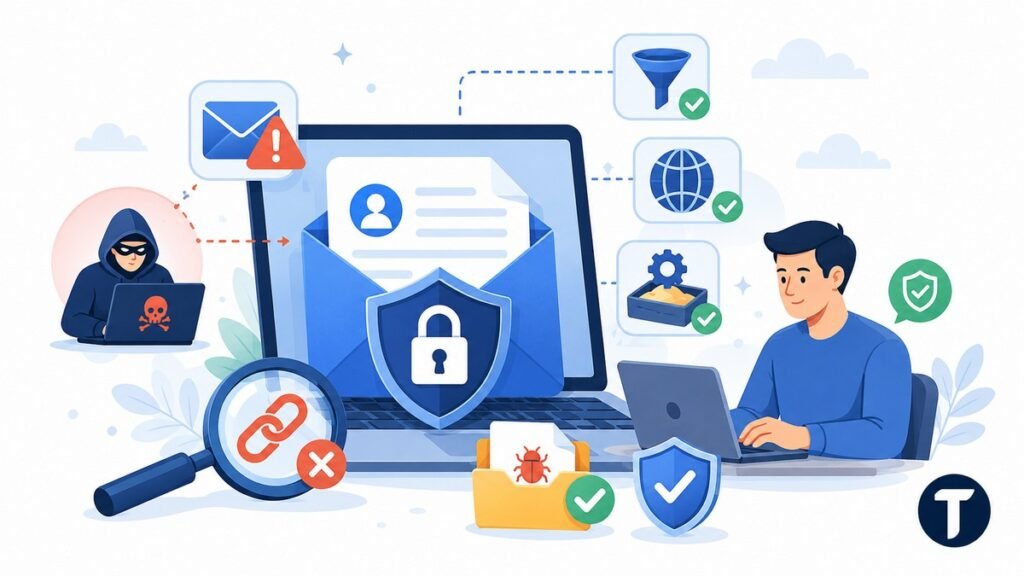
Traditional email filtering is not enough on its own. Modern phishing emails often look clean, use real logos, copy normal business language, hide attachment risks, and link to convincing sign-in pages.
Better email protection should check links, files, sender behavior, and unusual patterns. It should also detect harmful software before it reaches the user, not after someone has opened the file.
For businesses evaluating email security vendors, features such as sandboxing, URL scanning, impersonation detection and malware filtering, and AI-supported threat analysis can be helpful. An inbound malware protection solution is one tool businesses may consider to strengthen filtering against malicious email and risky files.
The goal is to keep dangerous messages out of the mailbox while still giving users a simple way to report anything suspicious.
Look for an email security solution that can:
- Scan files before delivery.
- Rewrite or check suspicious links.
- Flag lookalike domains and display-name tricks.
- Detect messages that copy suppliers or internal staff.
- Quarantine ransomware and harmful downloads.
- Give security teams clear reports without too much noise.
This is where a layered approach matters. Spam filters, harmful file scanning, email encryption, and user reporting all work together.
Upgrade Five: Make Payment and Data Requests Harder to Fake
Many costly mistakes occur when email is the only approval channel. A fake supplier invoice, urgent payment request, or payroll change can look convincing if it appears to come from the right person.
You can reduce the risk by separating sensitive actions from ordinary email replies.
Any request involving money, bank details, passwords, or sensitive information should be checked a second time outside the original email thread.
Set rules such as:
- Verify bank detail changes by phone using a known number.
- Require two-person approval for unusual payments.
- Never approve access resets from email alone.
- Use secure portals for sensitive data where possible.
- Encrypt messages that contain confidential files.
- Keep a written process for finance and HR requests.
These rules may feel basic, but they stop common mistakes. They also give employees permission to slow down when a message feels urgent, threatening, or unusual.
Upgrade Six: Train People Without Turning It into a Lecture
Security awareness training works best when it is short, regular, and tied to real situations. People do not need a long annual presentation that everyone forgets. They need simple habits they can use when an email feels wrong.
Teach staff to check:
- The real source address, not just the display name.
- Links before clicking.
- Unexpected files.
- Urgent payment language.
- Requests for passwords or login codes.
- Messages sent at strange times or from unusual devices.
Training should make reporting easier, not make people afraid of getting blamed.
Create a simple reporting route, such as a phishing button or a dedicated security email address. Thank people for reporting suspicious messages, even when the email turns out to be harmless.
For teams that want to go beyond basic awareness, building broader cybersecurity skills for a tech career can help employees and junior IT staff understand why phishing, passwords, access control, and incident reporting matter together.
That habit helps your team spot patterns early. It also gives you better visibility into email attacks that reached users.
A Simple Email Security Upgrade Plan
You do not need to fix everything in one week. Start with the upgrades that remove the biggest risks first.
Week one: turn on multi-factor authentication, check admin accounts, review password manager use, and remove unused mailbox access.
Week two: audit SPF, DKIM, and DMARC, review spam filters, check file rules, and confirm backup and recovery steps.
Week three: update payment approval rules, create a reporting route, run a short training session, and document the security policy in plain language.
Week four: test the process with a safe simulation, review incidents and false positives, compare advanced email security providers if your current tools are weak, and schedule the next periodic security audit.
This gives you a realistic path to robust email security without overwhelming the team.
Where this leaves you
Email security is not about slowing down work. It is about preventing small errors from becoming financial losses, downtime, or serious breaches.
The best upgrades are practical: multi-factor authentication, stronger passwords, stronger authentication protocols, phishing protection, malware scanning, clear payment checks, and short training that people actually remember.
If your business relies on email every day, email safety should be treated as a normal operating habit, not a technical side project.
Start with the basics, add stronger protection where the risk is highest, and keep reviewing the system as your tools and team change.