Verizon Benefits Connection: Access Your Employee Benefits Easily
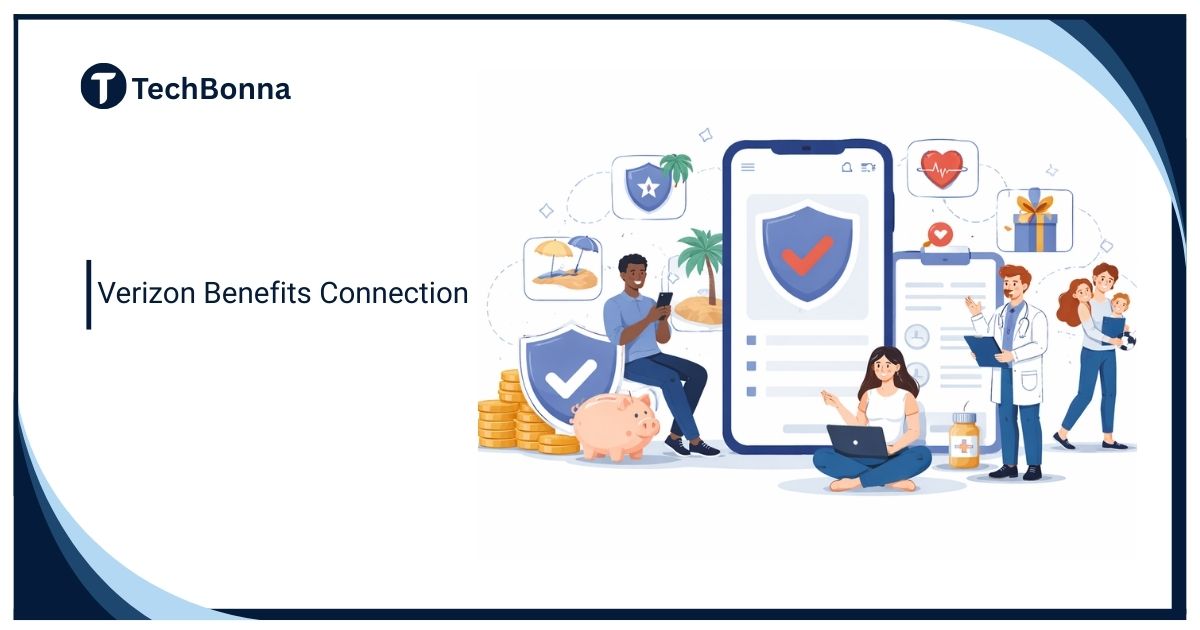
Managing employee benefits shouldn’t feel complicated or confusing. Verizon Benefits Connection is a dedicated online portal designed for Verizon employees and retirees to manage all their benefits in one secure place. Whether you want to review healthcare coverage, update dependents, change retirement contributions, or download benefit documents, this platform acts as a central hub for everything related to your employment benefits.
Below is a complete, practical, and updated guide explaining how Verizon Benefits Connection works, who can use it, how to log in safely, and how to get the most value from your benefits throughout the year.
What Is Verizon Benefits Connection?
Verizon Benefits Connection is an online benefits management system created specifically for Verizon employees and eligible retirees. Its main purpose is to allow users to review, update, and manage employee benefits without needing to contact HR for routine tasks.
The portal works as a self-service platform and provides secure access to:
- Healthcare plans (medical, dental, vision)
- Retirement savings and 401(k) plans
- Life insurance and disability coverage
- Reimbursement programs
- Wellness and financial planning tools
- Paid leave and absence management
- Dependent and beneficiary information
Verizon regularly updates the portal to reflect new benefit options, policy changes, and open enrollment periods, ensuring users always see the most current information.
Who Can Use Verizon Benefits Connection?
The portal is available to different groups associated with Verizon, including:
- Active Verizon employees
- Retired Verizon employees
- Former employees with ongoing or vested benefits
- Eligible dependents (limited or view-only access in some cases)
Access levels may vary depending on employment status, but the platform ensures everyone can review the benefits they are entitled to.
Why Verizon Benefits Connection Matters
One Centralized Place for All Benefits
Instead of using multiple systems, Verizon employees can manage everything in one location. This reduces confusion, saves time, and helps avoid mistakes—especially during open enrollment.
Easy Management of Personal Information
Life events such as marriage, a new child, or a change of address can impact your benefits. The portal allows you to update personal details quickly and see how those changes affect your coverage.
Helps You Maximize Company-Supported Programs
Many employees miss valuable perks simply because they’re unaware of them. Verizon Benefits Connection highlights programs such as:
- Health Savings Accounts (HSA)
- Flexible Spending Accounts (FSA)
- Tuition assistance programs
- Employee discounts
- Wellness and incentive programs
This helps ensure you receive the full value of your benefits package.
How to Access Verizon Benefits Connection (Login Guide)
Official Access Information
Verizon Benefits Connection is officially managed by Verizon and its authorized benefits administrators. Always access the portal through Verizon’s official employee resources to avoid phishing attempts or security risks.
Step-by-Step Login for Current Employees
- Visit the official Verizon Benefits Connection login page (usually linked from the Verizon employee portal).
- Enter your user ID and password.
- Complete any required verification steps, such as multi-factor authentication.
- Use the dashboard to manage your benefits.
Former Employees or Retirees
Retirees and former employees with ongoing benefits may have a separate login process. After authentication, they can view pension details, medical coverage, and post-employment benefits.
First-Time Users
If you’re logging in for the first time, you may need to:
- Register your account
- Verify your identity using personal information
- Set up security questions
- Enable multi-factor authentication
These steps help keep your personal and financial data secure.
What You Can Do Inside the Portal
Review and Compare Healthcare Plans
The system allows you to compare coverage options, premiums, out-of-pocket costs, and included services. This makes it easier to choose the best plan for your needs.
Manage Your 401(k) and Retirement
Users can adjust contribution amounts, review investment options, and track long-term retirement progress through a simplified dashboard.
Update Dependents and Beneficiaries
Keeping this information up to date is critical for insurance and retirement distributions. Most updates take only a few minutes.
Download Important Documents
The portal stores essential documents such as:
- Benefit plan summaries
- Enrollment confirmations
- Tax and benefits forms
- Policy updates
This makes record-keeping simple and organized.
Is Verizon Benefits Connection Secure?
Yes. Verizon Benefits Connection uses multiple security measures to protect user information, including:
- Encrypted data transmission
- Secure login credentials
- Multi-factor authentication
- Regular system updates
These safeguards help ensure your personal, medical, and financial data remains protected.
Common Issues and Practical Solutions
Forgotten Login Credentials
Most users can reset their password using the “Forgot Password” option. If access to your registered email or phone is unavailable, you may need identity verification through support.
Trouble During Open Enrollment
High traffic during open enrollment can slow the portal. Logging in during off-peak hours often resolves performance issues.
Incorrect Dependent Information
Update missing or incorrect dependent details as soon as possible. Some changes outside open enrollment may require documentation.
Tips to Make the Most of Verizon Benefits Connection
- Review your benefits at least twice a year to catch updates or changes.
- Use wellness and financial guidance tools, such as health coaching and retirement planning.
- Update benefits promptly after life events to avoid coverage gaps.
FAQs
Can I access Verizon Benefits Connection from my phone?
Yes, the portal is mobile-friendly and accessible on most smartphones and tablets.
What should I do if I can’t log in?
Try resetting your password first. If the issue continues, contact Verizon Benefits support through the official login page.
Is the portal only for active employees?
No. Retirees and eligible former employees can also access their benefits.
How often is Verizon Benefits Connection updated?
The system is updated regularly, especially during open enrollment and policy changes.
Can I change my benefits anytime?
Most changes are allowed during open enrollment or after qualifying life events.
Final Thoughts
Verizon Benefits Connection is more than just a login portal it’s a complete benefits management system that helps employees and retirees stay informed, organized, and in control. By using the portal regularly and understanding its features, you can make smarter decisions and ensure you’re fully benefiting from what Verizon offers.