How to Whitewash Nexus Software: Complete 2026 Guide for Secure & Scalable Cleanup
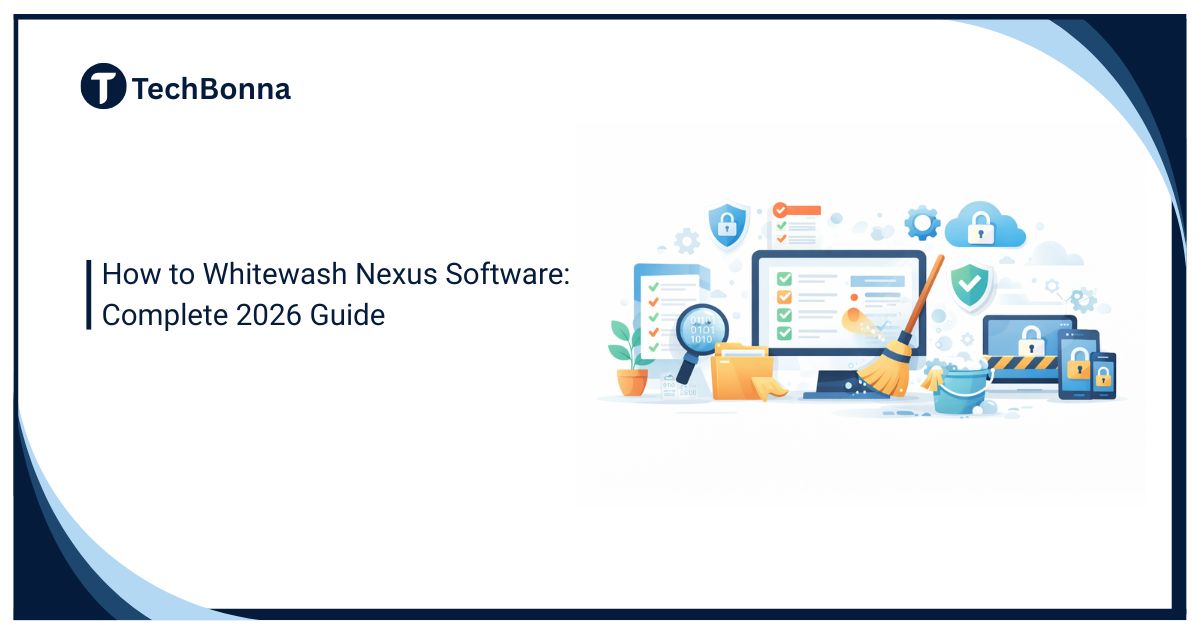
Table of Contents
To whitewash Nexus software safely, treat the work as a controlled branding, maintenance, and governance project rather than a cosmetic file edit. The goal is to improve brand consistency without breaking repositories, build pipelines, access controls, audit records, or future upgrades.
A reliable plan combines Nexus Repository cleanup with Nexus Repository security. It inventories dependencies, backs up the database and blob stores together, removes obsolete content through supported controls, reviews user access, limits branding changes to supported capabilities, and tests every workflow before production release.
What this takes
To whitewash Nexus software safely, separate supported interface branding from repository cleanup and security hardening. Do not edit core application files or delete blob-store content directly. Instead:
- Define whether the project involves branding, cleanup, access hardening, or all three.
- Inventory repositories, formats, blob stores, users, roles, tasks, and CI/CD integrations.
- Back up the Nexus database and blob stores together, then test the restore process.
- Apply cleanup policies to content that has approved retention and dependency rules.
- Run the required cleanup and blob-store compaction tasks during a maintenance window.
- Review roles, service accounts, tokens, and anonymous access using least privilege.
- Use supported branding options, test builds and downloads, and document every change.
This approach reduces operational risk while creating a cleaner, more consistent Nexus environment.
What It Means to Whitewash Nexus Software
“Whitewash” is not an official Sonatype product term. In this context, it should mean making an organization’s Nexus Repository environment cleaner, more consistent, and appropriately branded without hiding ownership, bypassing licensing, erasing audit evidence, or disguising third-party software as a different product.
Some third-party explanations use the phrase Whitewashing Nexus when discussing rebranding. A safer technical definition separates four goals:
- Branding: Add approved organizational messaging where the product supports it.
- Repository cleanup: Remove obsolete or unused components according to documented retention rules.
- Security hardening: Reduce unnecessary access, stale credentials, and risky configuration.
- Governance: Standardize repository ownership, names, lifecycle rules, and change records.
Separate Supported Branding From Repository Cleanup
Sonatype’s official Branding Capability documentation explains that Nexus Repository Pro can insert custom HTML messaging into the interface header or footer. That is much narrower than replacing every logo, color, font, icon, and interface component.
Organizations should therefore avoid treating a full visual redesign as a routine Nexus setting. Editing packaged application files, overriding internal styles, or replacing product assets may create security problems, complicate support, and fail after an upgrade. Supported branding should remain transparent about the software in use and should never mislead users about the platform’s origin or capabilities.
Repository cleanup is a separate operational process. It focuses on components, assets, blob stores, retention policies, users, integrations, and documentation. The table below shows how the workstreams differ.
| Objective | Safer Method | Evidence of Success |
|---|---|---|
| Supported branding | Use approved Nexus capabilities and reviewed header or footer HTML | Messaging displays correctly and does not affect navigation or security |
| Repository cleanup | Apply cleanup policies, scheduled tasks, and blob-store compaction | Required artifacts remain available and storage is reclaimed |
| Access hardening | Review roles, tokens, service accounts, and anonymous access | Users retain only the permissions needed for their work |
| Operational change | Use staging, maintenance windows, rollback plans, and workflow tests | Builds, uploads, downloads, scans, and integrations still pass |
Inventory the Current Nexus Environment
Before you whitewash Nexus software, create a baseline. A useful inventory should identify:
- Nexus Repository edition and version
- Hosted, proxy, and group repositories
- Repository formats and package ecosystems
- Blob stores, quotas, and current storage use
- Cleanup policies and scheduled tasks
- Users, roles, service accounts, and authentication sources
- CI/CD jobs, build tools, scanners, webhooks, and scripts
- Reverse proxies, certificates, DNS names, and single sign-on
- Backup locations, retention periods, and restore procedures
Do not assume that an apparently unused repository is safe to remove. A release pipeline may download from it only during emergency deployment, disaster recovery, or a monthly build. Search configuration files, pipeline variables, developer settings, and deployment manifests before deciding that a repository has no consumers.
Record owners for every repository and integration. When ownership is unclear, pause the cleanup until the business or technical dependency is understood.
Back Up Nexus Before Any Change
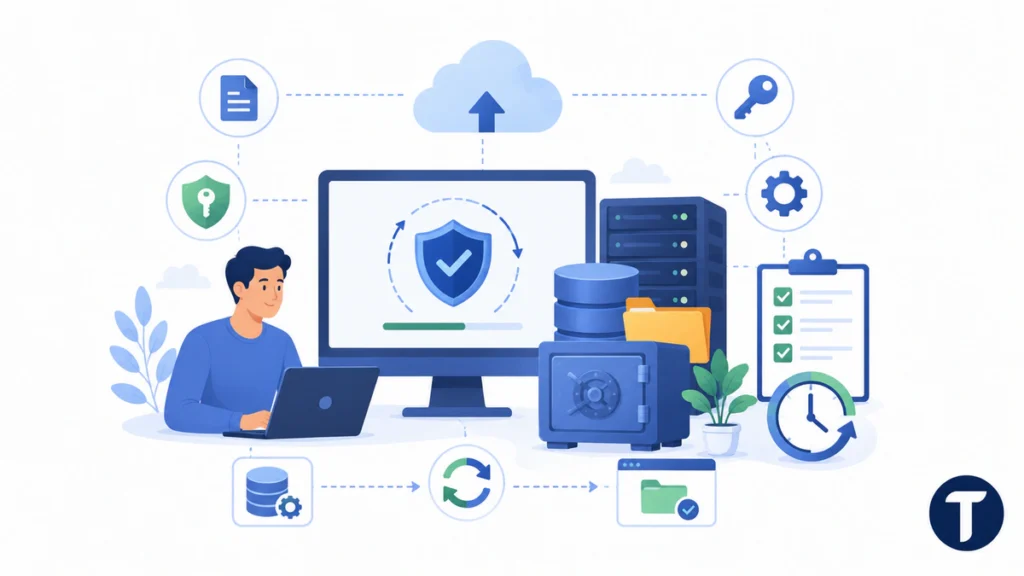
Before you clean up the repository in production, a backup is the main protection against accidental deletion, failed migration, or an incomplete configuration change. Sonatype’s Nexus Repository backup guidance states that blob stores and metadata databases must be backed up together to keep repository data intact.
A practical backup plan should include:
- The Nexus metadata database
- Every file or object-storage blob store
- The node ID and required keystore material
- Configuration files, certificates, and reverse-proxy settings
- Exported automation, task, and integration configuration
- A timestamped change record describing the planned work
Do not treat a successful backup job as proof that recovery will work. Restore a representative copy in an isolated environment, confirm that repositories load, and test downloads, uploads, authentication, and scheduled tasks.
Keep the rollback decision clear. Define which failures will stop the project, who can approve restoration, and how long the maintenance window can continue before rollback becomes safer than troubleshooting.
Plan Nexus Repository Cleanup Around Dependencies
When you carry out this cleanup, Nexus Repository cleanup should begin with retention rules, not deletion commands. Classify content by business value and technical dependency:
- Production releases that must remain available
- Recent snapshots needed by active development
- Cached proxy content that can be downloaded again
- Legal, audit, or customer deliverables with fixed retention periods
- Abandoned experiments and obsolete versions
- Duplicated repositories created during migrations
- Components with no confirmed owner
Define criteria for age, usage, version count, repository type, and package format. Apply more conservative rules to production releases than to disposable snapshots or rebuildable proxy caches.
Apply Cleanup Policies and Reclaim Storage
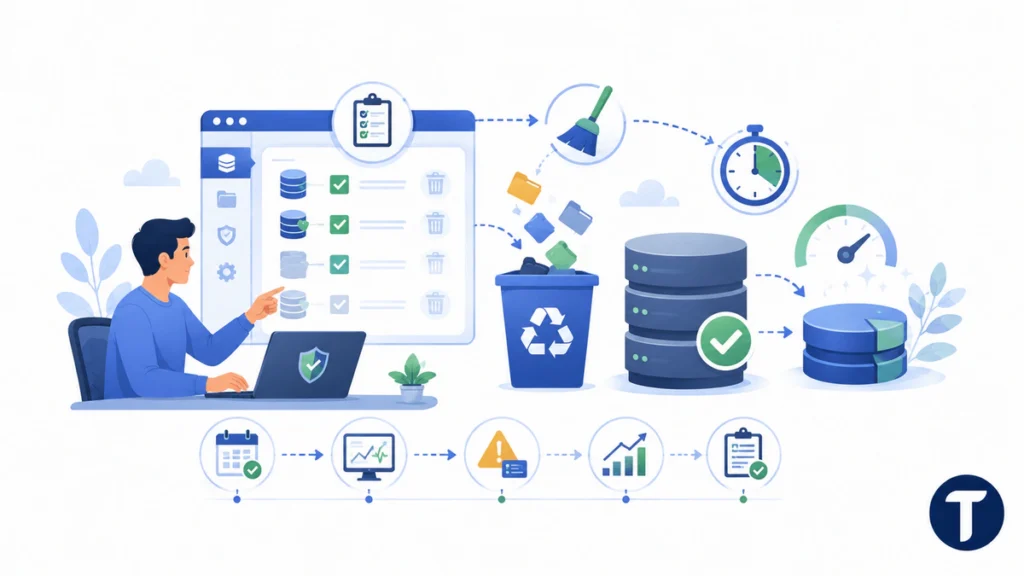
To run the cleanup without creating storage inconsistencies, use the workflow in Sonatype’s Cleanup Policies documentation. Administrators create policies, assign them to repositories, and schedule cleanup tasks. These controls are not configured by default, so each organization must define rules that match its retention and compliance needs.
Cleanup tasks can mark components for removal without immediately returning disk space. After the team verifies that cleanup behaved as expected, use the appropriate blob-store compaction task to reclaim storage. Do not delete files directly from a blob-store directory or object bucket because the database and stored content can become inconsistent.
Run large cleanups during a maintenance window. Monitor task duration, application health, storage growth, error logs, and build activity. For high-volume environments, divide the work into smaller stages rather than trying to remove years of accumulated content in one run.
Document every policy with its owner, purpose, scope, criteria, schedule, approval date, and exception process. This turns Nexus Repository cleanup into a repeatable control instead of an emergency response to low disk space.
Strengthen Nexus Repository Security and Access
Teams that perform this work should review Nexus Repository security at the same time as cleanup because stale repositories often come with stale permissions. Sonatype recommends the principle of least privilege for Nexus access control, meaning users and processes should receive only the permissions needed for their assigned tasks.
Review:
- Dormant local users and former employee accounts
- Service accounts with broad administrator privileges
- Long-lived user tokens and credentials embedded in scripts
- Nested roles that grant more access than their names suggest
- Write access to production repositories
- Anonymous browsing or download permissions
- Identity-provider groups that no longer match current responsibilities
- Shared credentials that prevent individual accountability
Do not remove a service account simply because no person recognizes its name. Trace its recent use, search pipeline secrets and configuration, rotate the credential, and test the dependent job.
Separate administrative accounts from normal daily-use accounts. Require strong authentication through the organization’s supported identity system, protect recovery channels, and review logs for failed authentication or unexpected administrative changes.
Use Supported Branding Without Hiding Product Identity
Organizations that clean up the repository for brand consistency should define the smallest supported change that meets the business need. Suitable examples include approved header or footer messaging, an internal support contact, an environment label, or a browser title that helps users distinguish production from staging.
Review custom HTML as code. Avoid untrusted scripts, remote resources, hidden tracking, misleading notices, or elements that cover security warnings and navigation. Keep branding assets in version control and require peer review before deployment.
Test the interface with administrator, developer, read-only, and anonymous roles where applicable. A banner that looks correct to an administrator may overlap controls or reveal inappropriate information to another audience.
When you carry out this cleanup, supported branding should improve orientation and consistency. It should not suggest that the organization developed Nexus Repository, remove required attribution, or conceal the platform from auditors, clients, or employees.
Standardize Names, Ownership, and Documentation
To run the cleanup at scale, standardize names, ownership, and documentation. Cleanup becomes easier when repository names describe purpose, format, environment, and ownership. Avoid vague labels such as “new,” “temp,” “final,” or a former employee’s name.
Create a naming standard that distinguishes hosted, proxy, and group repositories without exposing secrets or internal project details unnecessarily. Document which teams can publish, which consumers can download, and how long each content class should remain available.
Repository governance is also part of wider software governance. TechBonna’s software application component classification guide shows how to label dependencies by owner, criticality, lifecycle, and risk before deciding what to retain, archive, or remove.
Update onboarding and offboarding instructions after the cleanup. New developers should know which repository endpoints to use, how credentials are issued, where publishing rules are documented, and whom to contact when an artifact is missing.
Update CI/CD Pipelines and Integrations
Any effort to perform this work can affect connected systems. Repository names, endpoints, credentials, certificates, and access rules may be referenced across many systems. Check:
- Maven, Gradle, npm, NuGet, Docker, PyPI, and other client configuration
- Jenkins, GitHub Actions, GitLab CI, Azure DevOps, and other pipelines
- Vulnerability scanners and policy systems
- Deployment tools and infrastructure-as-code repositories
- Reverse proxies, load balancers, DNS, certificates, and monitoring
- Backup, replication, export, and disaster-recovery jobs
Use secrets management rather than placing credentials in source code or reusable pipeline templates. Where possible, rotate service credentials after the access review and confirm that each integration works with narrower permissions.
Test the Cleaned Nexus Environment
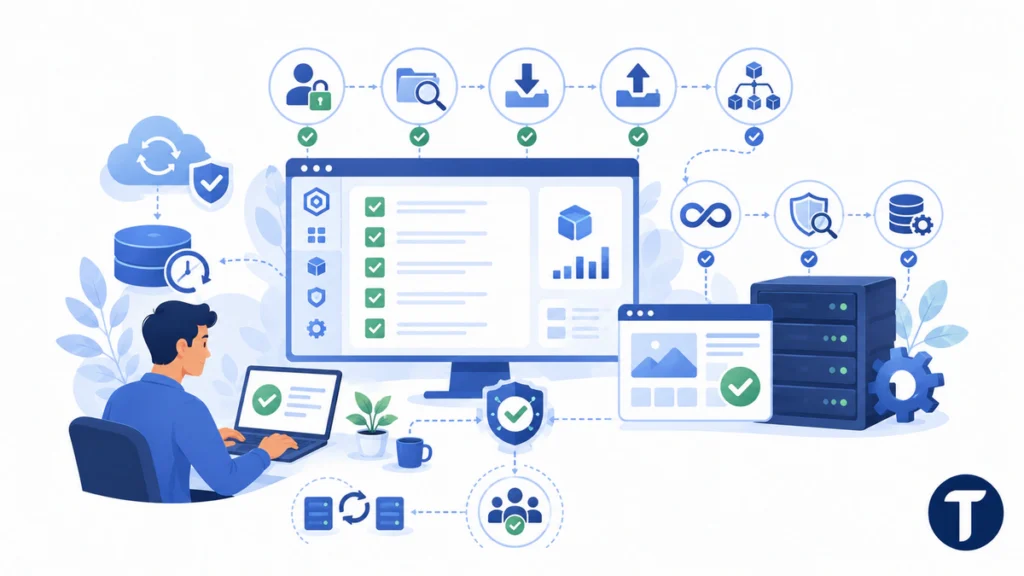
After you clean up the repository, testing should cover more than whether the web page loads. Run representative workflows for every package format and user role that matters.
Confirm that teams can:
- Sign in through the normal identity provider.
- Browse and search permitted repositories.
- Download existing production components.
- Publish a test component to an approved repository.
- Resolve dependencies through repository groups and proxies.
- Build and deploy from CI/CD without manual intervention.
- Run security scanning and policy evaluation.
- Complete backup and monitoring tasks.
- View branding without blocked controls or broken layouts.
Keep the old environment or a restorable backup available until critical workflows have passed and owners have approved the change.
Measure Success and Maintain the Baseline
A project to carry out this cleanup needs measurable controls because a one-time cleanup will not stay clean on its own. Track:
- Storage consumed and reclaimed
- Growth rate by blob store and repository
- Number of unused or unowned repositories
- Cleanup task success and duration
- Failed builds caused by missing components
- Dormant accounts and privileged roles
- Backup and restore test results
- Support requests related to repository access
- User feedback about navigation and branding
Store policies, branding code, architecture notes, and operational procedures in version control. A future administrator should be able to understand what changed, why it changed, who approved it, and how to reverse it.
Common Mistakes to Avoid
Organizations that run the cleanup should avoid shortcuts. The most damaging mistakes usually come from treating cleanup as a visual project or an urgent storage problem. Avoid:
- Deleting components before identifying consumers
- Removing files directly from blob stores
- Backing up the database without the matching blob stores
- Applying one retention rule to every repository
- Giving cleanup scripts unrestricted administrator access
- Editing core application files for a full visual redesign
- Removing product identity or required attribution
- Changing endpoints without testing CI/CD consumers
- Disabling accounts without tracing service dependencies
- Skipping restore tests, rollback criteria, or change records
- Assuming soft-deleted content has already freed disk space
A secure process to perform this work favors supported capabilities, staged execution, evidence, and reversibility.
Common sticking points
Is Whitewashing Nexus Software an Official Sonatype Feature?
No. “Whitewashing” is informal wording. The phrase the cleanup does not name an official feature. Nexus Repository provides specific administration, cleanup, access-control, and branding capabilities, but it does not describe them as a single whitewashing feature.
Can I Replace Every Nexus Logo, Color, and Font?
When you clean up the repository, do not assume full interface theming is supported. Nexus Repository Pro provides a branding capability for custom header or footer HTML, but deep edits to packaged assets or internal styles can create upgrade, security, and support problems.
Does a Cleanup Policy Immediately Free Disk Space?
Not necessarily. Cleanup tasks can soft-delete content. The appropriate blob-store compaction task is generally required before that deleted content stops consuming storage.
How Often Should Nexus Repository Cleanup Run?
When teams this process, the cleanup schedule should match repository growth, package type, recovery needs, and retention rules. Many teams run approved cleanup tasks regularly, but production releases and compliance records usually need more conservative treatment than snapshots or replaceable cache content.
How Can I Protect Builds During Cleanup?
Before you carry out this cleanup, inventory dependencies, pilot policies on a limited scope, back up the database and blob stores together, use a maintenance window, run representative builds, monitor errors, and keep a tested rollback path.
Should Nexus Repository Security Be Reviewed After Cleanup?
Yes. After you run the cleanup, review users, roles, service accounts, tokens, anonymous access, identity-provider groups, logs, and administrative privileges. Cleanup changes ownership and structure, so access rules should be verified against the new baseline.
Putting it into practice
Learning how to perform this work safely is not about covering up the product or forcing an unsupported redesign. It is a disciplined process for supported branding, repository hygiene, access control, documentation, and testing.
When teams connect plans to clean up the repository with Nexus Repository cleanup and Nexus Repository security, they create an environment that is easier to maintain, safer to operate, and more resilient as repositories, integrations, and development teams grow.